 NexScrm官方博客
The answer is yes, but the rules differ for personal and official accounts.
- Personal accounts: LINE's Terms of Service and Code of Conduct prohibit sending identical or similar messages to a large number of unspecified users, i.e., spam. Using a personal account to bulk send the same copy, images, or links violates the rules.
- Official accounts (LINE Official Account, OA for short): The platform provides broadcast mass messaging features, which are allowed when used in accordance with business guidelines. If you send content in prohibited categories, use automation tools not authorized by LINE, or get mass-blocked or reported by many friends, the account may also have features restricted or, in severe cases, be frozen.
So first confirm which type of account you are using, then check the corresponding section below.
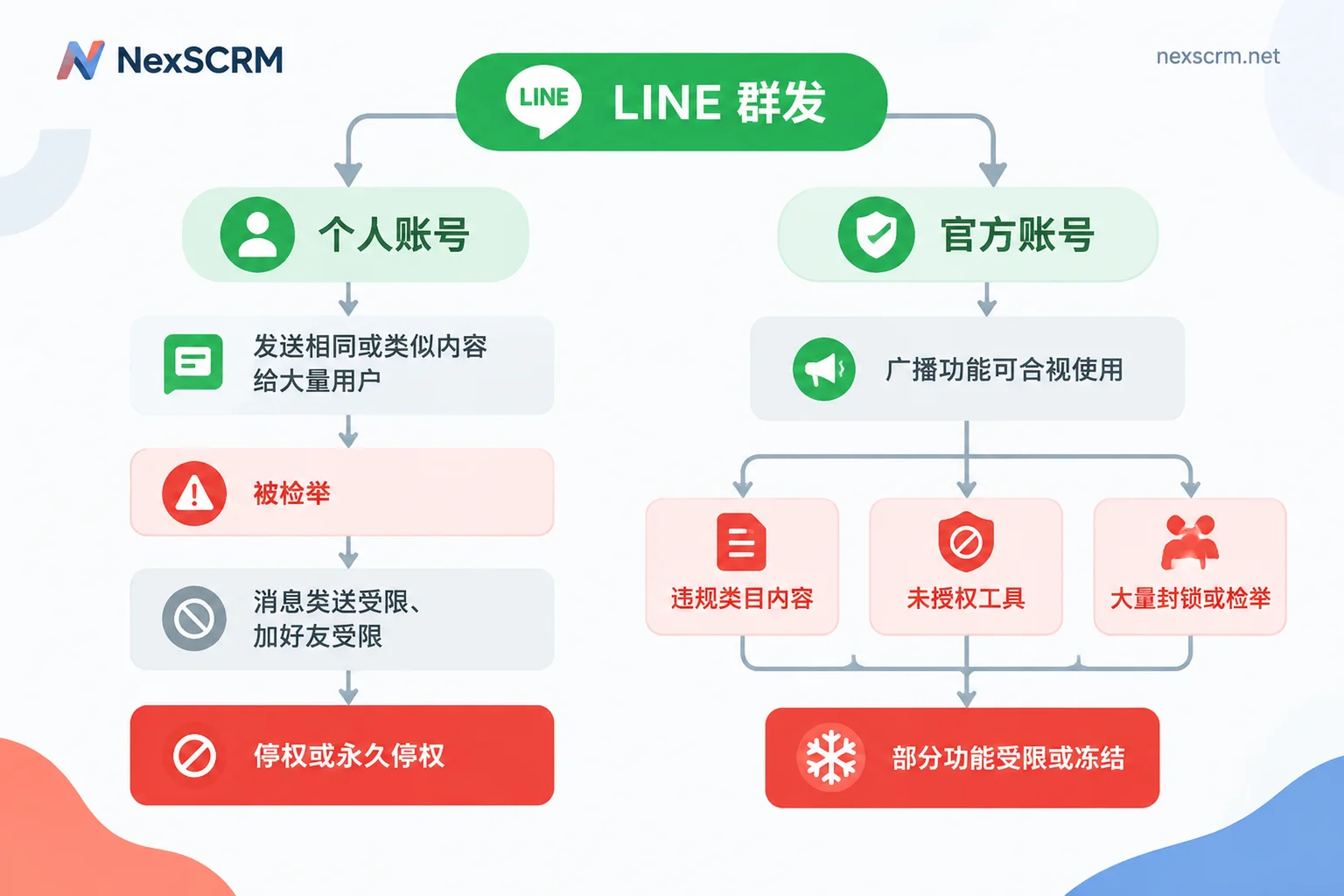
Personal Account Mass Messaging: What Restrictions Can Occur
When a personal account triggers risk control, penalties often escalate gradually. Common situations include the following.
1. Message sending restricted. You can still log in normally, edit your profile, and sometimes make voice calls, but text messages you send are not received by others and do not show as read. Many people think customers are not replying, only to realize later that their messages were not delivered. If multiple customers suddenly show fewer "read" receipts, pay attention to this possibility.
2. Friend adding and group creation restricted. The account can no longer add new contacts or create new groups.
3. Suspension. The account will be forcibly logged out. The system usually prompts you to try again after a certain period; some users report prompts of around 59 or 60 days.
4. Permanent suspension. Accounts with severe violations or repeated offenses will be permanently suspended. Friend relationships and chat history cannot be recovered, which is the biggest loss for salespeople who rely on personal accounts to maintain customer relationships.
Which Behaviors Are Likely to Trigger Restrictions
Sending the same content to many people. Sending identical or similar copy, images, or links to multiple friends, strangers, or groups in a short time is easily flagged as abnormal by anti-spam and anti-fraud systems.
Being reported by recipients. This is a major factor. When you message someone who is not yet a mutual friend, their interface shows three options: "Add," "Block," and "Report." Even if you are already friends, they can long-press a message in the chat and report it directly. If multiple people report you for "spam advertising" or "harassment" within a short period, your account is more likely to be prioritized for investigation and action by LINE.
Note that for security reasons, LINE has not disclosed specific numbers such as how many messages per minute you can send or how many reports trigger penalties. The "safe limits" circulating online have no official basis. For personal accounts, a more reliable criterion is whether the message is something the recipient wants to receive, rather than how many messages you can send before being blocked.
Using Broadcast on Official Accounts: Three Types of Issues to Watch
OA broadcasts are the platform's mass messaging method for businesses, suitable for bulk notifications. However, there are three common issues when using them.
Content in prohibited categories. Illegal finance, gambling, unlicensed medicine, exaggerated earnings claims, and similar content may violate LINE Official Account guidelines. Even if the product itself is compliant, check whether the copy uses exaggerated promises.
Using unauthorized tools or scripts. Operating an OA through unauthorized plugins or scripts is a common cause of account freezes. If you want to integrate third-party tools, first confirm they use officially permitted methods.
Being mass-blocked or reported. If you push too frequently or send content unrelated to what users care about, users will block or report you. When the number is high, the account may receive a warning that "some features are unavailable," and in severe cases, be frozen. If your OA block rate is rising, you can refer to this method for troubleshooting by timing: What causes a high LINE block rate?
How Teams Can Adjust in Practice
For sales and customer service teams using LINE to contact overseas customers, consider the following division of labor.
- Leave bulk notifications to the official account. Messages that need to go to many people, such as new product launches, campaigns, and holiday schedules, should be sent via OA broadcast, with content prepared according to official account guidelines. Do not use personal accounts as a substitute for broadcasts.
- Use personal accounts mainly for one-on-one follow-ups. Personal accounts are suitable for replying to conversations initiated by customers and following up on inquiry details, not for bulk pushing to unknown lists.
- Let customers add you first. When customers scan a QR code or add you via a link themselves, they are less likely to view your messages as harassment. For how to prepare friend entry points and welcome messages, see How to increase LINE Official Account friends.
- Check content before sending. Focus on whether the copy involves sensitive categories, whether links are trustworthy, and whether the tone seems pestering. When the team is large, it is best to have a dedicated person review and standardize a set of scripts, rather than letting everyone write their own.
- Stop as soon as you notice anomalies. If recipients generally do not receive messages, or you are prompted that you cannot add friends, stop the current sending method first, then follow the corresponding instructions in LINE's Help Center. Switching to another account and continuing the same method will not solve the problem.
When Multiple People Follow Up with LINE Customers, How to Unify Scripts and Internal Controls
When several salespeople or support agents manage customers on LINE simultaneously, managers usually worry about two things: someone sends non-compliant content, or someone treats customers as a mass mailing list.
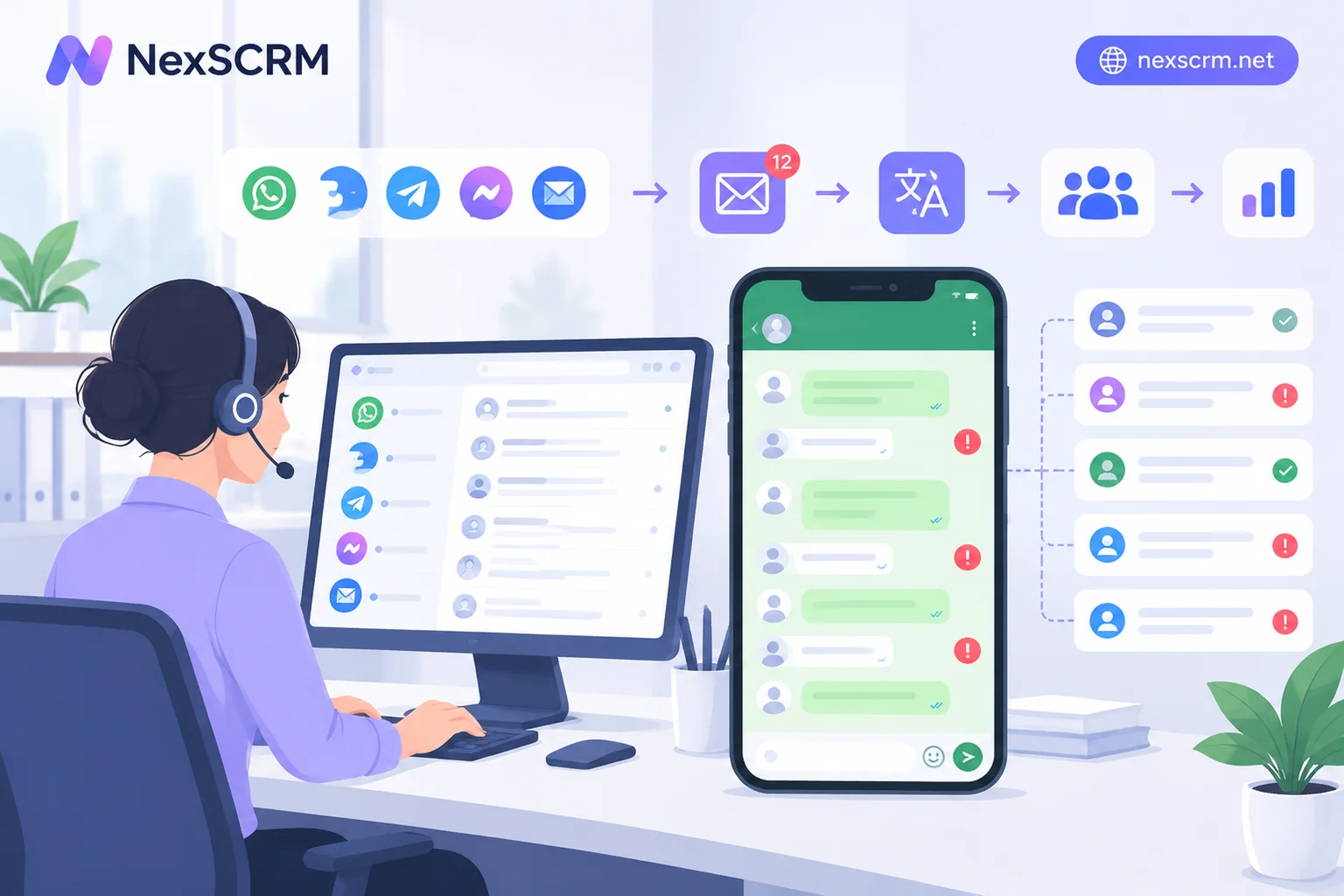
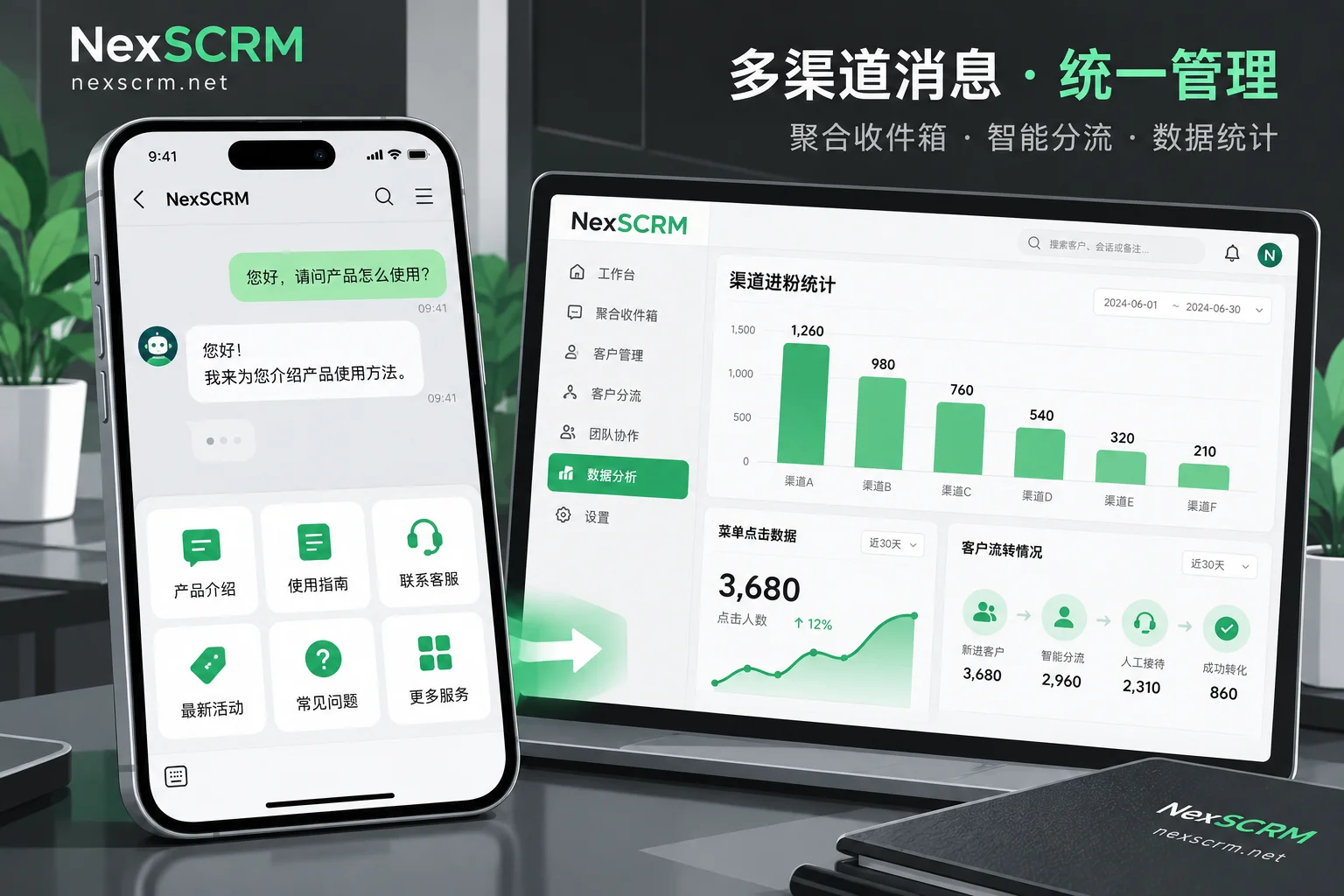
In NexSCRM, teams can put approved replies into quick script templates, so everyone uses the same set of expressions and reduces exaggerated language from ad-hoc edits. Contacts can be tagged and customer profiles built, so sales follow up according to each customer's inquiry stage rather than sending the same paragraph to everyone. Managers can also monitor sensitive words and behaviors in team conversations to spot risky terms and actions. When communicating with foreign-language customers, real-time translation can be used, and both the original and translated text are retained for easy verification of the customer's intended meaning.
These features are for standardizing one-on-one communication; they cannot change LINE's platform rules, nor can they be used to circumvent platform restrictions. For specific usage of script templates, tags, and profiles, see the Profiles, deduplication, and scripts page. If you want to try it out with your own team's LINE follow-up process first, you can apply for a trial at Pricing and free trial.


Comments(0)