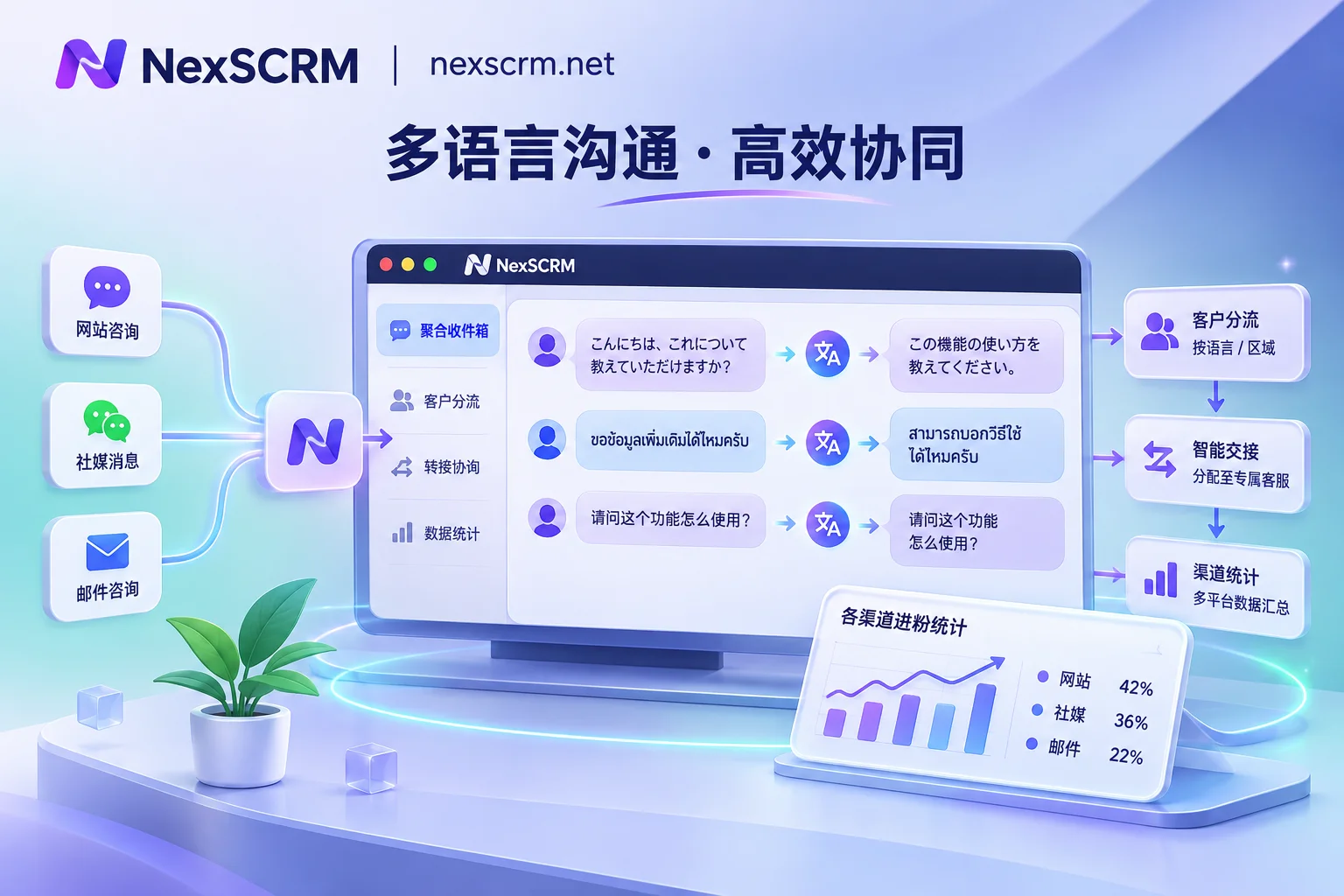
 NexScrm官方博客
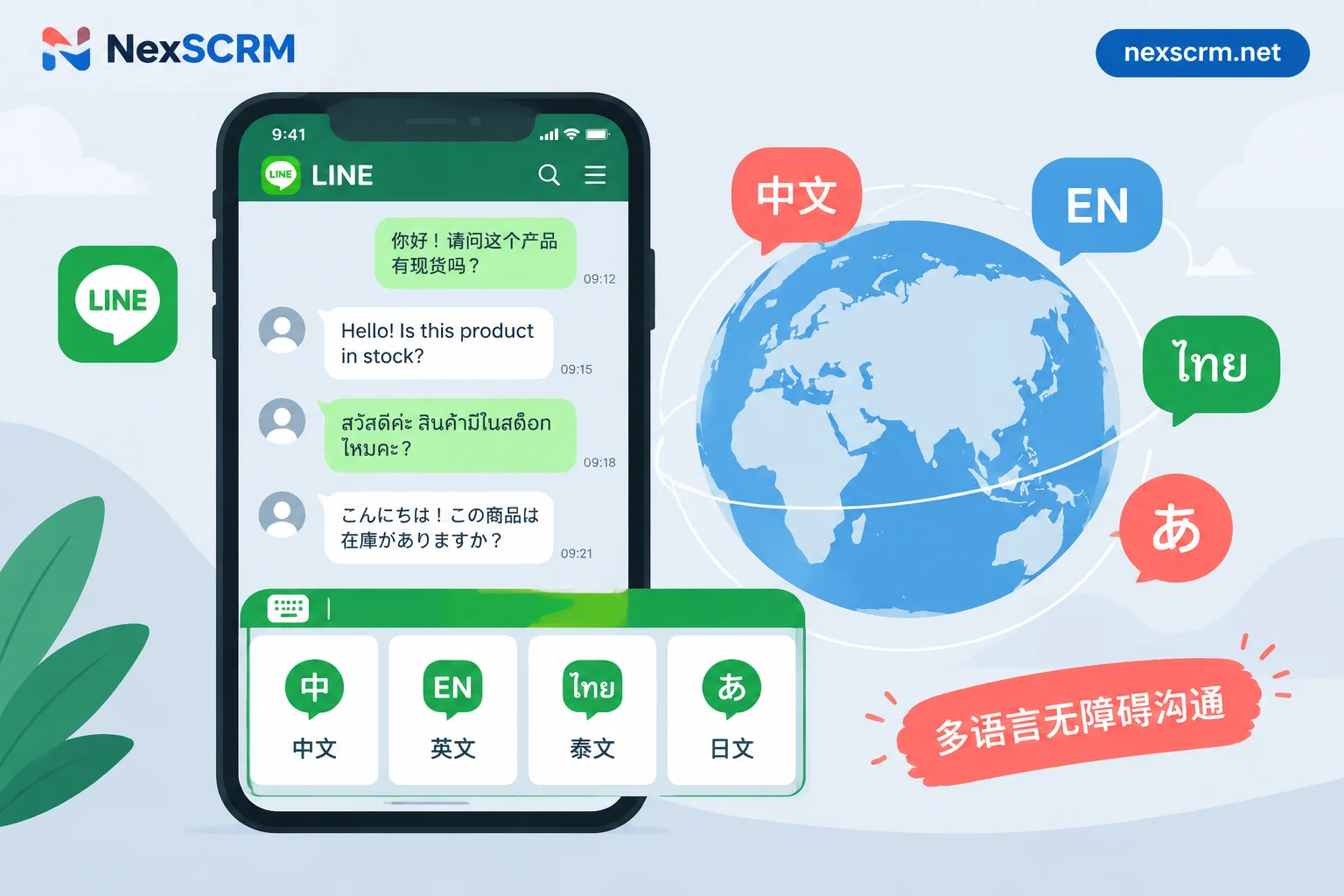
How to Set Up Multilingual LINE Rich Menus: Three Approaches to Choose Based on Your Team's Resources
The LINE Official Account Manager backend only supports a single global default rich menu and cannot automatically display different versions based on a friend's language. This article explains three approaches based on whether your team has development resources: a single bilingual mixed-layout image, language-switch buttons on the menu, and automatic menu binding based on the phone's language setting. It includes step-by-step instructions, image specifications, workarounds for the desktop version not showing menus, and how to handle multilingual inquiries after customers enter a chat.
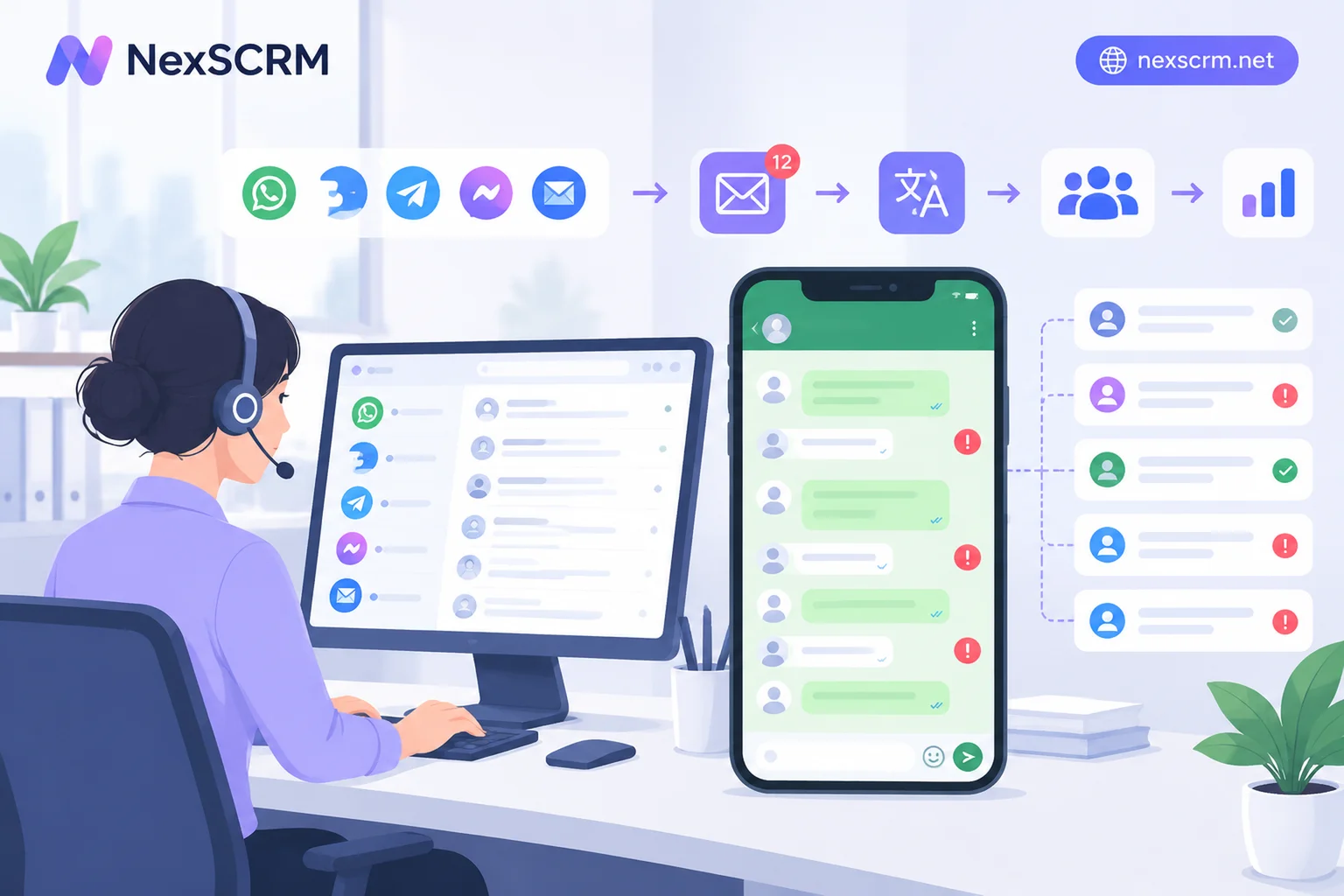
Will LINE Mass Messaging Get You Blocked? Rules Differ for Personal and Official Accounts
LINE mass messaging carries risks of restrictions and suspension depending on account type. Personal accounts are not suitable for bulk sending identical content to many users, which can lead to undelivered messages, friend request limits, or even suspension. Official accounts can use broadcast features, but violations, unauthorized tools, or mass blocks and reports can also lead to limitations or freezes. This article explains common restriction signs, triggers, and how teams can adjust their outreach.
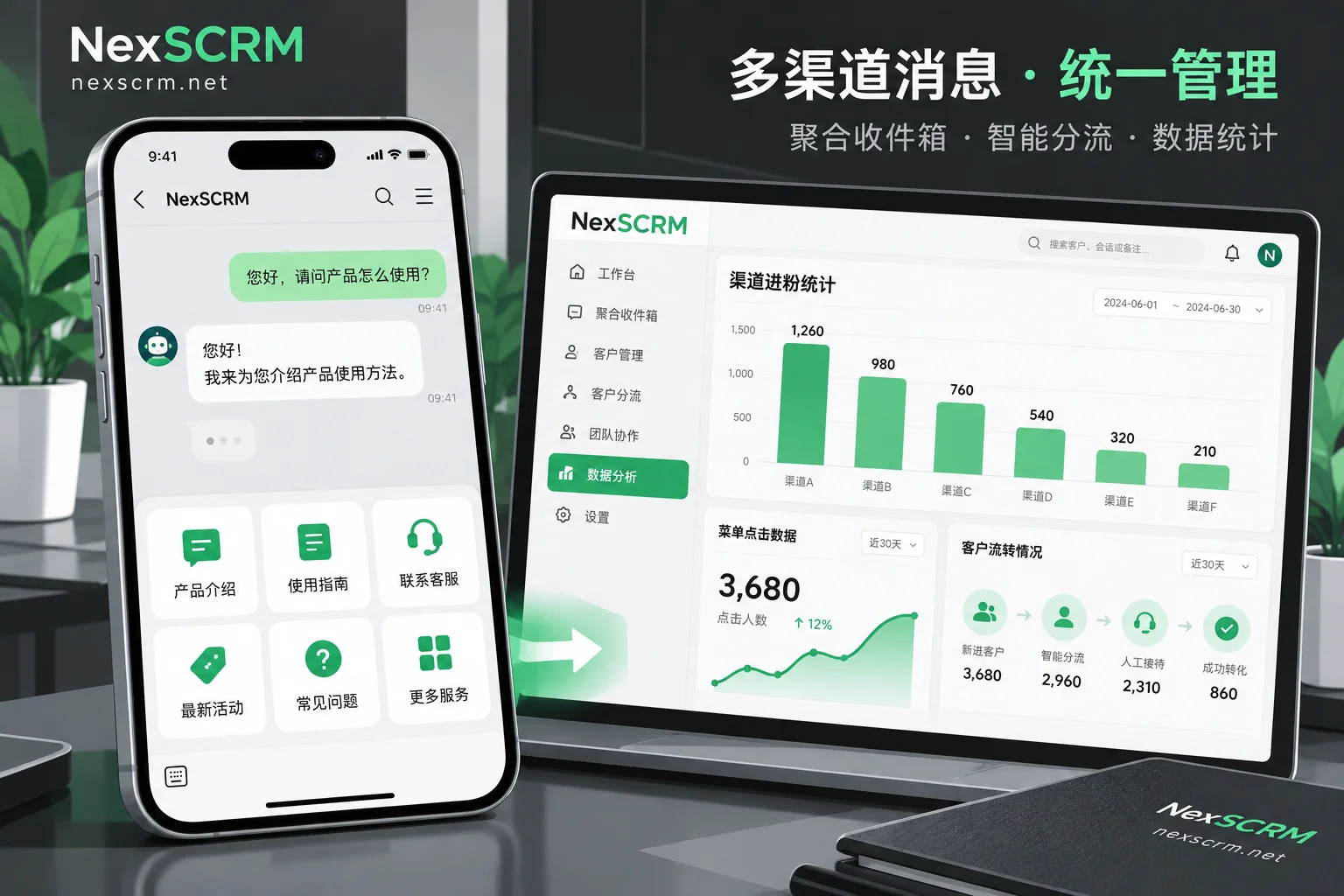
Where to Find LINE Rich Menu Click-Through Rate and How to Calculate It: Backend Path, Metric Meaning, and Cases Where Data Is Missing
This article explains where to view LINE Rich Menu click data in LINE Official Account Manager, how to calculate overall and per-area click-through rates, and how to handle cases where data is not displayed or inconsistent.
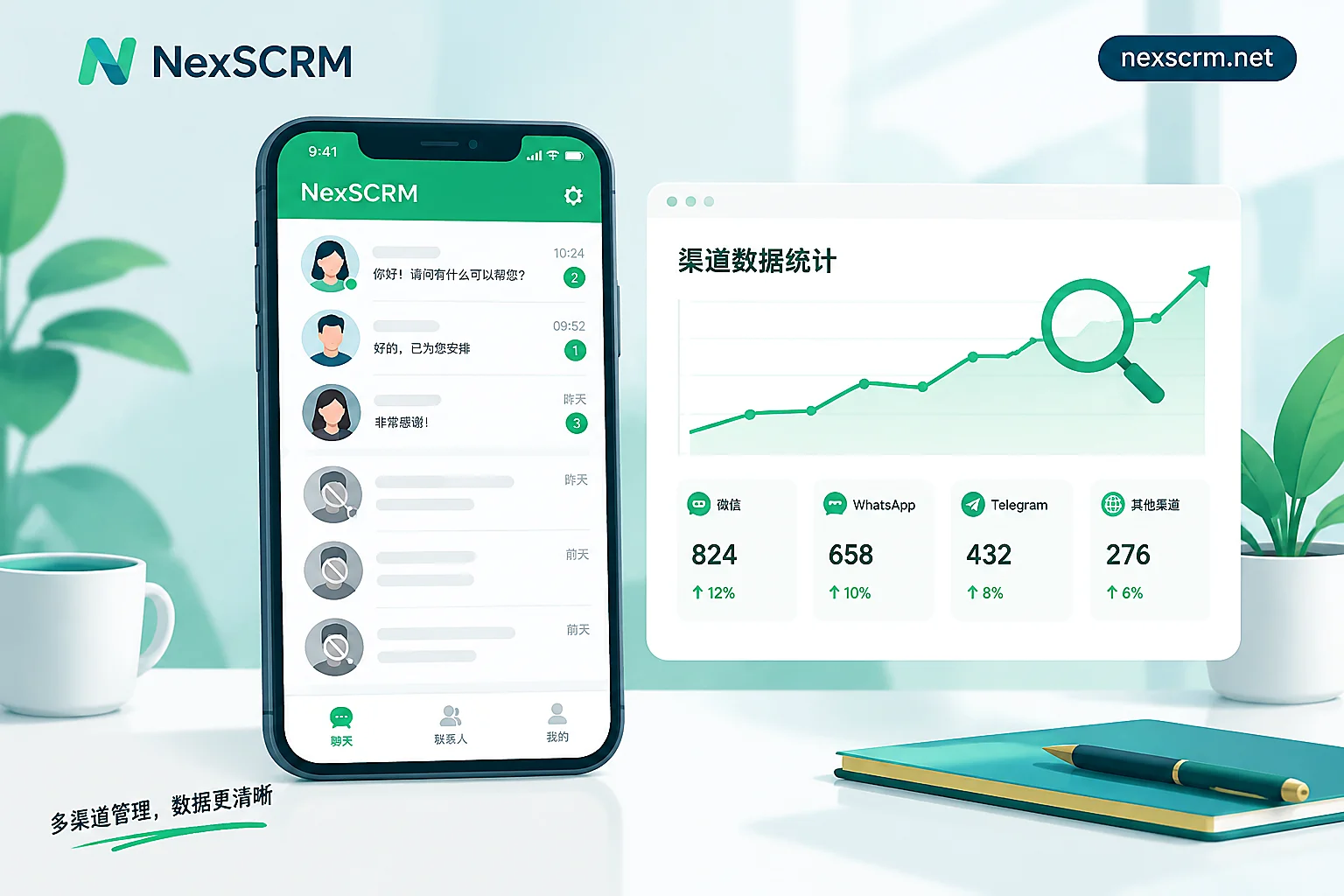
Why Is Your LINE Block Rate High? Diagnose Five Types of Issues by When the Blocks Occur
A high LINE block rate usually comes from five areas: acquisition channels that attract freebie hunters, welcome messages that give no reason to stay, undifferentiated broadcasts, overly frequent or poorly timed pushes, and slow or poor-quality replies. This article first distinguishes between user blocks and account suspension, then uses join friend count, target reach, and block count to identify which stage blocks occur at, with fixes for each stage.
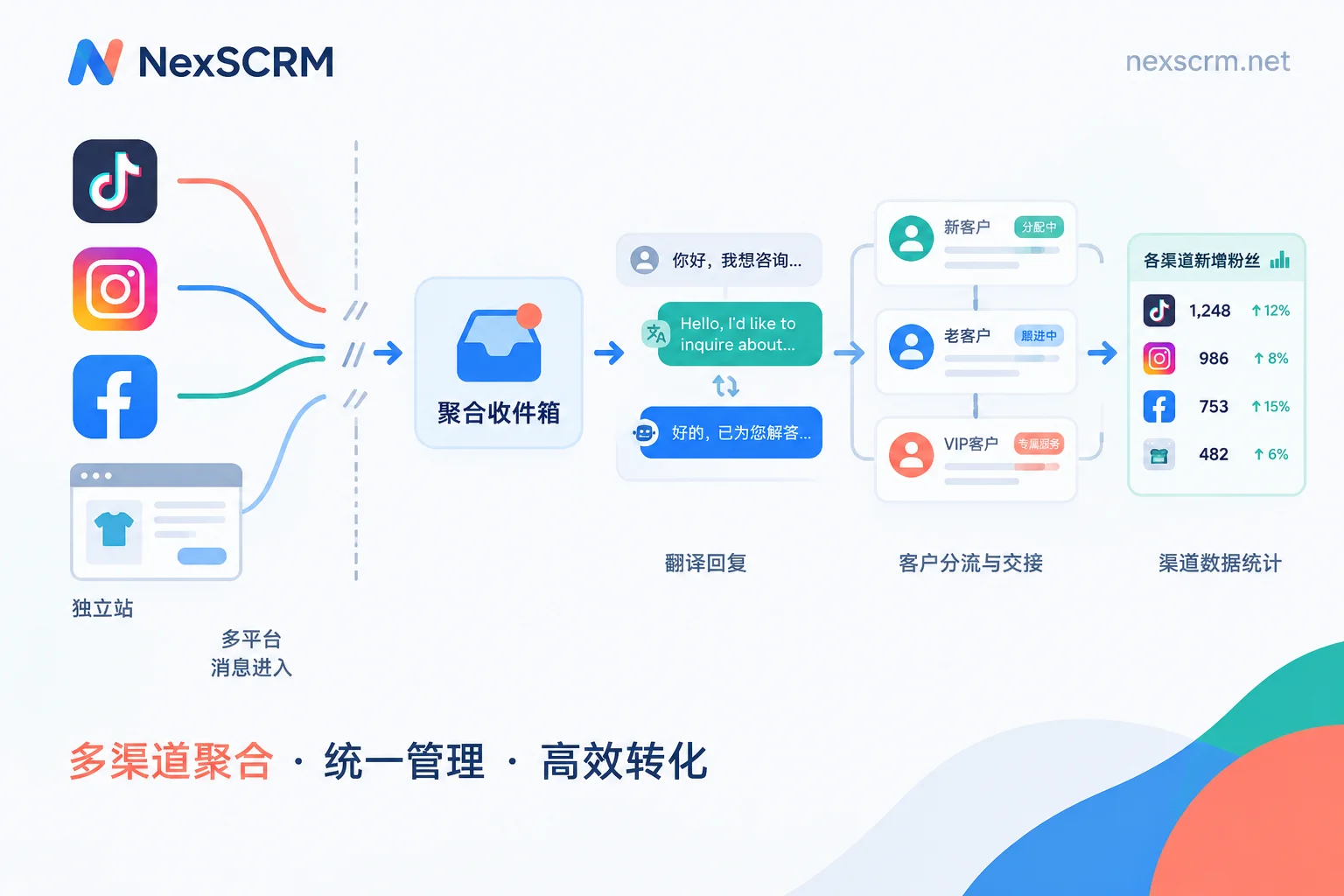
How to Set Up Data Tracking for Driving Traffic from Your Own Website and Overseas Social Media to Private Domains: Clicks Go to GA4 and Short Links,
When driving traffic from your website and TikTok, Facebook, Instagram to WhatsApp, Telegram, LINE, click counts and actual follower counts often don't match. This article breaks the tracking chain into pre-click and post-click segments, explaining what GA4 with UTM, short links or split links, and receiver-side follower counting and deduplication each handle, then uses unified channel naming to align the numbers from both segments, and provides tool combination suggestions based on team size.