 NexScrm官方博客
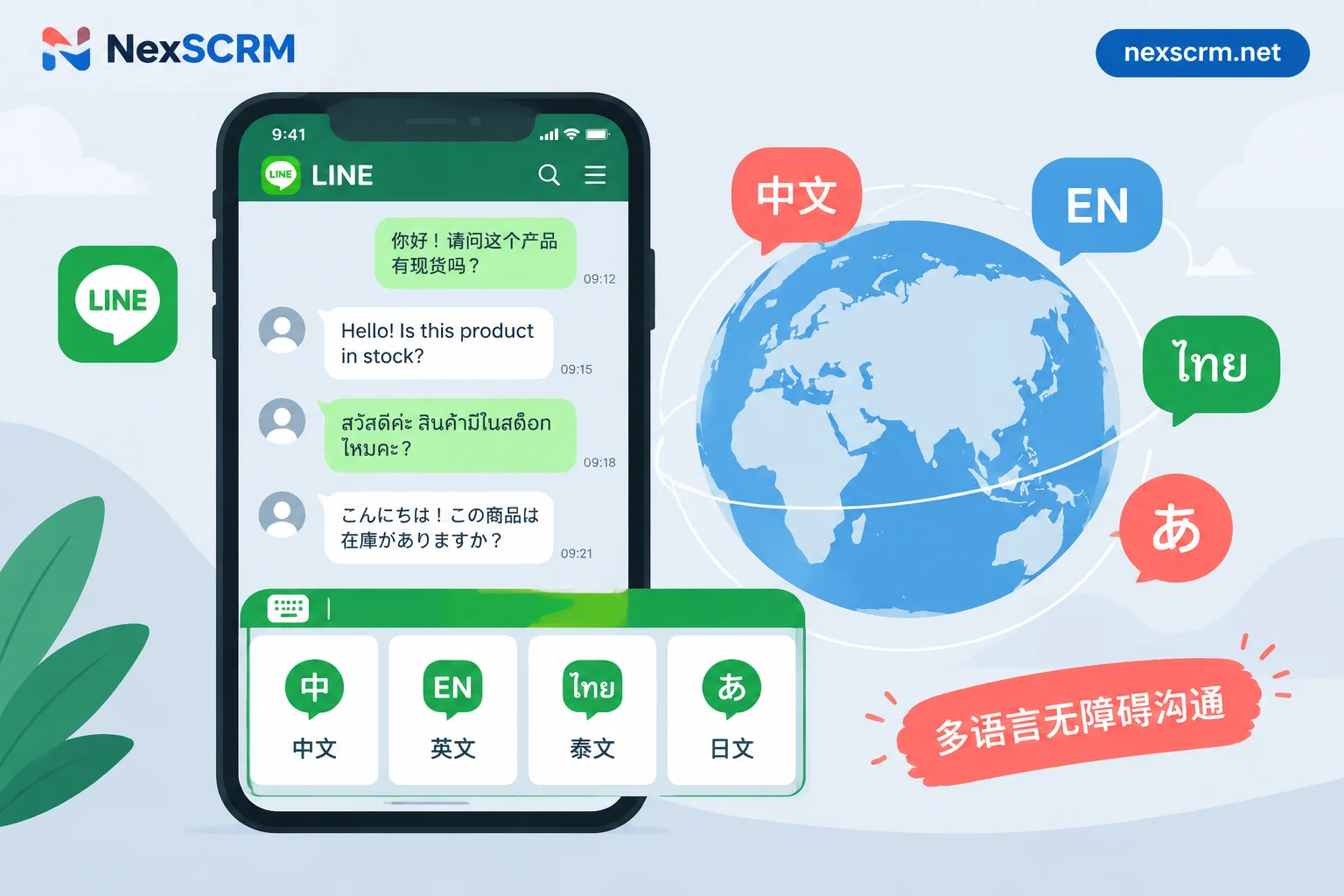
How to Set Up Multilingual LINE Rich Menus: Three Approaches to Choose Based on Your Team's Resources
The LINE Official Account Manager backend only supports a single global default rich menu and cannot automatically display different versions based on a friend's language. This article explains three approaches based on whether your team has development resources: a single bilingual mixed-layout image, language-switch buttons on the menu, and automatic menu binding based on the phone's language setting. It includes step-by-step instructions, image specifications, workarounds for the desktop version not showing menus, and how to handle multilingual inquiries after customers enter a chat.

LINE Official Account and SCRM System Integration Tutorial: 6 Steps to Connect
A step-by-step tutorial for integrating LINE Official Account with a SCRM system, covering six key steps from account confirmation to multi-agent and translation layer setup.

LINE Customer Management Practical Guide: How Social CRM Breaks Data Silos and Cross-Border Communication Barriers
Learn how to leverage Social CRM to enhance LINE customer management, break data silos, and overcome cross-border communication challenges for better engagement and conversions.