 NexScrm官方博客
This LINE Official Account and SCRM system integration tutorial breaks the connection process into six steps: confirming account ownership and permissions → enabling Messaging API Channel and storing credentials → subscribing to Webhook events → handling responses with independent replyToken → designing tags and language fields → configuring multi-agent and translation layer. You can follow this sequence step by step. The messageEdited group chat edit event, newly added in August 2026, is the easiest item to miss in the subscription list and will be explained separately later.
Confirm three things before starting: account type, ownership, and available API scope
Spend ten minutes on pre-checks before diving in to save a lot of rework later. The first thing is to confirm that your account has the Messaging API usage conditions (usually requires Business type, with specifics based on the LINE admin panel). The second is ownership: confirm the business entity, admin email, and who has access to the LINE Developers console. In team collaboration, separate the "admin" and "developer" roles to avoid downtime if someone leaves. The third is to clarify the event scope for later processing: for SCRM integration, you need to handle at least five lifecycle events—message, follow, unfollow, join, leave—as well as the messageEdited group chat edit event added in August 2026. For the complete event list, refer to official documentation.
Step 1: Enable Messaging API Channel and manage credentials
The starting point for SCRM integration is creating a Messaging API Channel in the LINE Developers console. After creating it, you get a Channel Secret and Channel Access Token—the former for Webhook signature validation and the latter for calling the reply API. Storing the Channel Secret is a commonly overlooked pitfall: it is essential for HMAC-SHA256 signature validation; if leaked, attackers can impersonate requests. It is recommended to store it in a team secret management tool and assign minimal permissions by role in team collaboration.
Step 2: Webhook event subscription list—which are mandatory and which are most easily missed
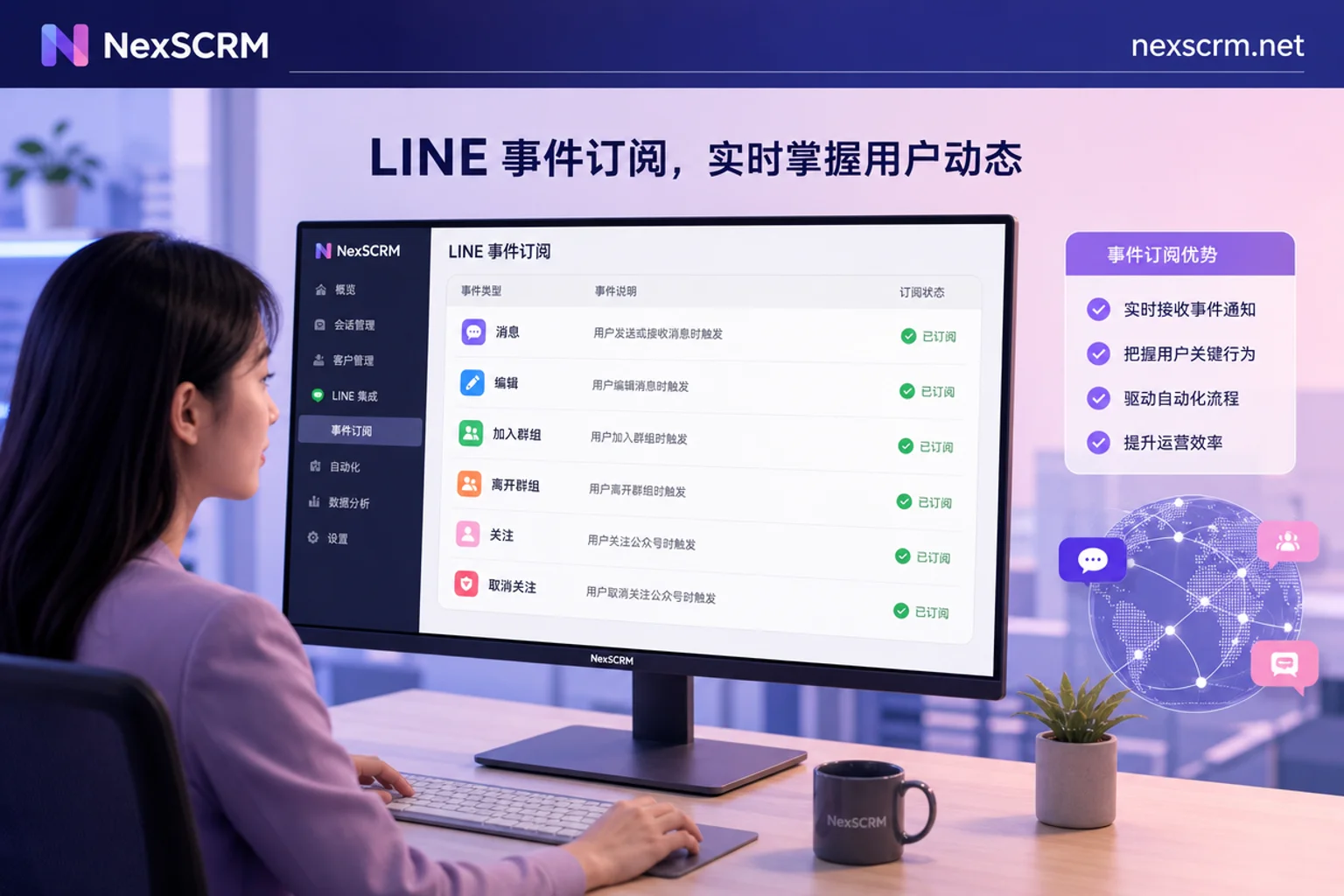
Subscribing to events is the most critical part of the entire connection process. Below is the list of events you must subscribe to for SCRM integration, along with their business meanings in SCRM:
| Event | Trigger Occasion | Corresponding Action in SCRM |
|---|---|---|
| message | User or group member sends a message | Create a new session or append message record, update last contact time |
| follow | User adds friend or unblocks | Change customer status to "added friend" and re-enter reachable pool |
| unfollow | User blocks the account | Change customer status to "blocked" and pause proactive outreach |
| join | Official account is added to a group or room | Create a group session, record join time and group members |
| leave | Official account is removed from a group | Close the group session and mark as "left" |
| messageEdited (new) | User edits a sent text message in a group chat | Update the message content snapshot, preserve edit trail |
The most easily missed item here is the messageEdited group chat edit event. LINE Developers officially launched this event on August 12, 2026: when a user edits a sent text message in a group chat containing the official account, the platform pushes an edit event to the Webhook. Important: the official documentation clearly states that this edit event currently only applies to group chat scenarios; do not assume it will also be pushed in one-on-one chats.
Step 3: replyToken and response time limits—why auto-replies sometimes "fail to send"
The most common issue after connecting SCRM is occasional auto-reply "send failures." The reason often lies in replyToken handling. replyToken is a one-time token that can only be used to reply to the specific message that triggered it, and it must be used within the valid time frame. For messageEdited events, there is a pitfall: the replyToken carried by the edit event differs from the original message event's token; it is a fresh independent token. SCRM must manage token lifecycle independently per event and cannot reuse the original message's token. Additionally, multiple edits may cause events to arrive out of order; when processing, use the maximum timestamp to determine the latest edit state and call the reply API within the valid window. Engineering practice: the Webhook entry should only perform signature validation and quick queueing, with business processing executed asynchronously to avoid timeouts from waiting for responses. Signature validation uses HMAC-SHA256 with Channel Secret, which is essential for stable session synchronization in multi-agent systems.
Step 4: How to design customer tags and language fields to support future segmentation
After events come in, how you store data directly determines the depth of future operations. It is recommended to keep at least the following fields:
| Field | Example Value | Description |
|---|---|---|
| User ID | u1234567890 | LINE user ID, primary key |
| Source Channel | LINE_GROUP / LINE_1ON1 | Distinguish group chat vs. one-on-one |
| Session Type | group / chat | Corresponds to join/message events |
| Language Preference | zh-Hans / ja / th | Written on first session |
| Lifecycle Status | following / blocked | Driven by follow/unfollow events |
| Tag Groups | high-intent / after-sales / purchased | Can be stacked |
The language field is especially important; write it during the first session, otherwise subsequent translation and segmented operations will need data backfill. Message content should retain an editable version trail: when a messageEdited event arrives, update the message's content snapshot instead of directly overwriting, to preserve context.
Step 5: Multi-agent assignment and routing rules for group chat vs. one-on-one sessions
Can multiple customer service agents respond to the same LINE official account simultaneously? Yes, but the capability comes from SCRM-side session assignment and locking mechanisms, not the LINE account itself. A reference routing rule:
| Session Type | Assignment Strategy | Conflict Prevention Mechanism |
|---|---|---|
| Group Chat Session | Group by group ID to the same agent group, assign a primary owner | Session lock to prevent simultaneous replies |
| One-on-One Session | Auto-route by customer tags or language preference | After session lock, other agents see read-only |
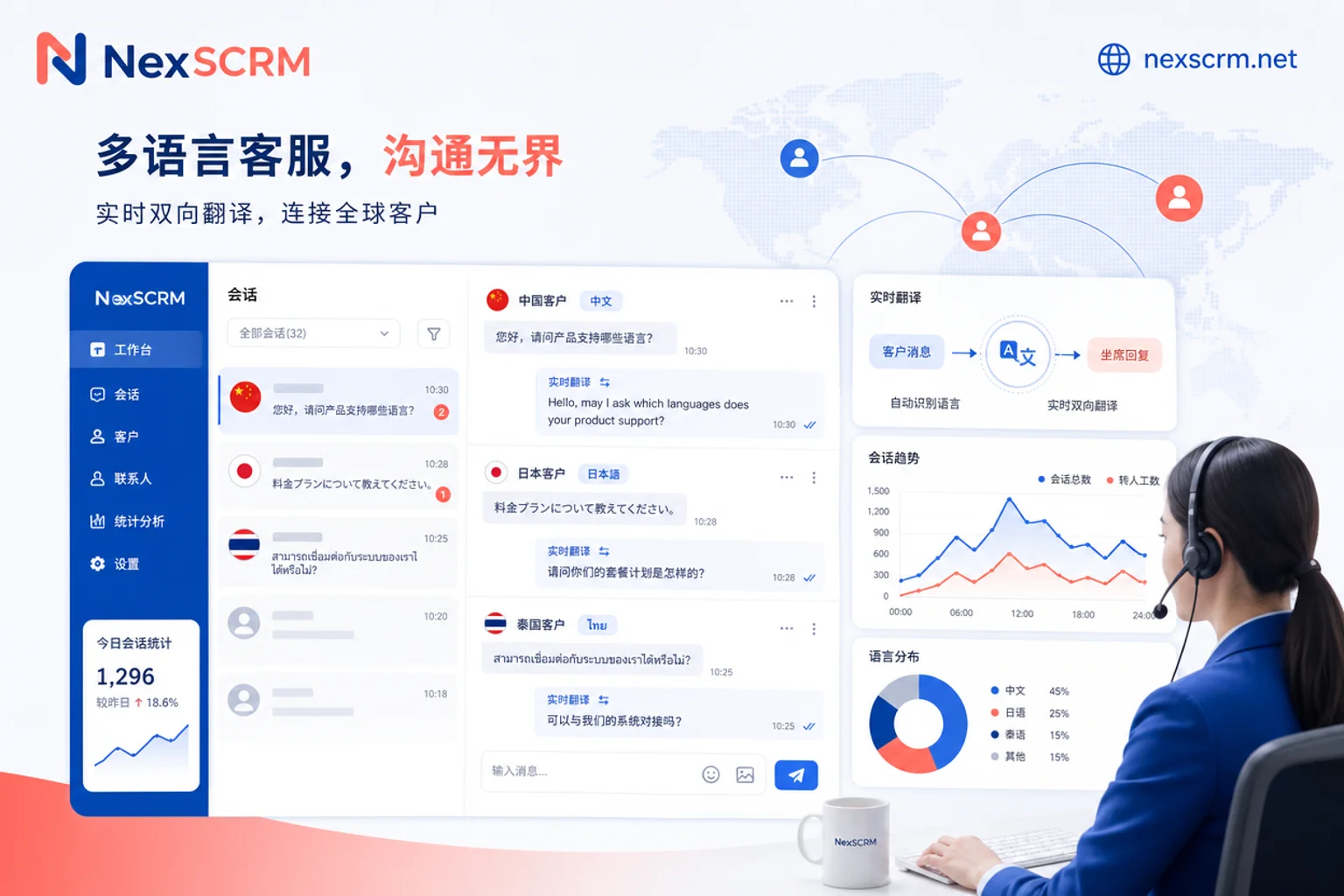
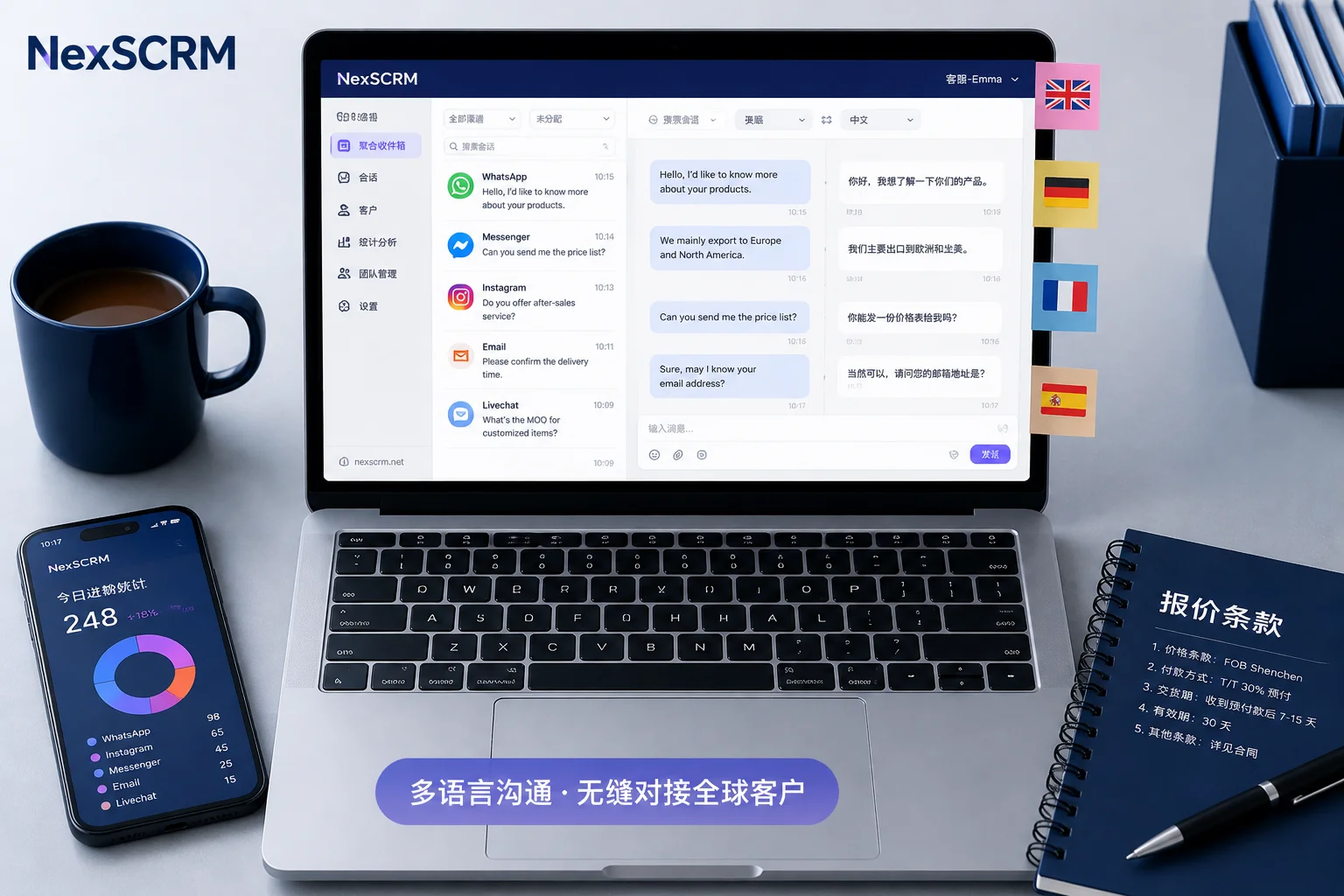
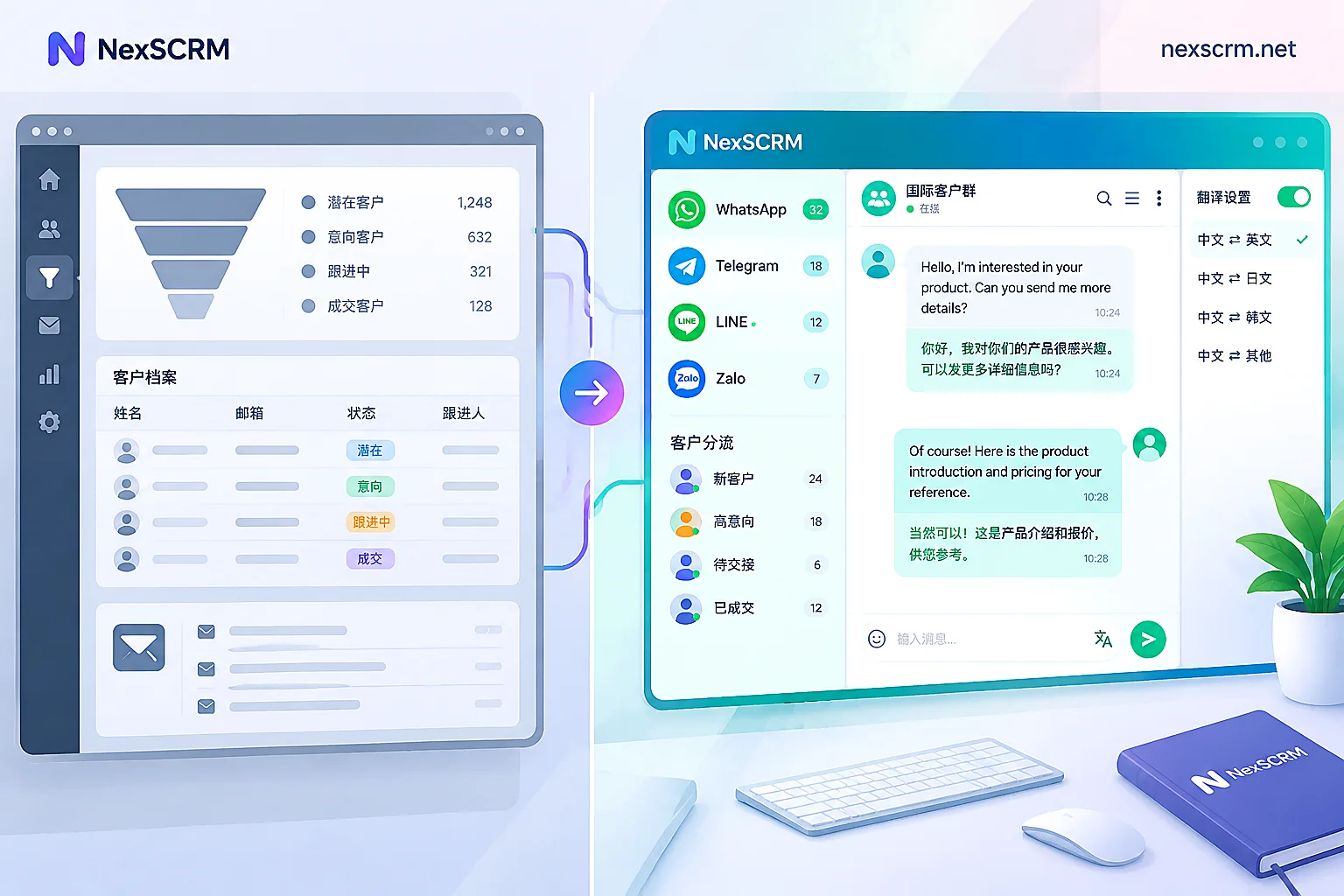
In aggregated session solutions like NexSCRM, session occupancy and agent assignment are done on the backend side. You can use the approach of multi-account customer service management to queue sessions from different channels uniformly. And capabilities like social media aggregated customer service can consolidate LINE, WhatsApp, Telegram, and Zalo messages into a single workspace, avoiding the need for agents to switch back and forth.
Step 6: Translation layer and message stats integration—bring LINE into a unified dashboard
The final step is to integrate LINE sessions into your existing unified dashboard. For teams serving Japan, Taiwan, and Thailand markets, real-time two-way translation is almost essential. After following the six steps of this LINE Official Account and SCRM integration tutorial, the remaining issues usually focus on the following points. To avoid maintaining a separate system for LINE that causes fragmented data and work-hour reporting, the translation layer can be embedded directly into the SCRM backend. With NexSCRM as an example, it offers aggregated sessions, real-time two-way translation, and message statistics, allowing LINE sessions to be consolidated with WhatsApp, Telegram, and Zalo message stats in the same backend. Using capabilities like real-time two-way translation and LINE translation software, agents can complete Chinese-Japanese and Chinese-Thai translations directly in the agent window, significantly shortening response time.
Post-launch self-check list and common configuration errors
The final step of this LINE Official Account and SCRM integration tutorial is to verify your configuration against the following list:
- [ ] Whether the HMAC-SHA256 signature validation for the Webhook URL is enabled
- [ ] Whether the five event types—message, follow, unfollow, join, leave—are all stored
- [ ] Whether messageEdited is subscribed and handled with an independent replyToken
- [ ] When multiple edits arrive out of order, whether the maximum timestamp is used
- [ ] Whether the language field is written at the first session
- [ ] Whether the agent occupancy mechanism prevents duplicate replies
- [ ] Whether LINE's statistics (session count, message count) align with other platforms
There are three common configuration errors: first, only subscribing to the message event and missing follow/unfollow, resulting in outdated customer statuses; second, treating replyToken as a reusable token, causing reply failures; third, handling messageEdited as a one-on-one event and receiving no pushes at all. By checking these one by one, most issues can be pinpointed.
FAQ
Can SCRM receive LINE group chat messages?
Yes. As long as you subscribe to the message event in Webhook, messages sent in group chats will be pushed to your SCRM backend. Starting August 2026, message edits in group chats will also be pushed via the messageEdited event, so SCRM can display the user's modified content.
Will the messageEdited event be pushed in private (one-on-one) chats?
Currently no. LINE's official documentation clearly states that this event only applies to group chat scenarios, so if your users edit messages in one-on-one chats, your backend will not receive a push. You need to wait for LINE to expand support in the future.
Can multiple agents reply to the same LINE official account simultaneously?
Yes, but you need SCRM's session assignment and locking mechanism to avoid conflicts. For the same session, only one agent is allowed to occupy the reply right at a time; other agents can only view. This ensures reply consistency without overwriting each other.
What permissions are needed for SCRM integration?
At a minimum, you need an official account with Messaging API capabilities, a server capable of receiving Webhooks (HTTPS required), and the Channel Secret for signature validation. Account type, role permissions, and callback address requirements are subject to the LINE official console and documentation.
After an edit event arrives, must I reply with the new replyToken?
Yes. The replyToken carried by the messageEdited event differs from the original message's token, and you must reply with the new token, following the one-time principle. If events arrive out of order, use the maximum timestamp to determine the latest state.


Comments(0)