 NexScrm官方博客
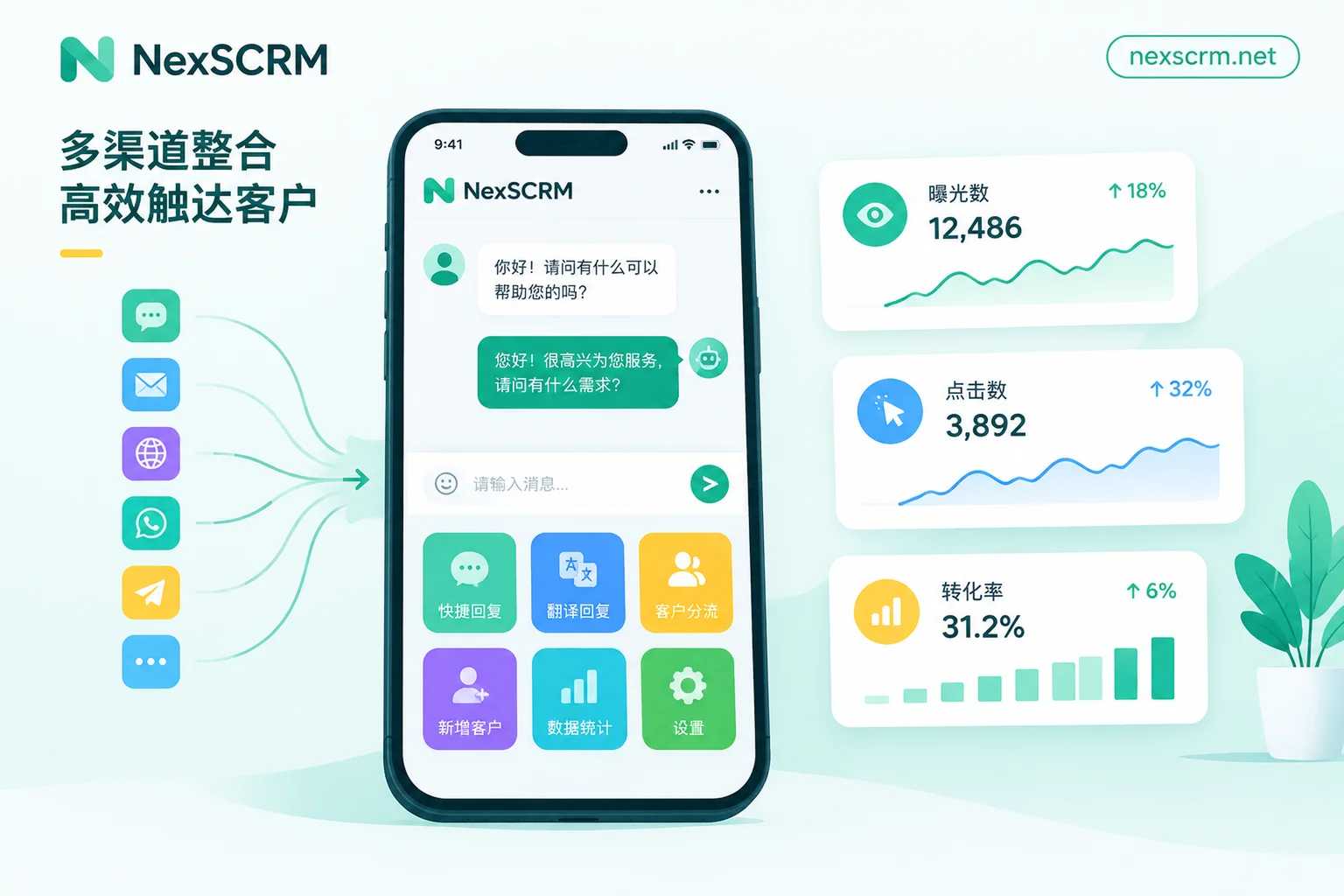
How to Track LINE Rich Menu Click-Through Rates: Backend Data Extraction, Three Calculation Methods, and Closing the Post-Click Loop
This article explains how to export rich menu impression and click data from LINE Official Account Manager's 'Analytics → Rich menus', calculate total click-through rate, unique click-through rate, and per-button contribution rate, and then complete post-click tracking for three button actions: open URL, send text, and contact support, finally organizing everything into a weekly tracking table.
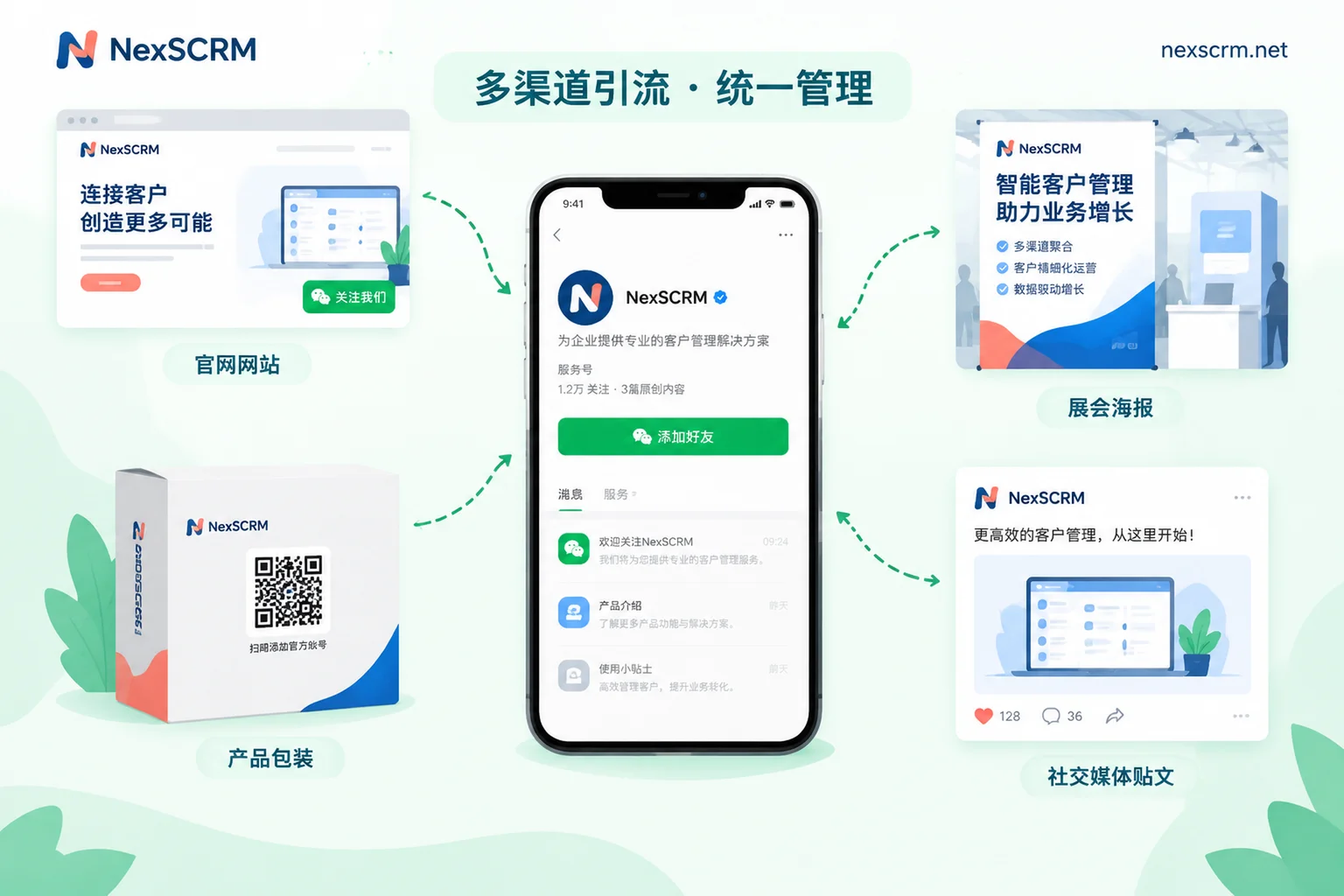
How to Increase LINE Official Account Friends: Free Entry Points, Add-Friend Incentives, and Paid Ads
LINE Official Accounts cannot proactively add users in bulk; friend count depends on users clicking or scanning to join. This article covers the three add-friend entry points in the backend and where to place them, how to track acquisition by channel, how coupons, point cards, and welcome messages boost join rates, the requirements for add-friend ads, and how to handle new friends to avoid blocks.
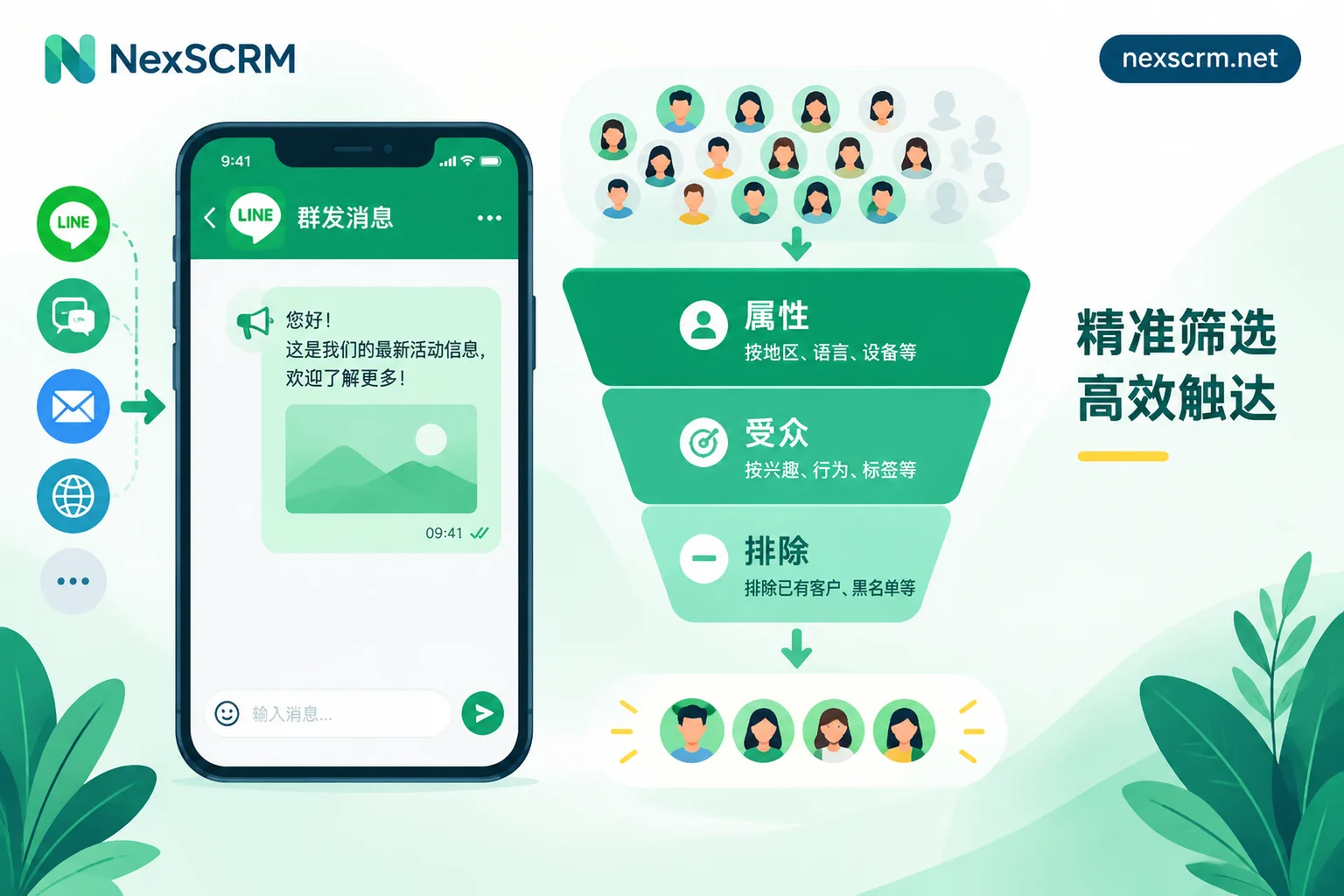
How to Make LINE Segmented Broadcasts More Precise: Attributes for Coarse Filtering, Precision via Audience Include + Exclude
A step-by-step guide to setting up LINE official account segmented broadcasts: confirm the thresholds for friend count, effective recipient count, and attribute data delay; distinguish between attribute-based and audience-based filtering; and combine include/exclude conditions to target the right list.
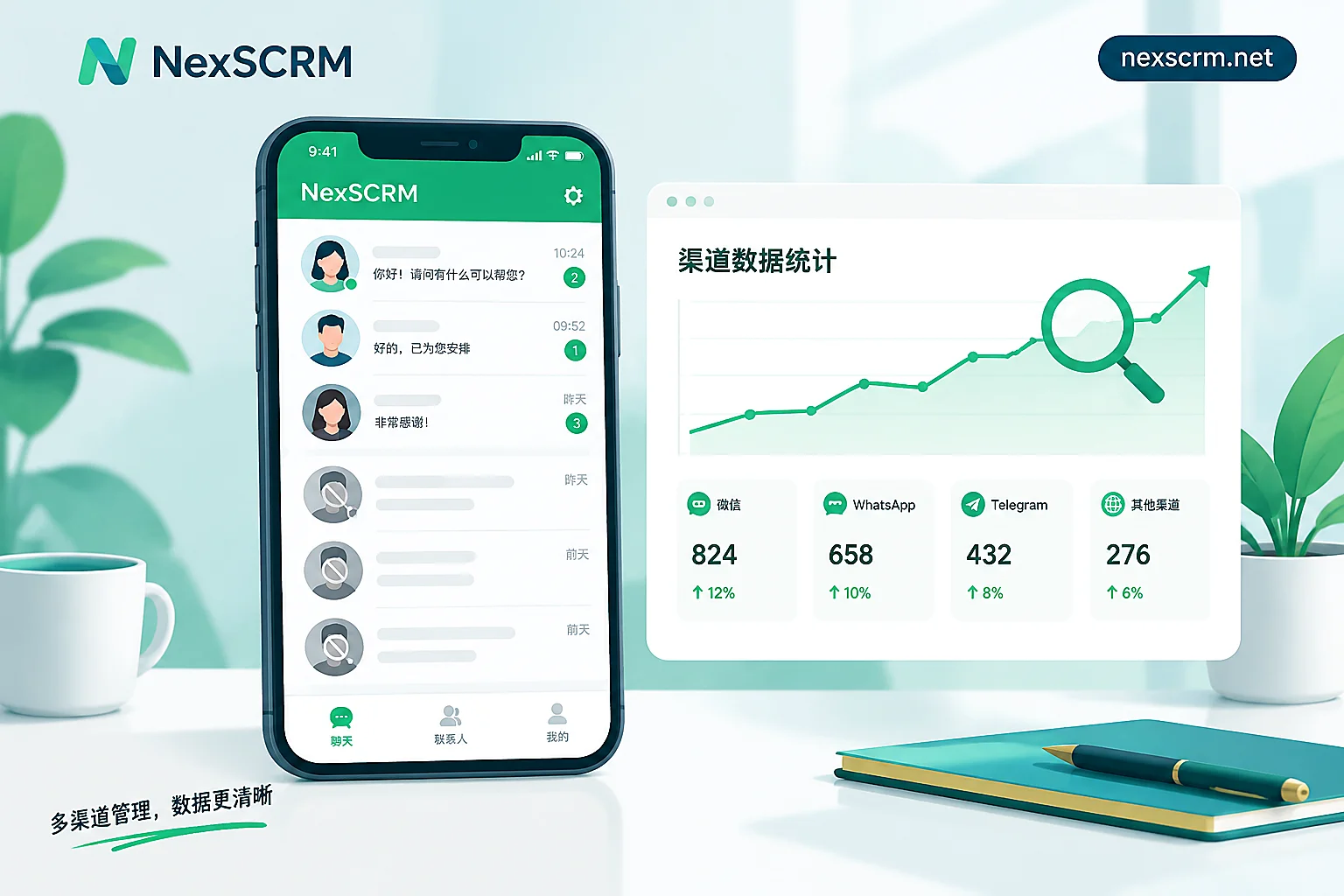
Why Is Your LINE Block Rate High? Diagnose Five Types of Issues by When the Blocks Occur
A high LINE block rate usually comes from five areas: acquisition channels that attract freebie hunters, welcome messages that give no reason to stay, undifferentiated broadcasts, overly frequent or poorly timed pushes, and slow or poor-quality replies. This article first distinguishes between user blocks and account suspension, then uses join friend count, target reach, and block count to identify which stage blocks occur at, with fixes for each stage.
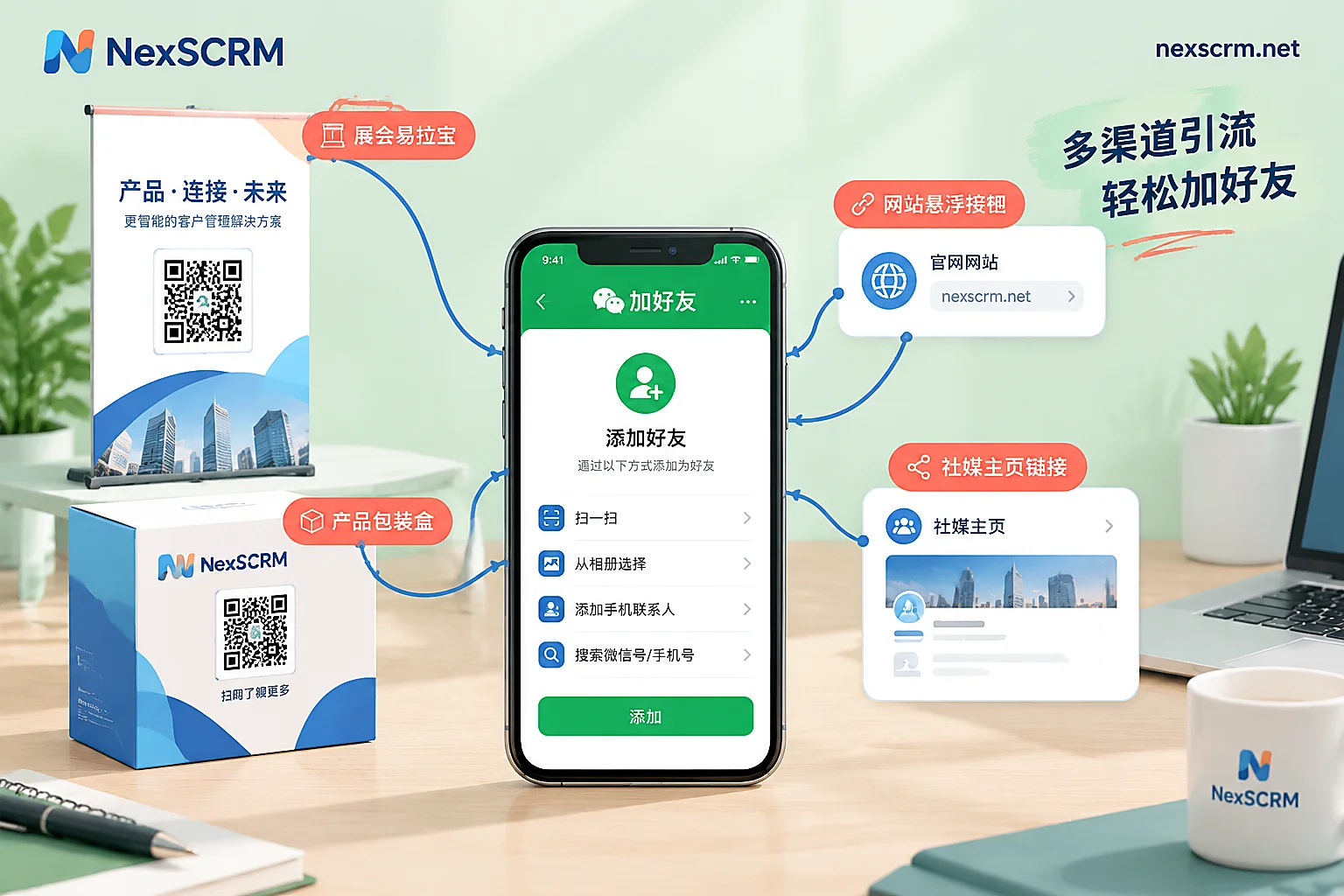
How to Increase LINE Official Account Friends: Set Up Entry Points and Welcome Messages First, Then Drive Traffic by Channel
To grow your LINE Official Account friend count, follow this order: set up a welcome message and rich menu, obtain the add-friend link, QR Code, website button, and LINE ID from the backend, distribute them by channel and salesperson across your website, social media, trade show materials, and packaging, and only consider add-friend ads when organic traffic is insufficient. This article also explains the prerequisites for using add-friend ads and how to identify which entry point actually brings in friends.
