 NexScrm官方博客
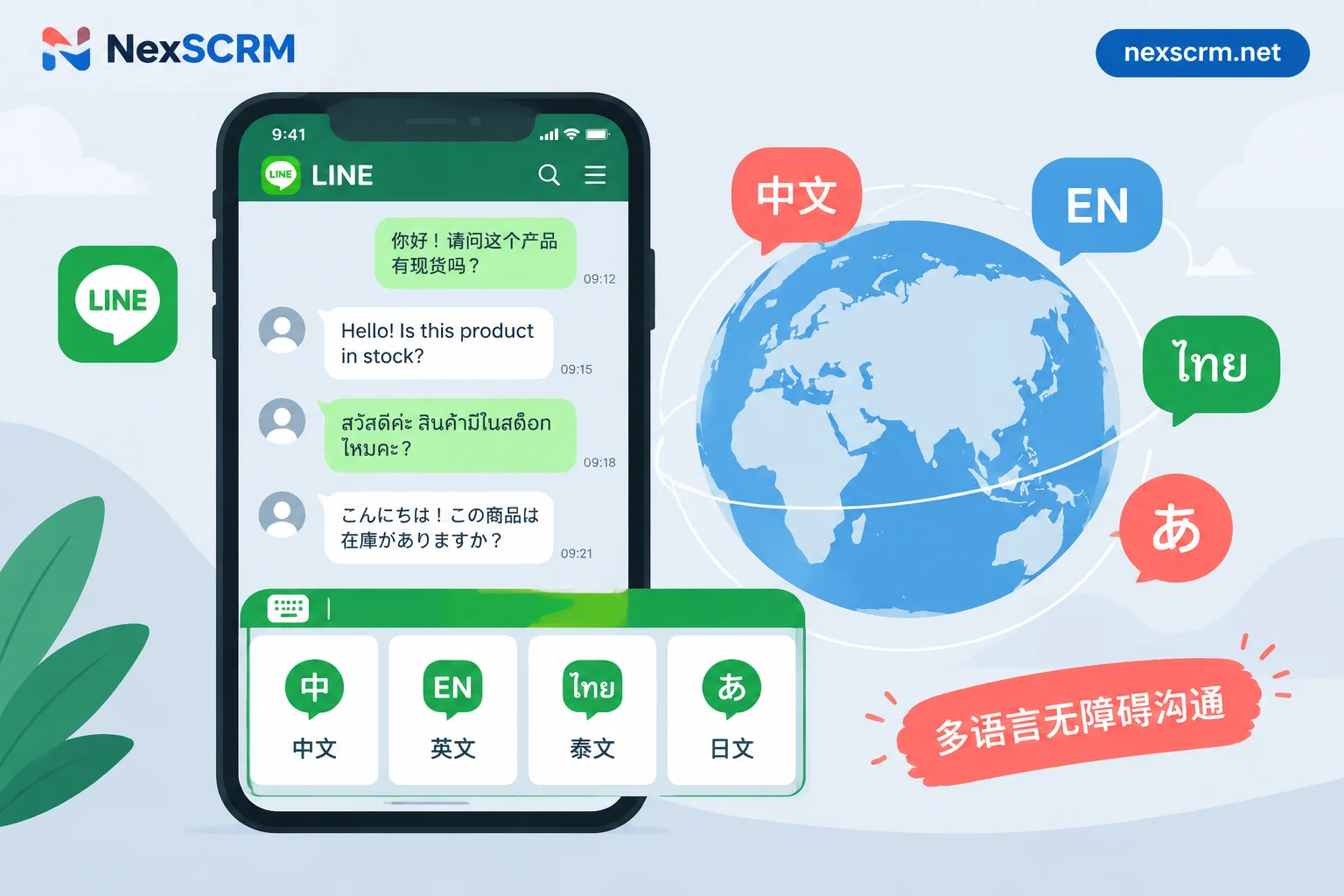
How to Set Up Multilingual LINE Rich Menus: Three Approaches to Choose Based on Your Team's Resources
The LINE Official Account Manager backend only supports a single global default rich menu and cannot automatically display different versions based on a friend's language. This article explains three approaches based on whether your team has development resources: a single bilingual mixed-layout image, language-switch buttons on the menu, and automatic menu binding based on the phone's language setting. It includes step-by-step instructions, image specifications, workarounds for the desktop version not showing menus, and how to handle multilingual inquiries after customers enter a chat.
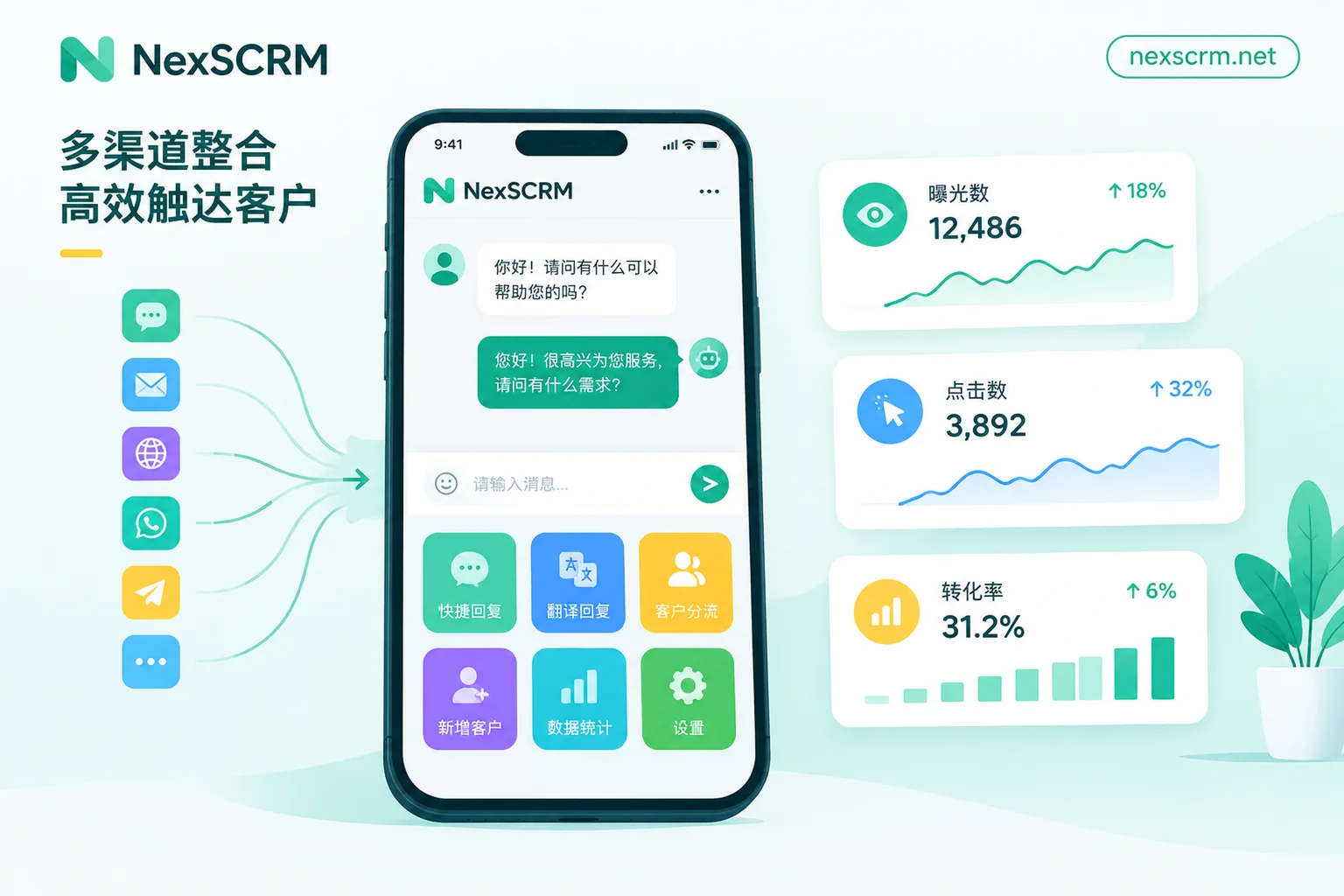
How to Track LINE Rich Menu Click-Through Rates: Backend Data Extraction, Three Calculation Methods, and Closing the Post-Click Loop
This article explains how to export rich menu impression and click data from LINE Official Account Manager's 'Analytics → Rich menus', calculate total click-through rate, unique click-through rate, and per-button contribution rate, and then complete post-click tracking for three button actions: open URL, send text, and contact support, finally organizing everything into a weekly tracking table.
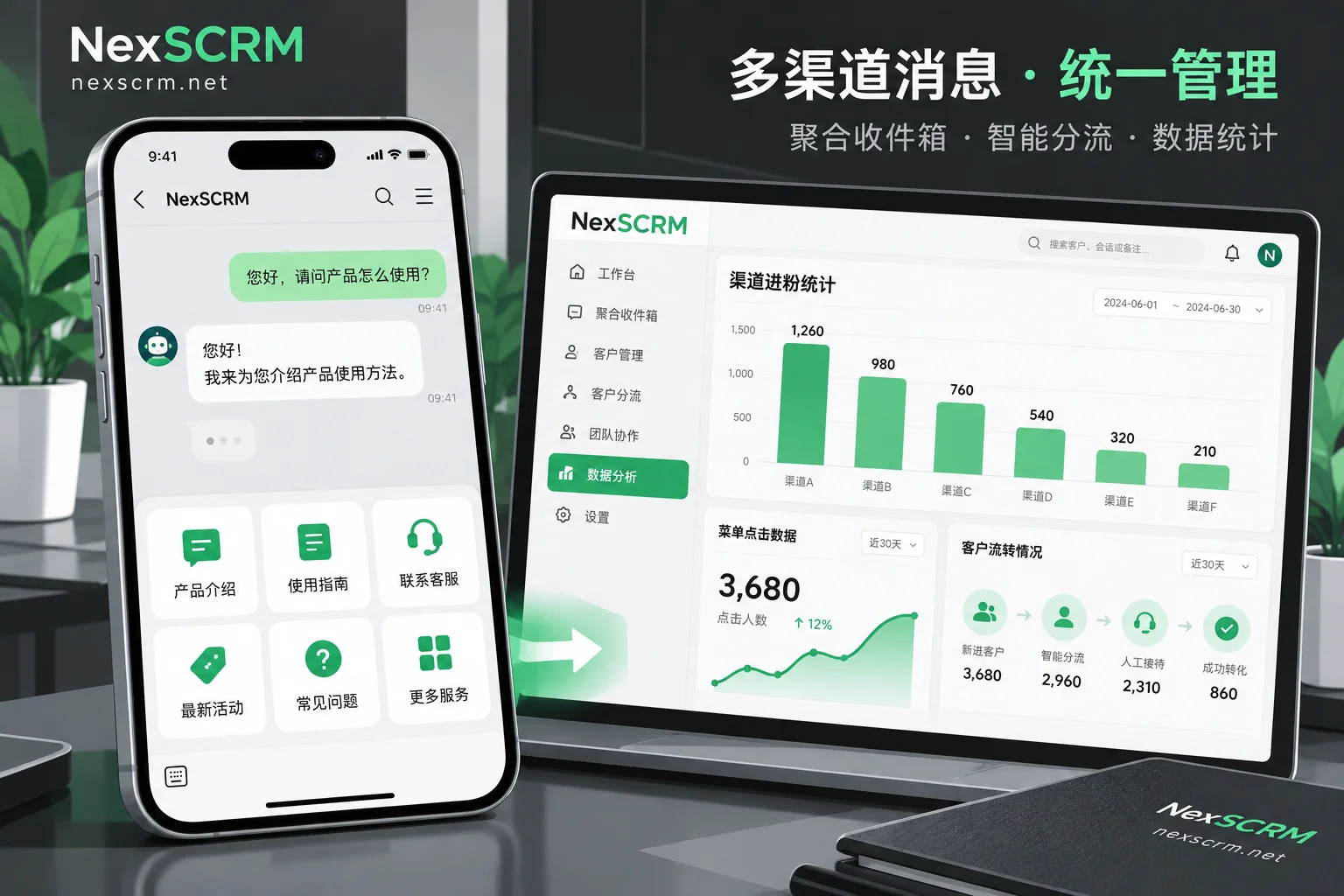
Where to Find LINE Rich Menu Click-Through Rate and How to Calculate It: Backend Path, Metric Meaning, and Cases Where Data Is Missing
This article explains where to view LINE Rich Menu click data in LINE Official Account Manager, how to calculate overall and per-area click-through rates, and how to handle cases where data is not displayed or inconsistent.