 NexScrm官方博客
The easiest way to go wrong when selecting this type of software is to take a feature checklist and tick off items one by one: how many languages it supports, how many platforms it can connect to. Once the checklist is done, three things still get in the way when actually running it—translation distorts numbers or terms in quotes, multiple accounts placed together are flagged as associated by the platform, and when a salesperson leaves or someone takes over, no one knows how far the previous conversation with that customer went.
So change the order: first measure your own scenario clearly, then verify the following items one by one.
First measure four numbers, then compare tools
These four numbers determine all subsequent judgment criteria and basically determine the cost.
- How many platforms to connect. Only WhatsApp, or a mix of WhatsApp, Telegram, LINE, Zalo. The more cross-platform, the harder the need for "one workstation to aggregate sending and receiving."
- How many accounts online simultaneously. This is the number of ports. Three salespeople each with two accounts means six ports, not three people.
- Which languages are mainly used. English as the main language, mixed with Arabic, Spanish, Russian, Vietnamese, places completely different demands on translation lines.
- Who uses it. One customer service agent using it alone versus three to five salespeople sharing one system and requiring handover without losing context—the choice is different.
Write these four numbers clearly, and many tools can already be filtered out by half.
1. Translation capability: look at direction, modality, and whether source text is retained
Bidirectional, not unidirectional. What needs to be confirmed is "foreign languages sent by customers are automatically converted to Chinese, and when I type in Chinese and send, it is automatically converted to that customer's language"—both directions automatic. If it can only translate foreign languages into Chinese, then every reply still needs to be copied to another tool for translation.
Source text and translation must both be retained. This point is more critical than translation accuracy. You may not notice a translation error on the spot, but if only the translation is displayed and the source text is overwritten, afterward you can only ask the customer to verify. For content like quotes, specifications, delivery dates, and payment terms, you must be able to compare the source text on the same screen.
Modality is not just text. In foreign trade communication, images and voice account for a high proportion: handwritten quotation sheets, product annotation images, packaging photos sent by customers, and a voice message of tens of seconds. During selection, confirm whether images can be recognized and translated, and whether voice can be converted to text for understanding. Price tables, units, and specification columns in images are especially easy to misread; translating only text without handling images means missing half the message.
It is best to have more than one translation line, and be able to switch by language or scenario. A single translation source tends to be stiff when encountering minor languages or industry terminology, and the interface itself carries fluctuation risk. The significance of multiple optional lines is: use a smooth one for daily greetings, switch to one better at formal expressions when discussing quote terms; if one line has issues, you won't be unable to reply to customers that day.
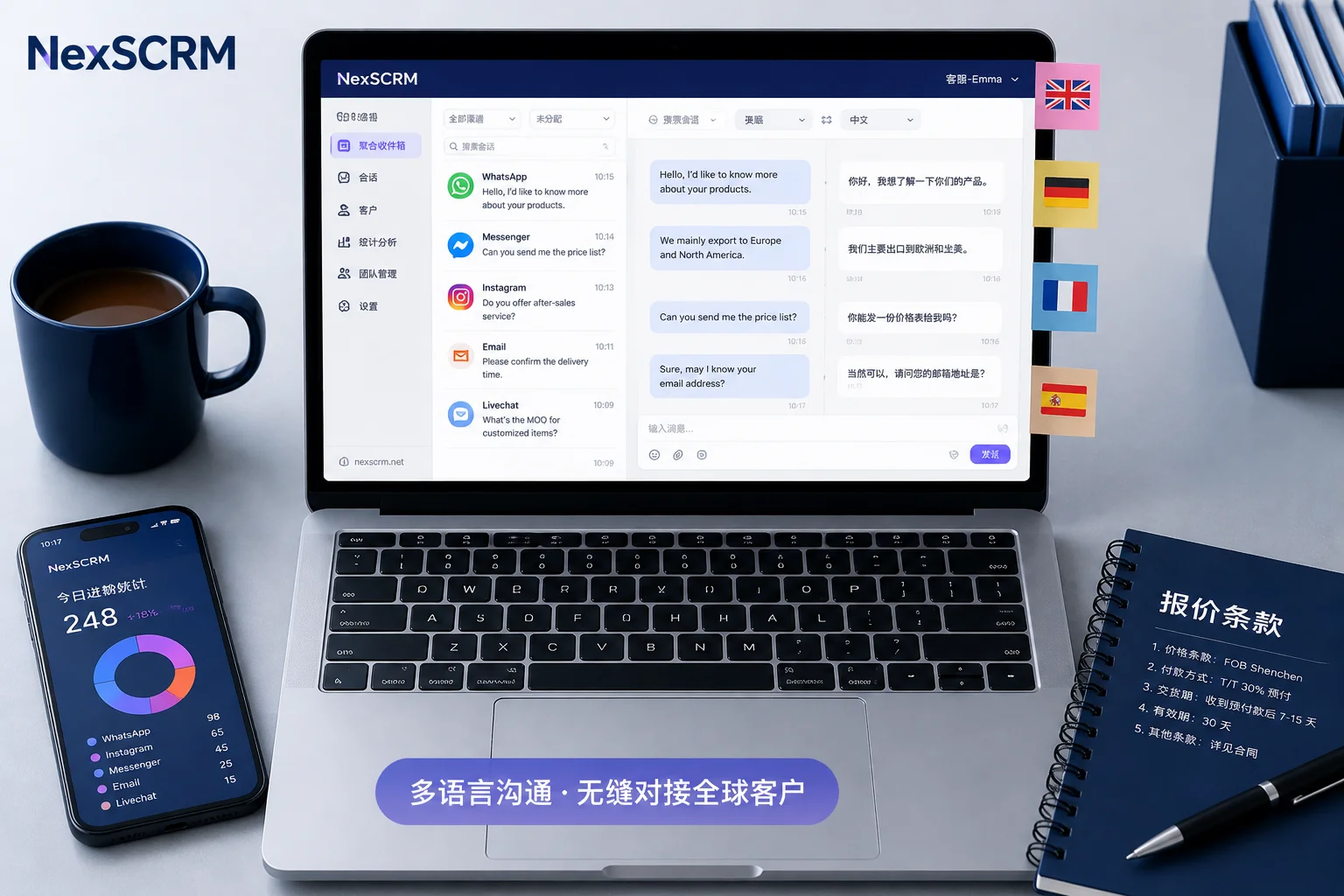
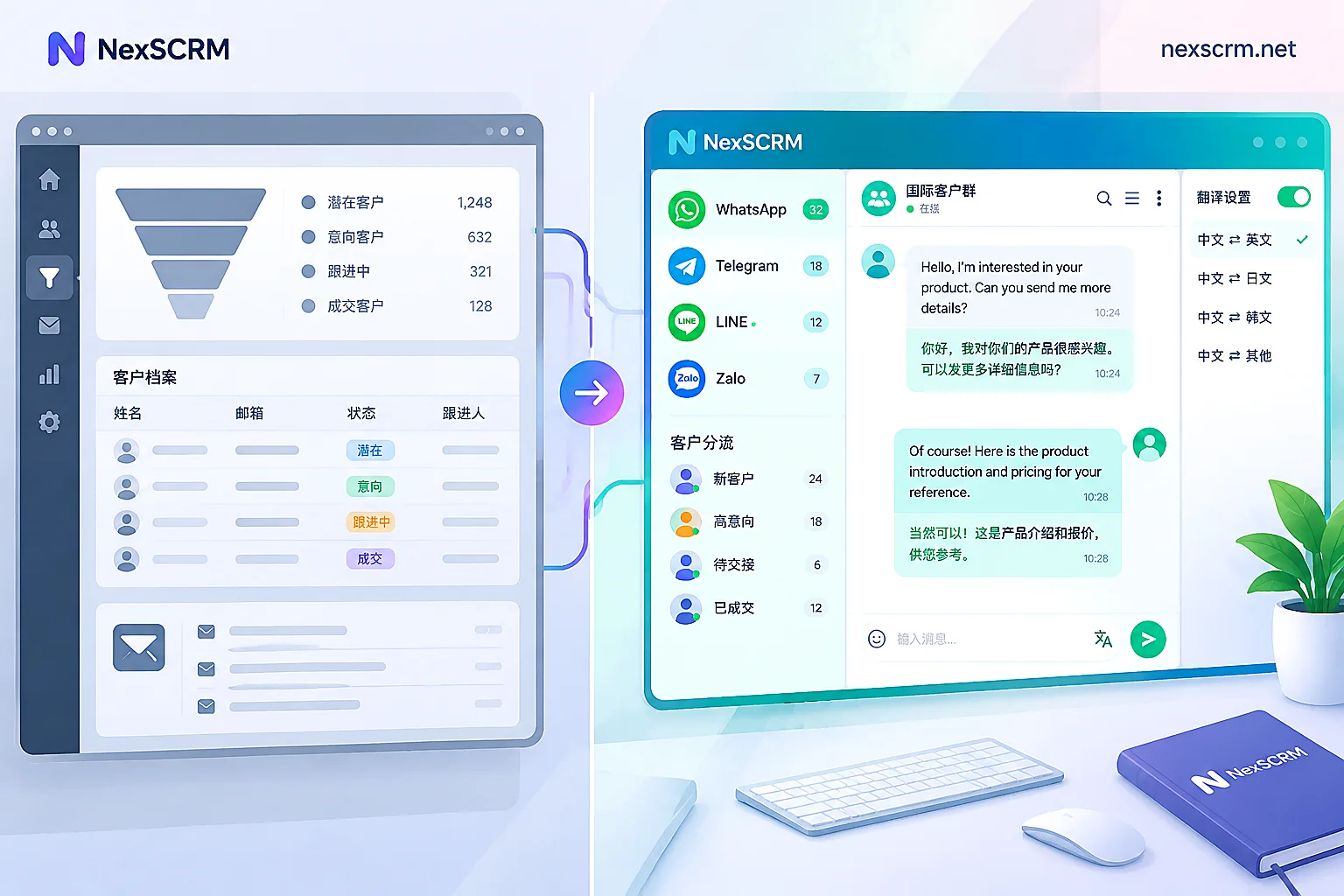
In NexSCRM, this corresponds to real-time bidirectional translation, covering text, images, and voice, with multiple switchable lines, and both source text and translation retained—for specific support, see Translation Feature Description; for language switching and trade-offs in quote scenarios, another article on Line Selection can be referenced.
2. How to place multiple accounts: aggregation saves effort, isolation determines safety
Many teams start with browser plugin-style translation. It works fine for a single account and single platform, but once accounts multiply, two problems emerge: switching windows back and forth leads to replying from the wrong account, and multiple accounts logged in under the same browser environment look like associated behavior to the platform.
The judgment criteria can be split into two layers:
- Can it aggregate sending and receiving in one workstation. Sessions from all platforms are sorted by unread in one interface, no need to switch back and forth to reply. This solves efficiency.
- Are accounts truly isolated. Does each account have an independent browser fingerprint environment, can it bind a session-level proxy separately, so that different accounts' login environments are not linked. This solves security.
The second layer is the hard threshold for selection and is most easily glossed over by phrases like "supports multiple instances." Multiple windows do not equal environment isolation. This corresponds to NexSCRM's Multi-Account Aggregation and Independent Environments; for how to bind proxies and which parameters are easily missed, refer to Configuration Approach for Binding Different Proxy IPs per Account.
One more reminder: platform commercial account policies and risk control rules will adjust, and when rules change, multi-account teams are the first affected. During selection, prioritize official platform announcements over media interpretations, and evaluate "whether environment isolation is detailed enough" as a long-term item, not something to review once before launch.
3. Is context still there during customer handover
This is often remembered only at the very end, but it determines whether team collaboration can work.
Two things need to be verified: whether chat records have cloud backup, and whether historical conversations can be searched by customer or keyword. When a salesperson leaves, goes on vacation, or someone else takes over follow-up, the new person needs to directly pull up previous quotes, sample progress, and concerns the other party raised without asking the customer "what did we talk about before."
Also worth checking together is contact organization capability: whether the same customer coming from multiple platforms can be deduplicated, whether tags and profiles can be added, and whether there are follow-up reminders. These don't solve translation problems, but they determine whether customer data is scattered across each customer service agent's chat window.
4. Team use: unified scripts and internal controls
If a team shares one system, the following two types of capabilities are worth confirming at the selection stage.
Unified scripts and auto-replies. Can common Q&As be consolidated into quick script templates, so that newcomers unfamiliar with foreign languages can still send accurate replies; can keywords trigger automatic responses to reduce first response time. Note that auto-replies are suitable for handling common questions, while complex inquiries and term negotiations still need a human exit. It is recommended to fix this boundary in the tool using script templates and human transfer rules, rather than relying on customer service agents' self-discipline.
Internal controls for sensitive behavior. Team leaders often care more about the other side: whether customer contact information has been exported privately, whether payment account numbers have been changed, whether sensitive words have appeared in conversations. During selection, check whether the tool has capabilities like sensitive word monitoring, data masking, and payment control. Be clear about its boundaries—it can catch identifiable actions within the system, not offline communication. Treat it as a technical fallback, not the only safeguard.
5. How money is calculated, and how to verify without spending
Billing methods are often overlooked, but they are where long-term cost differences are greatest.
Common ones include per translation character volume, per seat count, and per simultaneous online account count. For foreign trade teams, billing by port (i.e., number of simultaneous online accounts) is relatively predictable: you know how many accounts you need to open, so you can calculate the monthly cost, and the bill won't double just because message volume doubles during peak season. During selection, clarify "how ports are defined, how many ports one customer service agent counts as" to avoid buying by headcount and finding accounts insufficient.
The second must-do is a trial. Translation latency, accuracy, and line availability are related to your network environment, commonly used languages, and customer regions; conclusions others test have limited reference for you. Running a free trial through real business is more accurate than any review. For price tiers and trial entry, refer to the Official Pricing Page.
What to accept during the trial period
Don't just send two messages to see if it can translate. Run through this checklist; you can reach a conclusion in one or two days:
- Test both directions once each: send a message in the customer's native language, then reply in Chinese, see if both are automatically translated and if the source text is still there.
- Try real message types: an image with prices, a 30-second voice message, a quote term containing numbers and units.
- Switch lines and compare: translate the same quote term with two or three different lines, see which is more accurate, and whether the choice can be remembered per session.
- Log in multiple accounts simultaneously: log in all accounts you will use, observe whether they affect each other, whether sessions get mixed up, whether switching accounts requires repeated verification.
- Simulate a handover: have another colleague log in on a new device, see if they can retrieve this customer's history.
- Stress the client: run multiple accounts simultaneously for a day, check computer resource usage and stability over long runs. These tools are usually Windows clients, and stability can only be verified by actual running.
When you don't need this type of tool
If you only work on one platform, use only one account, and customers basically communicate in English, a browser translation plugin or built-in system translation is sufficient; no need for a workstation.
Once any of the following occurs, plugin-style solutions start to cause trouble: more than one account online simultaneously, need to receive messages across platforms, customer languages exceed two or three, or two or more people share one customer pool. At this point, the evaluation focus shifts from "is translation accurate" to "account security" and "can context be retained"—the two things discussed in sections 2 and 3 above.


Comments(0)