 NexScrm官方博客
For many teams engaged in cross-border e-commerce, foreign trade B2B, or overseas social media lead generation, the most intuitive sign of business growth is often the growing number of spare phones on the desk and the dense browser icons in the computer taskbar.
When a team has only two or three accounts, manual screen monitoring can still cope; but once it enters the matrix operation stage—operating more than a dozen or even dozens of WhatsApp, Telegram, LINE, Zalo, or Instagram accounts simultaneously, with multiple customer service agents working in shifts or collaboratively—multi-account customer service management will quickly evolve from an "efficiency problem" into "management out of control."
Accounts frequently go offline and need to log in again, different agents follow up with the same buyer repeatedly, high-intent inquiries are missed during shift handovers, and at the end of the month, it's impossible to calculate each person's actual lead acquisition and reply output... If you are experiencing these internal frictions, it means your team urgently needs to upgrade from "workshop-style account watching" to standardized system control. Next, from a manager's perspective, we will break down a four-step implementation plan to keep multiple accounts and multiple seats in order.
I. Why Does the Customer Service Team Easily Fall into "The Busier, The More Chaotic" When There Are More Accounts?
Many team supervisors are puzzled during reviews: clearly, more customer service staff have been added and more lead generation accounts have been opened, so why has overall conversion efficiency and response speed declined? In actual business, traditional multi-account management methods usually get stuck in the following four blind spots:
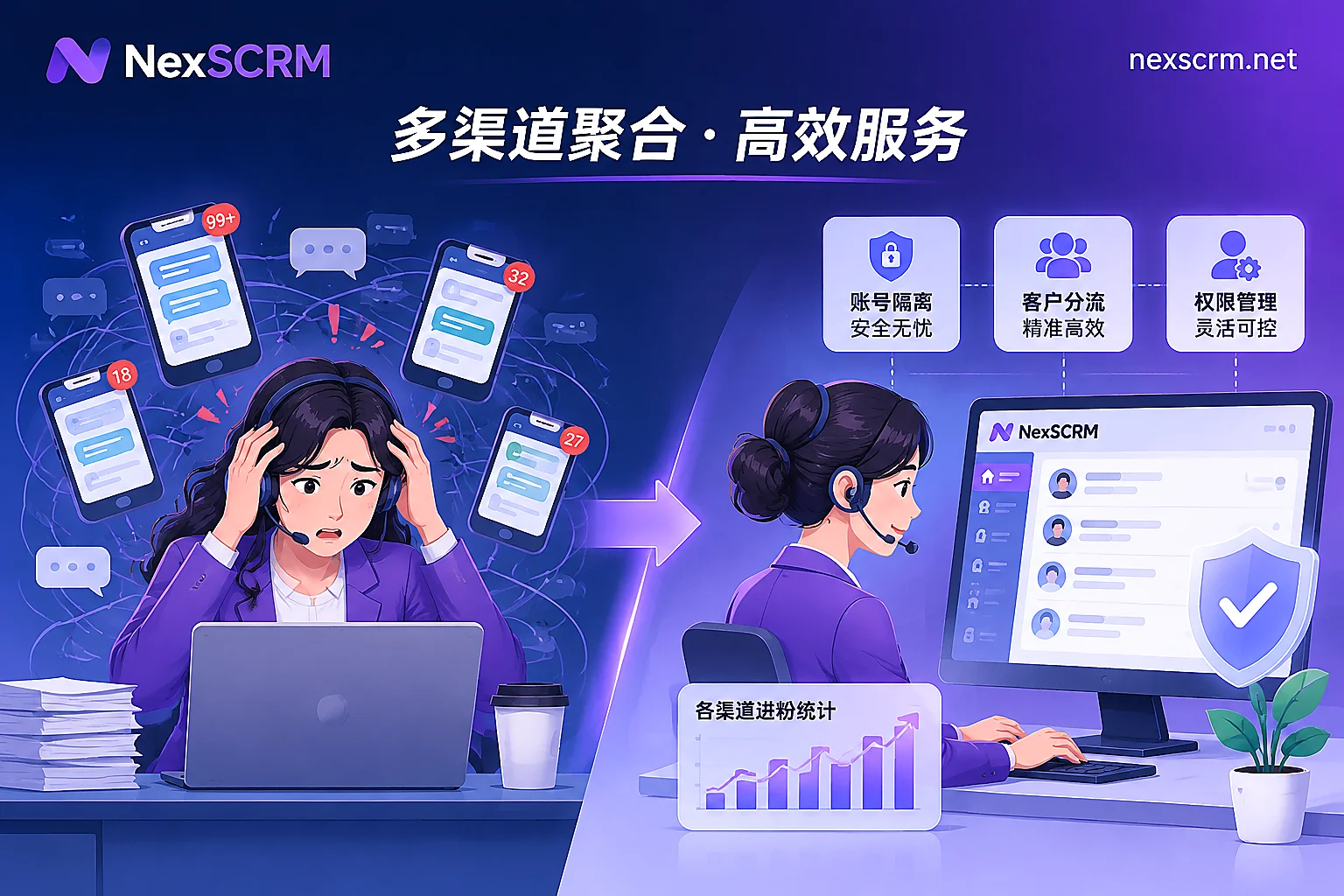
- Handover gaps and security risks caused by "strong binding between people and accounts": One person per account, a certain phone or browser is fixed to a certain agent. Once an employee takes leave, changes shifts, or resigns, not only does it require re-scanning the QR code to log in (which easily triggers platform risk control due to different locations and leads to account bans), but the background of the customer halfway through the conversation is also communicated only verbally.
- Physical switching loss and messages sinking to the bottom: Agents switch back and forth between multiple backends and software every day. During major promotions or peak ad traffic, new messages instantly push unfinished inquiries to the bottom, making missed or delayed replies a common occurrence.
- Multi-channel "collisions" causing internal customer poaching and buyer annoyance: Overseas buyers are used to casting a wide net and may simultaneously add 3 of your team's WhatsApp accounts and 1 LINE account. Without a cross-account deduplication mechanism, 3 agents may pounce with quotes at the same time, wasting manpower and effort, and making it easy for buyers to bargain due to inconsistent messaging.
- Process black box and muddled performance accounts: Supervisors do not know how many valid new leads each agent handles daily or the average time to reply to the first message, and it is even harder to timely detect signs of violations such as privately leaving personal contact information or making improper promises.
If the team is still at the stage of simply looking for multi-open tools, you might first take a look at our previously compiled practical comparison of WhatsApp multi-open on PC and 4 details to avoid the "pseudo-aggregation" trap of social media customer service systems. To truly manage the entire team well, the core lies in reconstructing the flow mechanism of "accounts, leads, scripts, and data."
II. Step One: Achieve "Decoupling of People and Accounts," Control the Environment and Permission Boundaries
The first priority of standardized multi-account customer service management is to collect "social account ownership" back to the enterprise and allocate "conversation reception rights" to employees as needed.
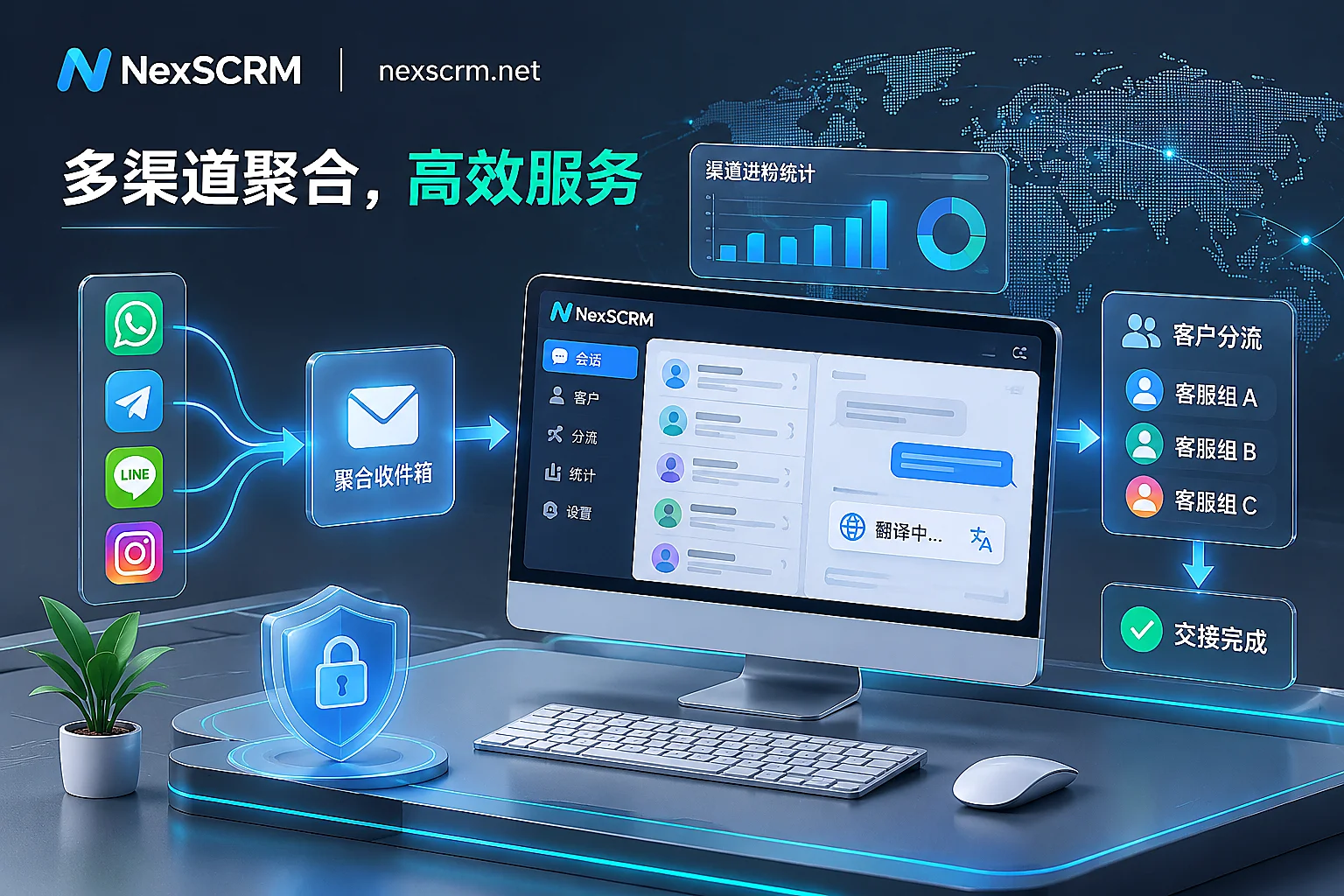
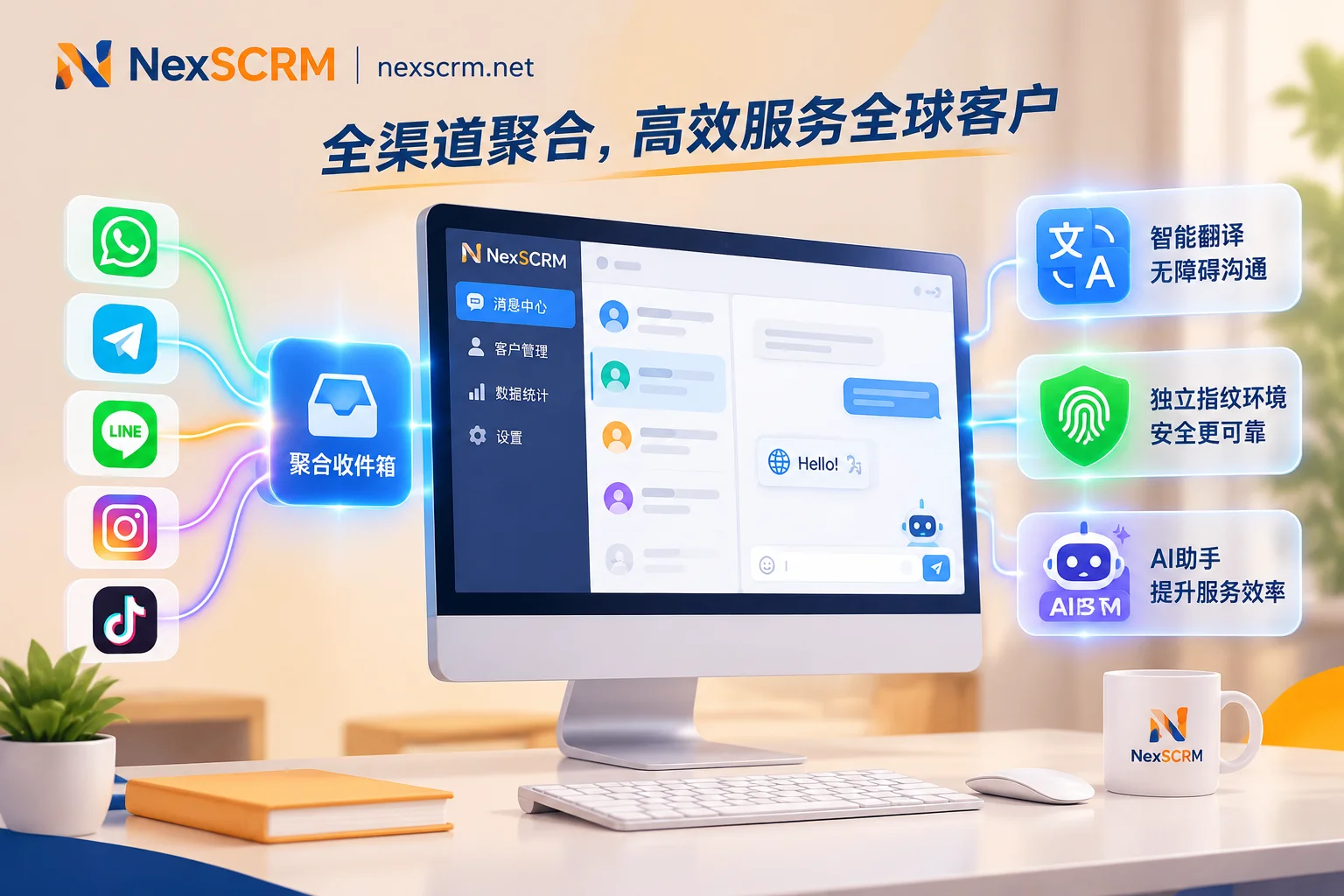
Through the NexSCRM multi-account aggregation workbench, teams can connect multiple accounts from mainstream platforms such as WhatsApp (including regular and Business accounts), Telegram, LINE, Zalo, Facebook, Messenger, Instagram, and TikTok into a single desktop client. At the underlying architecture level, it helps managers solve two core problems:
- Independent isolated environments and QR-code-free renewal: Each connected social account runs in an independent fingerprint environment and supports binding a session-level proxy IP separately, fundamentally avoiding the association risk of logging in multiple accounts simultaneously. At the same time, the system automatically saves the login state, so there is no need to repeatedly scan QR codes with a phone when restarting the software or during shift handovers, greatly reducing the abnormal login rate.
- Master/sub-account architecture and role permission division: Supervisors use the master account to uniformly purchase and allocate ports (i.e., the number of simultaneously online accounts) and create sub-accounts for frontline agents. Supervisors can precisely define the visibility and operation permissions of each sub-account by role, and sub-accounts support login on multiple devices. This means agents only need to log in with their own employee ID to directly receive messages from assigned social accounts, completely achieving "decoupling of people and accounts."
III. Step Two: Establish Inbound Routing and Deduplication Mechanisms to End Order Grabbing and Missed Replies
When unread messages from dozens of accounts are aggregated together, how can fair distribution and orderly follow-up be ensured? This requires establishing rules at two stages: "the moment of inbound" and "daily follow-up."
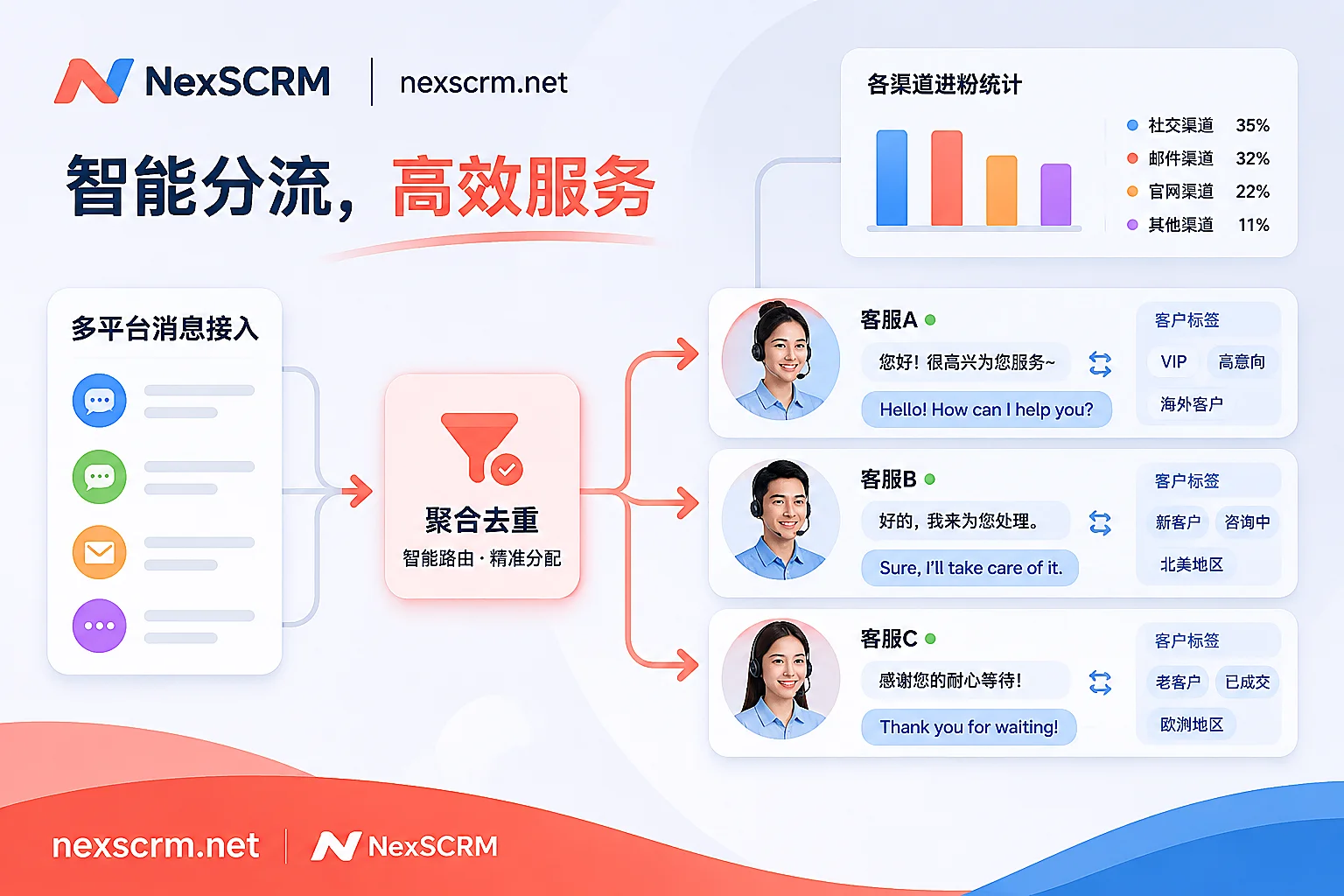
At the inbound stage, teams can use the customer operations and routing links function to configure the lead generation entrance on ad landing pages or social media homepages as intelligent routing links. The system will automatically distribute new inbound customers evenly or targeted to the corresponding customer service seats based on the customer's source channel, preset tags, and historical interaction records, avoiding the situation where some are overwhelmed while others are idle.
In terms of preventing collisions and missed replies, the following three practical actions need to be coordinated:
- Global ticket deduplication and system duplicate checking: With the help of the lead counter and duplicate checking system, when the same overseas customer repeatedly adds different main accounts under the team or enters different groups, the system supports ticket deduplication and contact duplicate checking within a single or all sub-account scope. Agents can see at a glance whether the customer has already been received by a colleague, avoiding internal collisions.
- Flexible window arrangement and conversation grouping: In the reception interface, unread messages are uniformly highlighted; agents can split, merge, or hide chat windows according to personal habits, and create conversation groups by dimensions such as "high-intent awaiting quote," "sample order sent," and "after-sales processing," combined with system follow-up reminders to ensure long-cycle customers do not fall through the cracks.
- Three-dimensional customer profile accumulation: Notes, customer tags, source channels, and follow-up records from each communication are synchronized in real time in the customer profile column on the right. Even if the morning shift agent goes off duty, the evening shift colleague can understand the context within 3 seconds when taking over the window, achieving seamless relay.
IV. Step Three: Unify Multilingual Service Standards and Level the Capability Gap with "AI + Public Library"
Multi-account operation is often accompanied by expansion into multiple country markets. When an agent simultaneously faces inquiries in English, Spanish, Vietnamese, or even Arabic, if they rely entirely on personal language skills or external translation web pages for back-and-forth pasting, not only is the response slow, but it is also very easy to lose orders due to stiff translations. In addition, the differing business proficiency of new and veteran agents and uneven reply quality are also major management taboos.
To enable ordinary agents to respond at the level of top sales champions, translation and script capabilities can be directly embedded into the workflow:
- Built-in multi-line real-time two-way translation: Through multilingual real-time translation, sent and received messages are automatically translated in both directions, and both the original text and the translation are retained on the interface for easy context verification at any time. The system can not only automatically identify the other party's language and support binding a target language separately for each contact, but also integrates multiple translation lines such as Google, Microsoft, DeepL, and AI large models for switching at any time (some versions even support translation of images and voice messages), with no need to install any browser plug-in throughout the process.
- AI-assisted replies and automatic greetings: Facing a massive influx of first-time inquiries, enable AI scripts and auto-replies. The system can automatically send a welcome message or have AI automatically greet new customers the moment they come in, stabilizing first-response timeliness; during the conversation, AI generates reply suggestions based on customer questions and historical context, which agents can send with one click after confirmation or minor adjustments.
- Collaboration between public script library and media asset library: Supervisors can store proven high-conversion opening lines, quotation templates, payment reminder scripts, as well as product videos and brochures in the public template and media asset library. Quick replies support variable replacement and keyword triggers, so new hires can directly use the standard arsenal on their first day, ensuring a highly consistent external service message across the entire team.
V. Step Four: Use Data Dashboards and Internal Control Defense Lines to Complete the Management Loop
After empowering frontline reception, backend supervision and review cannot be absent. A mature multi-account customer service management system must allow supervisors to clearly see output and control risks.
Through the data dashboard and employee internal control module, managers can free themselves from tedious manual spot checks:
- Transparent lead acquisition and performance data: The lead counter can accurately track main account leads, group leads, and conversion from routing links, and supports ticket sharing, fan supplementary entry, and one-click report export (for details on anti-cheating statistics, please refer to practical operation of accurate calculation with ticket counter). At the same time, the data dashboard visually displays core performance indicators such as conversation volume, lead count, and average response time for each seat, providing a basis for month-end accounting.
- Sensitive behavior monitoring and asset retention: The system supports desensitization of customer number data and can configure sensitive word monitoring, payment control, and sensitive behavior monitoring (such as monitoring private addition of personal contact information, private collection of payments, etc.). Once a rule is triggered, a custom alert is sent immediately, and all operations are logged for audit. More importantly, all chat records, media files, and customer profiles are automatically backed up to the enterprise side in the cloud, supporting second-level retrieval by time, contact, and keywords; even if an employee resigns, customer assets and communication history remain intact within the team (for more risk control details, you can further read four defense lines against foreign trade order diversion).
Conclusion: Give Back the Time Spent Switching Windows to Customer Conversion
The essence of multi-account customer service management has never been to tie employees to the computer mechanically switching windows, but to use tools to turn environment isolation, message aggregation, language conversion, deduplication and routing, and data auditing into an automated foundation. When the system shoulders 80% of the trivial internal friction for the team, agents can truly focus their energy on understanding customer needs and advancing inquiry conversions.
NexSCRM adopts a flexible port-based subscription billing model, allowing you to upgrade or downgrade the number of online accounts at any time according to business peak and off seasons, and supports adding unlimited-time translation character packs. If you are preparing to optimize your team's multi-account reception process, you can now go to the NexSCRM client download page to get the software and start a limited-time free trial without binding a credit card; you can also check the detailed configuration on the pricing and version plans page to build a stable and efficient private domain reception hub for your cross-border team.