NexScrm官方博客
With the continuous expansion of overseas social commerce, the touchpoints for foreign trade B2B and cross-border e-commerce sellers to acquire customers are no longer limited to a single platform. A mature overseas team often needs to simultaneously drive traffic through content on TikTok, Instagram, and Facebook, and then funnel the traffic into instant messaging tools such as WhatsApp, Telegram, LINE, or Zalo for in-depth follow-up and conversion.
Facing overseas inquiries scattered across a dozen platforms and dozens of accounts, social media aggregated customer service systems have become a must-have configuration for cross-border teams. However, in actual implementation, many customer service supervisors and operations managers find that although the purchased system claims to have "all-channel access," it still has various issues in use—having to spend half an hour scanning QR codes to log in one by one at the start of the day, web-based translation plugins frequently freezing, two customer service agents replying to the same customer simultaneously causing duplicate replies, and even account association restrictions or employees taking customer resources with them when they leave.
In the industry, tools that merely "put chat windows together without integrating the underlying environment, language barriers, and team collaboration" are called "pseudo-aggregation." A true social media aggregated customer service workbench that helps cross-border teams reduce costs and increase efficiency is far more than a pile of icons. When selecting and testing, it is recommended to focus on the following four practical details.
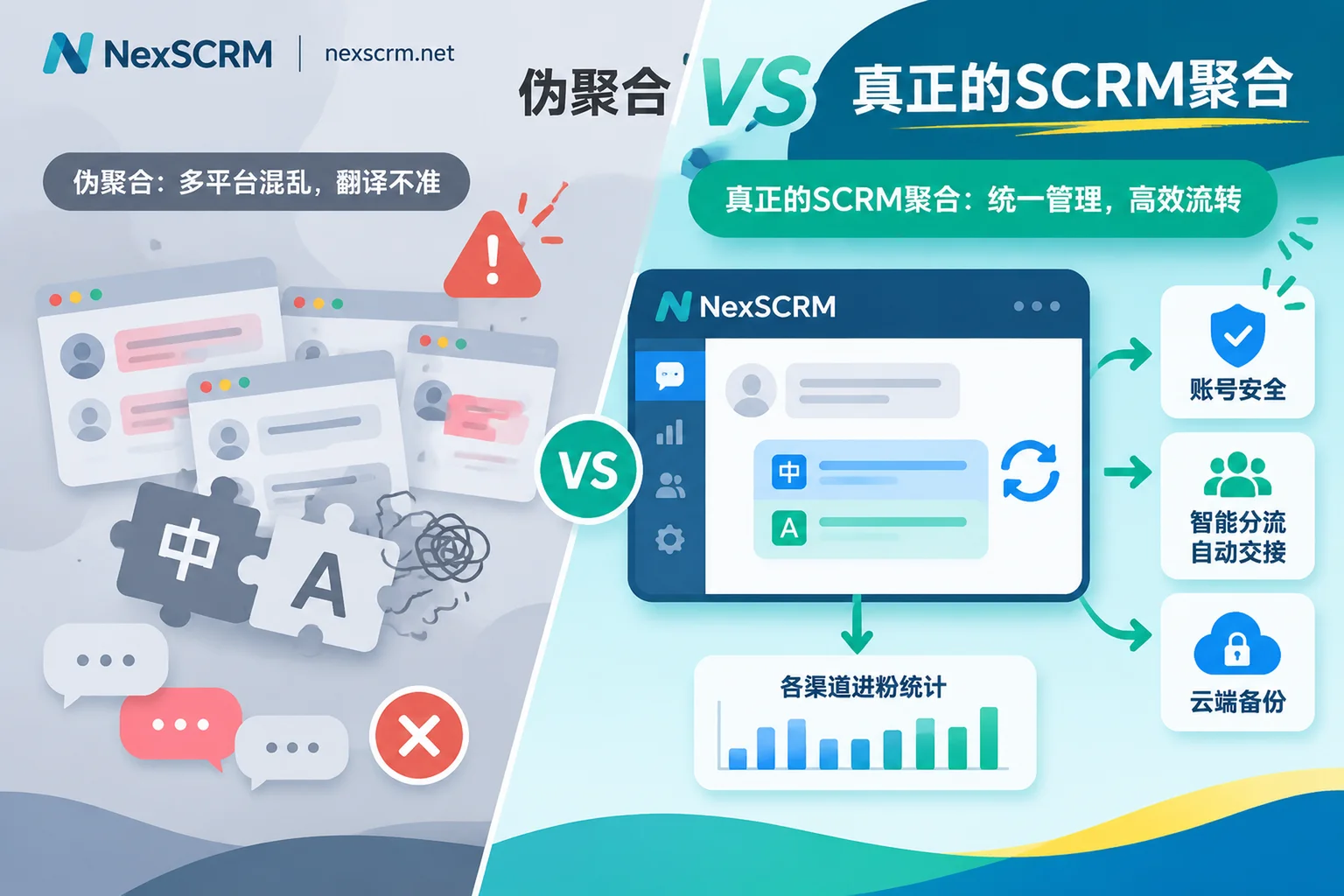
1. Break Away from "Window Stacking": Check Whether Multi-Account Aggregation Has an Independent and Secure Environment
Many startup teams' first requirement for aggregated customer service is "no need to switch back and forth between a dozen browser tabs and phone emulators." However, if a software simply embeds multiple accounts into a shell using embedded web pages without solving the underlying network and environment isolation issues, it often brings high risks of account suspension (for the underlying differences of multi-instance solutions, refer to our previous share Desktop WhatsApp Multi-Instance Practical Comparison).
When validating the multi-account aggregation function, focus on verifying the following three points:
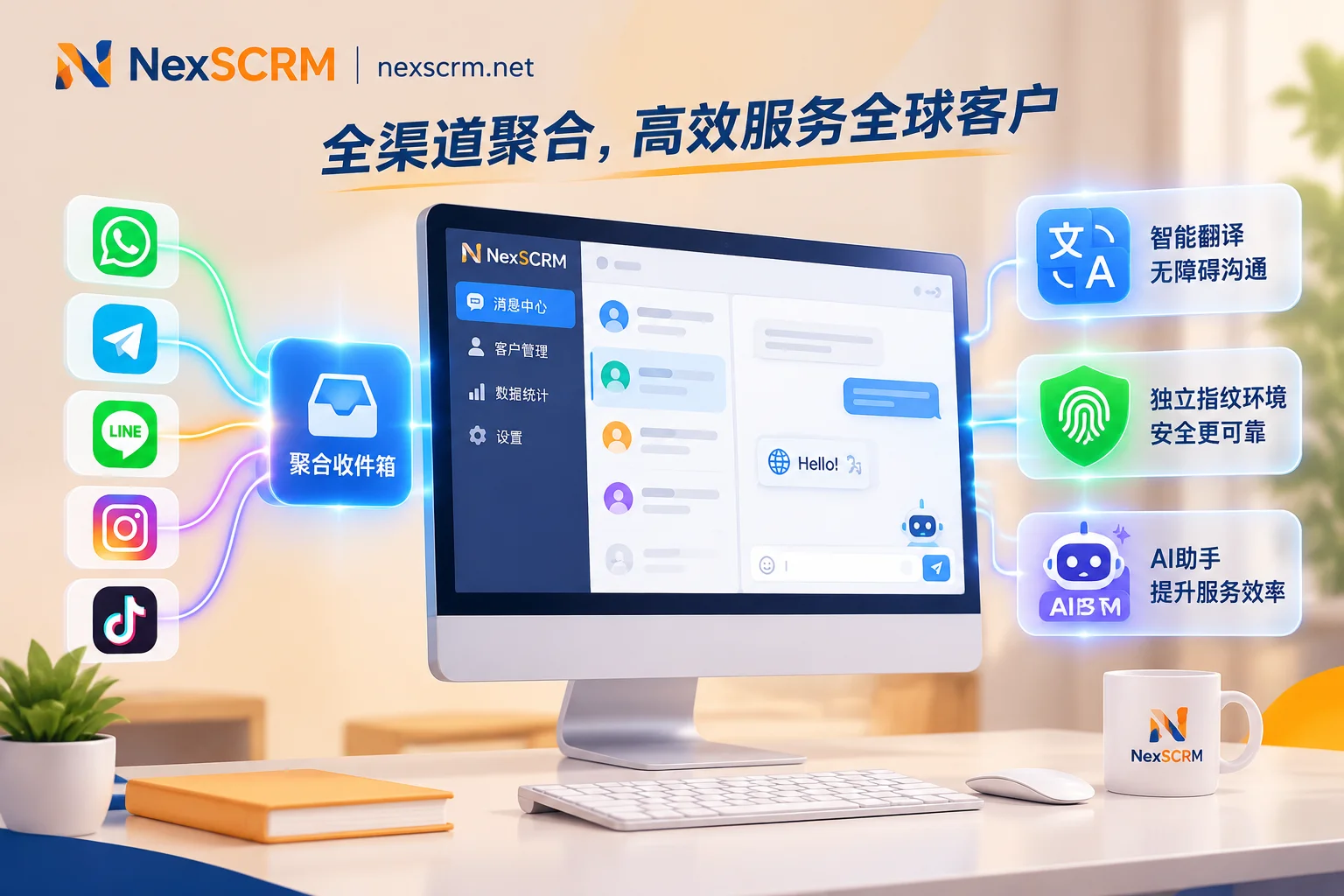
- Platform coverage and account compatibility: Does the system truly support all mainstream overseas channels used by the team? Take NexSCRM as an example; its desktop workbench provides one-stop aggregation for sending and receiving messages from multiple accounts on platforms such as WhatsApp (compatible with both regular personal accounts and Business accounts), Telegram, LINE, Zalo, Facebook, Messenger, Instagram, TikTok, X (formerly Twitter), Discord, and Signal. All unread messages are uniformly notified, and chat windows can be flexibly split, merged, or hidden.
- Independent fingerprints and session-level proxies: To avoid triggering platform risk control mechanisms when multiple accounts log in simultaneously, NexSCRM allows each social account to run in an independent fingerprint environment and supports binding a separate proxy IP for each session. This underlying isolation effectively avoids association risks between accounts.
- No repeated QR code scanning and permission division: Cross-border customer service agents dread having all accounts go offline and needing to re-scan after restarting the computer. A mature client automatically saves login status, so restarting the software does not require re-scanning; it also supports unified port and permission allocation by the main account, with sub-accounts having role-based visibility and multi-device login support, keeping account management authority firmly in the hands of the enterprise.
2. Break Away from "Plugin Dependence": Check Whether Multilingual Communication Is Natively Built-in and Accurate
In cross-border inquiry reception, language is the first barrier affecting response speed and conversion rate. Many basic social media aggregated customer service systems do not have native translation capabilities, or only provide a single machine translation interface, forcing customer service agents to rely on third-party browser translation plugins or frequently switch windows to manually copy and paste (this inefficient mode is detailed in More Than Translation: Why Cross-Border Teams Are Seeking a "Real-Time Chat Translation+" Full-Chain Solution).
When evaluating the system's multilingual reception capabilities, it is recommended to test with real cross-language inquiry scenarios:
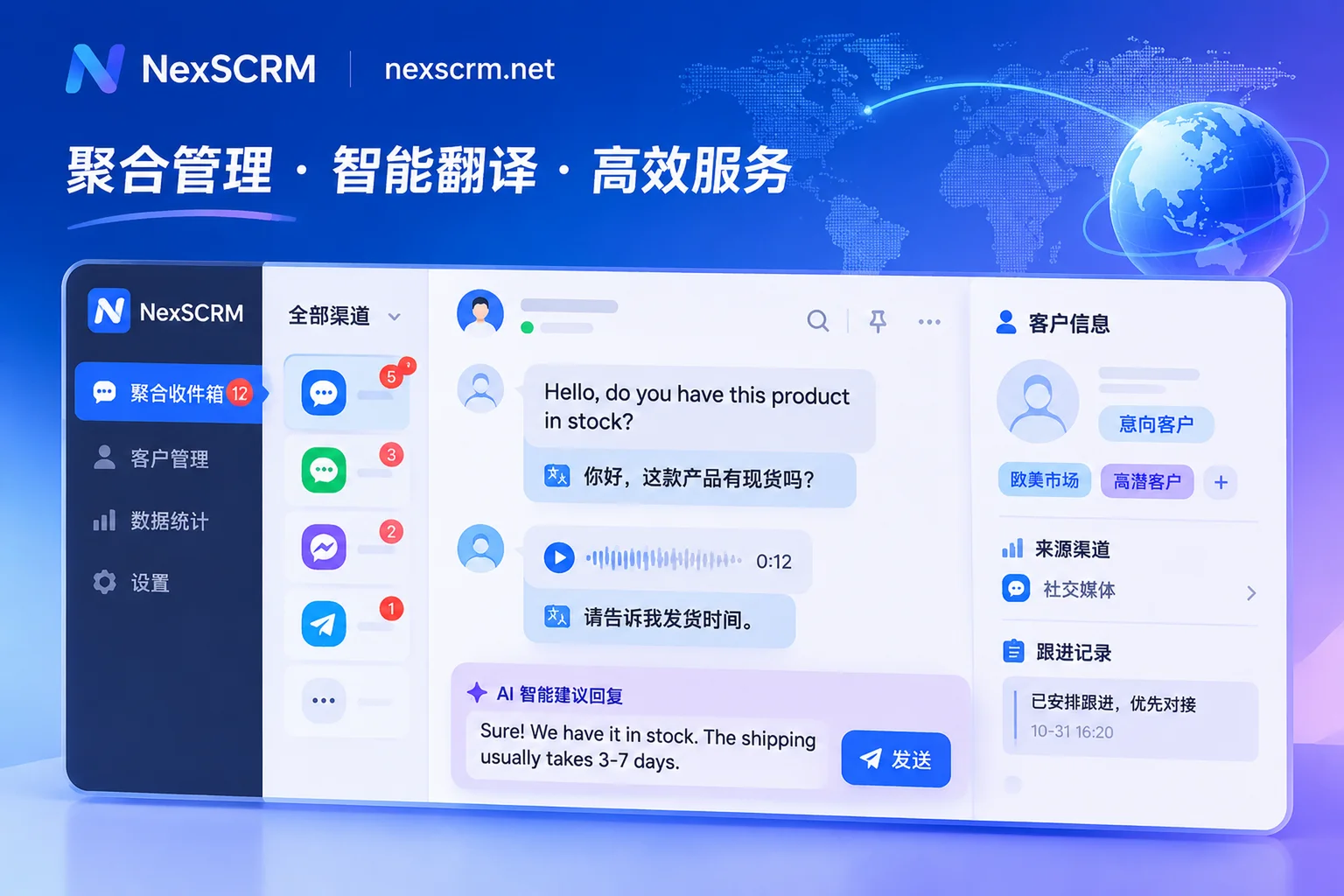
- Native client built-in, no more plugin crashes: An excellent system deeply integrates translation capabilities into the chat window. In NexSCRM's multilingual real-time translation module, sending and receiving messages can achieve automatic two-way translation without any browser plugin, and the chat interface retains both the original text and the translation for easy verification of key model, quantity, and delivery parameters.
- Multi-engine switching and language adaptation: Different languages and industry terms have different requirements for translation engines. NexSCRM supports automatic detection of the other party's language and can also set translation languages individually per contact; more importantly, the system has multiple translation engines built in, including Google, Microsoft, DeepL, and AI large models, allowing customer service agents to switch at any time according to the expression habits of minor languages, ensuring natural and authentic translations.
- Cross-modal message translation: Overseas customers are accustomed to sending voice messages or product photos with text. If the system supports translation of images and voice messages beyond text (available by version), it can save customer service agents the cumbersome steps of finding a phone to take photos and recognize text or listening and translating.
3. Break Away from "Working in Silos": Check Whether Inbound Reception, Routing, Deduplication, and AI Collaboration Form a Closed Loop
Centralizing messages into one interface is only the starting point. After messages come in, "who receives them, how to prevent duplicate replies, how to respond when no one is available at night, and how to calculate lead data" are the core factors determining team operational efficiency. Without collaboration mechanisms, the aggregation system may instead become a "battlefield for grabbing orders."
A complete customer operations and collaboration system should connect the entire process from lead acquisition to follow-up conversion:
- Intelligent routing and duplicate prevention: When front-end ads or social media posts generate a large number of direct messages, routing links can automatically assign them to the appropriate customer service agent based on customer source, tags, and history. At the same time, with the system's contact deduplication and lead counter (work order counter), managers can clearly count main account fans and group fans, and perform work order deduplication and system deduplication for individual or all sub-accounts, supporting fan supplement and statistical data export, completely eliminating the chaos of manual spreadsheet reconciliation.
- AI script assistance and automatic welcome: Facing high-frequency repetitive pre-sales inquiries or cross-time-zone inbound messages, NexSCRM's AI scripts and auto-reply feature can automatically send a welcome message when a new customer first comes in, or automatically greet new customers who are directed to direct messages via AI and trigger keyword-based auto-replies. During the manual deep follow-up stage, AI can also generate reply suggestions based on customer questions and historical conversations, which can be sent with one click after confirmation or editing by the customer service agent, and优质 expressions can be saved to the public script library. Combined with quick reply templates supporting variable replacement and a media material library, the average response time is greatly shortened.
- Three-dimensional customer profile accumulation: On the right side of the chat window, customer service agents can record customer tags, remarks, source channels, and follow-up records at any time. Combined with conversation grouping, follow-up reminders, and customer activity statistics, every cross-platform communication is traceable.
4. Break Away from "Customer Loss When Employees Leave": Check Whether Customer Asset Accumulation and Team Internal Control Are Strict
For foreign trade and cross-border private domain teams, contacts and historical inquiry records in social accounts are the most valuable digital assets. When using traditional personal software or crude aggregation tools, once customer service agents operate improperly, privately divert orders, or maliciously delete chat records when leaving, enterprises often face severe customer loss (for detailed risk control strategies, see How to Prevent Order Diversion in Foreign Trade? Four Defense Lines: Account Ownership, Number Desensitization, and Departure Handover).
Therefore, enterprise-level social media aggregated customer service must have strong data backup and employee internal control capabilities:
- Pre-event permission desensitization: Support enabling data desensitization to hide sensitive customer contact information and prevent bulk export or leakage of customer resources.
- In-event sensitive monitoring and alerts: The system can configure sensitive word monitoring, sensitive behavior monitoring (such as monitoring private addition of personal contact information, private collection of payments, and other violations), and payment control. Once a rule is triggered, a custom alert is immediately sent to the administrator, and operation log auditing is used for full-process supervision.
- Post-event cloud backup and asset retention: All chat records and media files are automatically backed up to the cloud and can be quickly searched by time, contact, or keyword. Customer profiles, chat records, and follow-up history are all stored on the enterprise side. Even if an employee leaves, the new customer service agent can seamlessly view the context and continue follow-up; managers can always grasp the team's conversation volume, lead count, response time, and customer service performance through the data dashboard.
Conclusion: Use "Small Steps, Quick Runs" to Test Your Aggregation Workbench
Choosing a social media aggregated customer service system is essentially about rebuilding a standardized overseas private domain reception infrastructure for cross-border teams. Before making a final decision, it is advisable to select the 2-3 social platform accounts that are currently the most troublesome for the team, list the high-frequency cross-language inquiry, multi-account switching, and routing counting scenarios encountered daily, and conduct a real team pilot.
NexSCRM adopts a flexible subscription billing model based on ports (i.e., the number of simultaneous online accounts), supports upgrade or downgrade at any time, and provides a time-unlimited translation character package that can be stacked with subscriptions. Currently, the Windows client offers a limited-time free trial (no credit card required). You can directly visit the NexSCRM download page to get the installer, or check the pricing and version plans, and personally verify the efficiency leap brought by multi-account aggregation, real-time two-way translation, and team internal control in real business flows.