 NexScrm官方博客
How to Enable Instagram DM Translation: Official Long-Press Translation and Cross-Border Multi-Account Two-Way Translation Guide
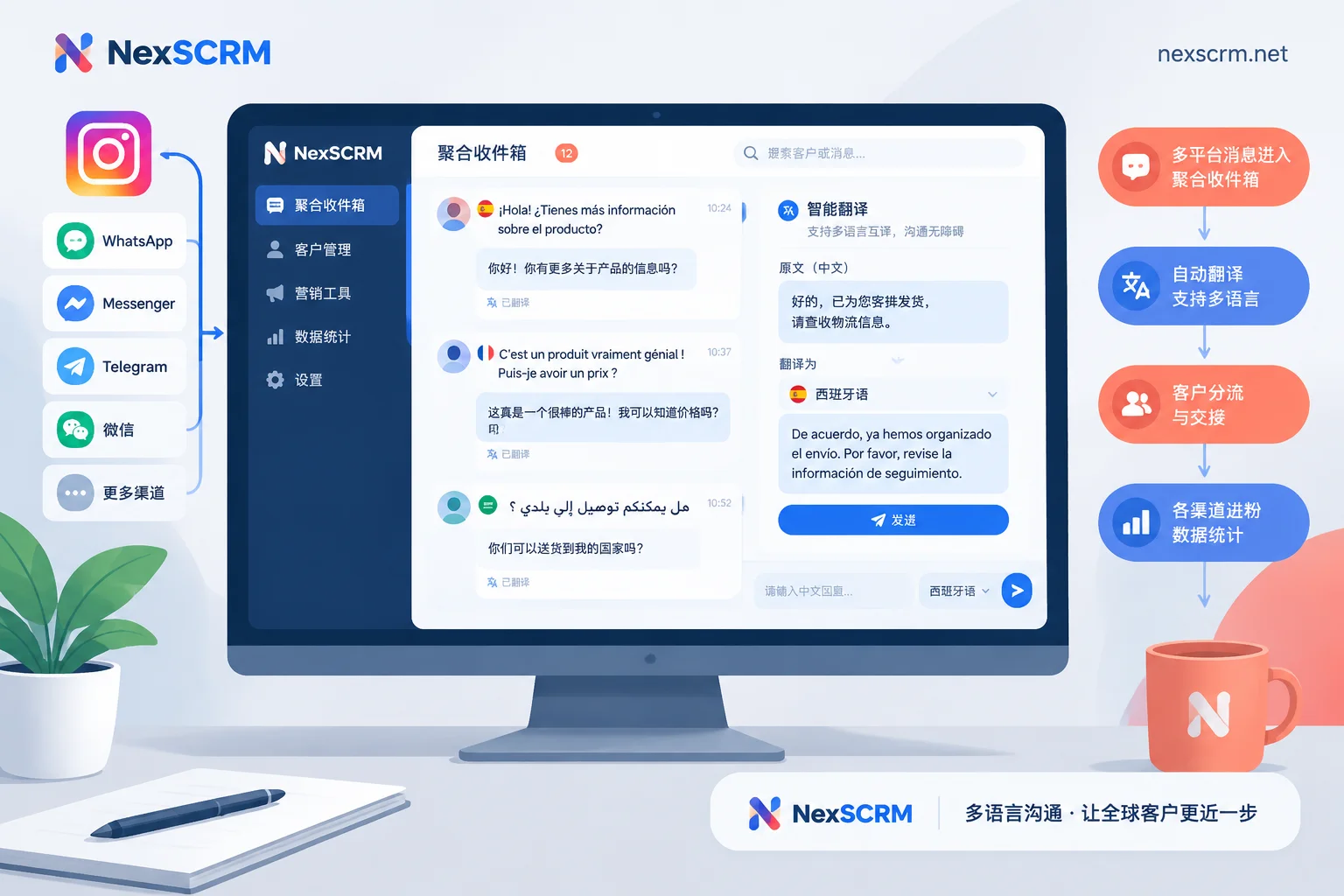
Instagram's official long-press translation works for reading but not sending, requires manual tapping per message, and is missing on web; this guide covers official setup and troubleshooting plus how cross-border teams use desktop clients for multi-account Instagram aggregation and real-time two-way auto-translation.
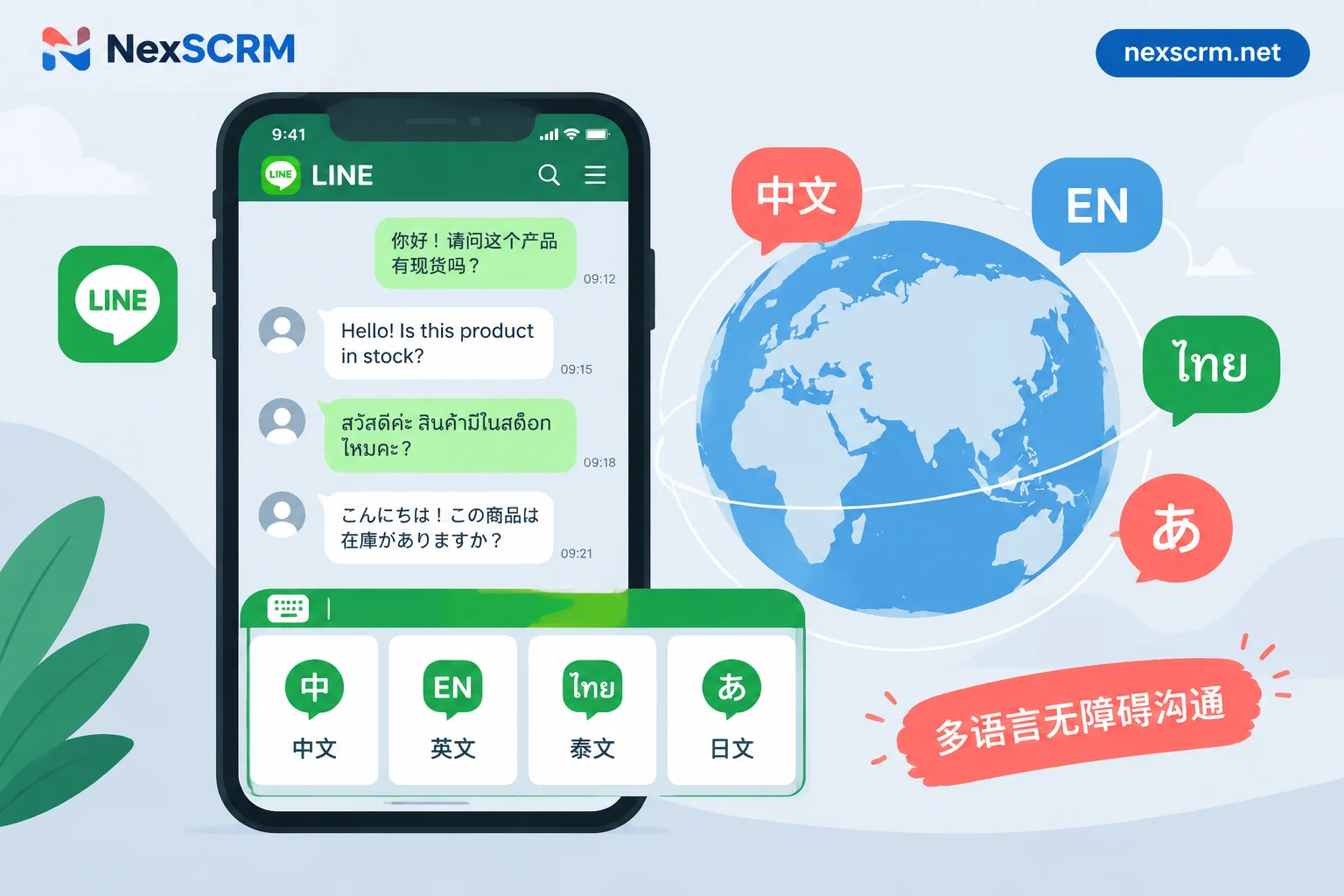
How to Set Up Multilingual LINE Rich Menus: Three Approaches to Choose Based on Your Team's Resources
The LINE Official Account Manager backend only supports a single global default rich menu and cannot automatically display different versions based on a friend's language. This article explains three approaches based on whether your team has development resources: a single bilingual mixed-layout image, language-switch buttons on the menu, and automatic menu binding based on the phone's language setting. It includes step-by-step instructions, image specifications, workarounds for the desktop version not showing menus, and how to handle multilingual inquiries after customers enter a chat.
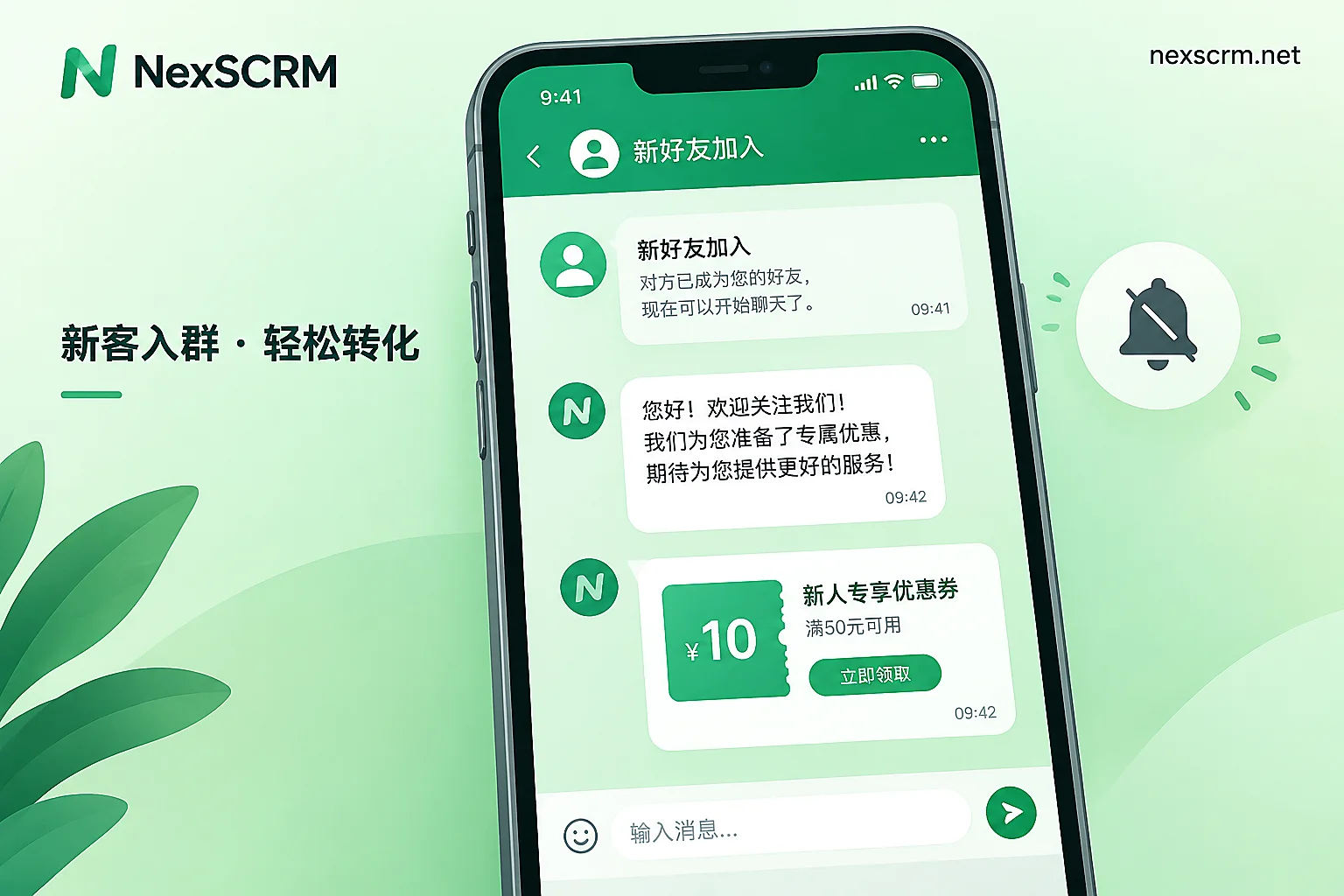
What to Send as the First Message After Someone Adds Your LINE Official Account: Four-Part Structure, Message Count Rules, and Ready-to-Edit Templates
Welcome messages for new friends don't count against your broadcast quota and you can set up to 5 chat bubbles, though 1 to 3 is recommended; this article gives a four-part structure, editable templates, configuration checklists, and how to follow up with foreign-language reception after a customer replies.
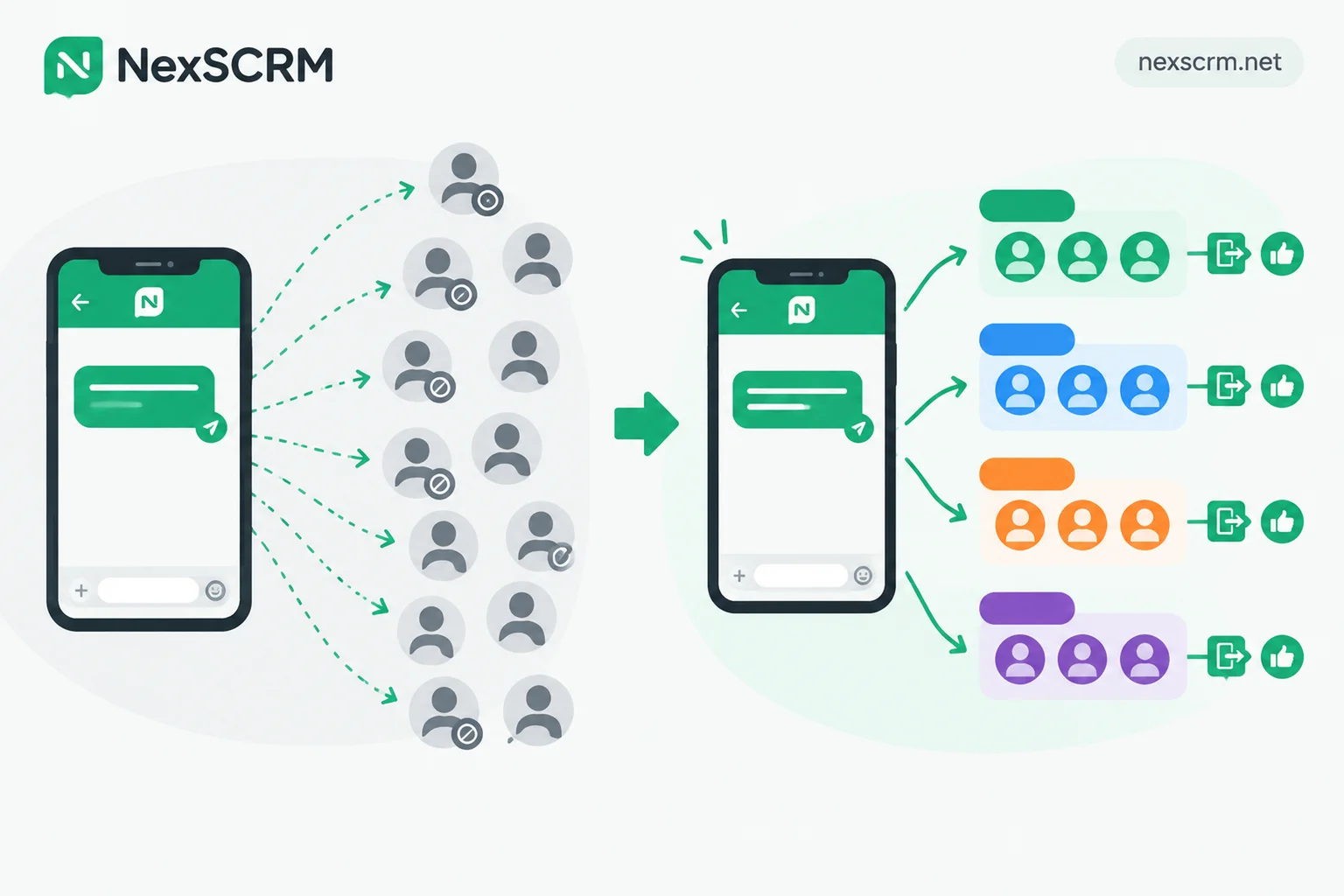
LINE Segmented Push vs. Mass Broadcast: Which Works Better? Prioritize Segmented for Marketing, Reserve Mass Broadcast for Announcements
How LINE official accounts should choose between segmented push and mass broadcast for marketing messages, comparing reach, engagement, and block rates.
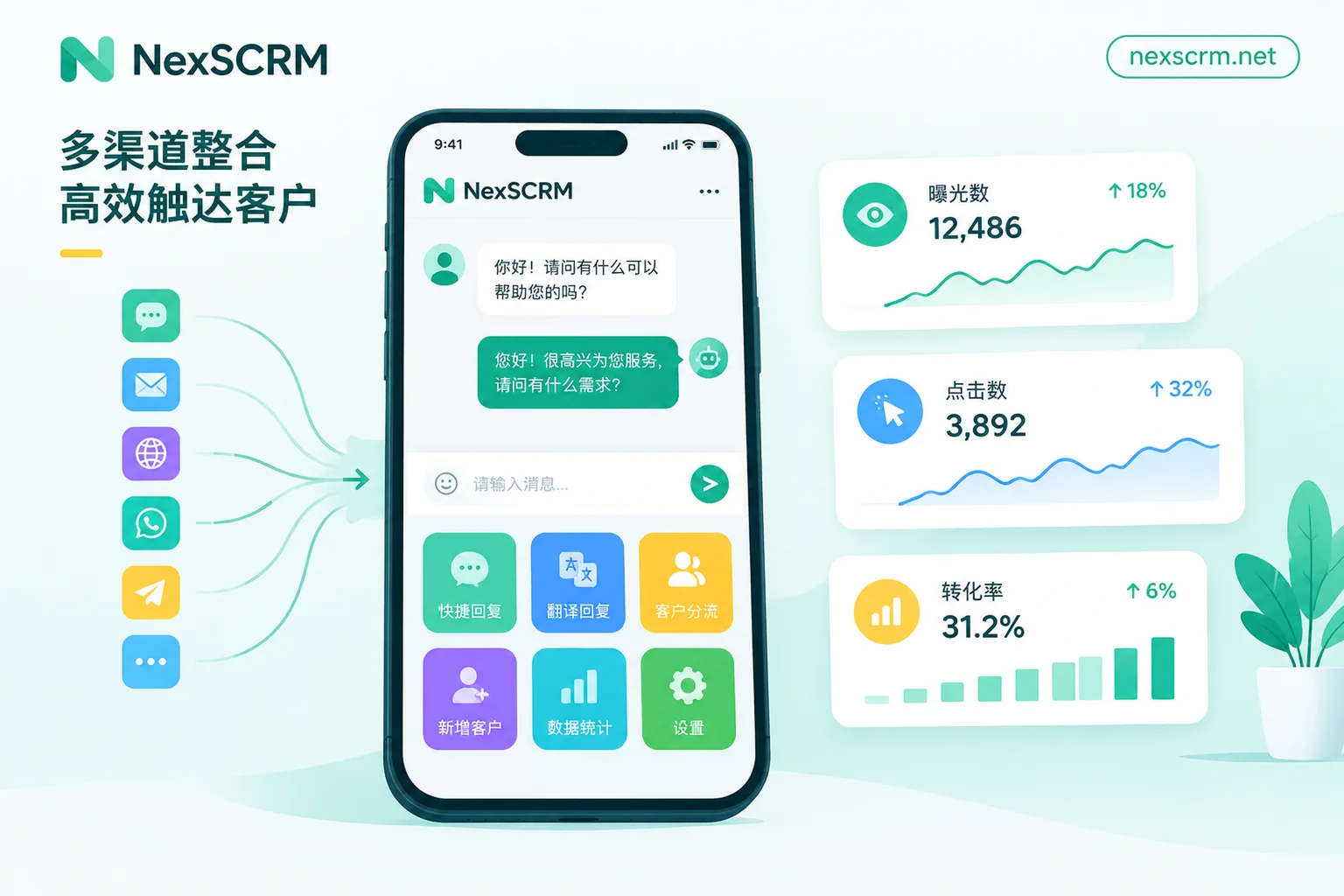
How to Track LINE Rich Menu Click-Through Rates: Backend Data Extraction, Three Calculation Methods, and Closing the Post-Click Loop
This article explains how to export rich menu impression and click data from LINE Official Account Manager's 'Analytics → Rich menus', calculate total click-through rate, unique click-through rate, and per-button contribution rate, and then complete post-click tracking for three button actions: open URL, send text, and contact support, finally organizing everything into a weekly tracking table.