 NexScrm官方博客
Conclusion first: In LINE official accounts, for daily marketing and follow-up messages, segmented push usually works better than mass broadcast. Segmented push uses fewer message credits, matches content to recipients, and is less likely to result in blocks. Mass broadcast is also useful for notifications that every friend needs to know. In practice, the two are complementary, not mutually exclusive.
"Effect" specifically includes three things: how many credits were spent, whether people opened and clicked, and whether friends were driven away. The following sections explain each.
Cost: Calculated by the number of recipients, not by the number of sends
LINE official account push is usage-based: total sends = number of sends × number of target friends. Users who have blocked the account are not counted as target friends. As long as other friends receive the message, credits within the plan are deducted, and overage incurs additional charges.
Therefore, the more friends you have, the higher the cost of a single mass broadcast. If a promotion is only relevant to some customers but sent to everyone, most of the credits are spent on people who don't need the message. Segmented push only deducts credits for the number of people who meet the conditions, so the same credits can be used for multiple rounds of more targeted messages.
Monthly fee tiers and overage unit prices vary by region (e.g., Japan, Thailand, Taiwan) and are subject to change. For specific numbers, refer to the billing page in the backend for your account's region; they are not hardcoded here.
Open, click, and block: Depends on whether content and recipients match
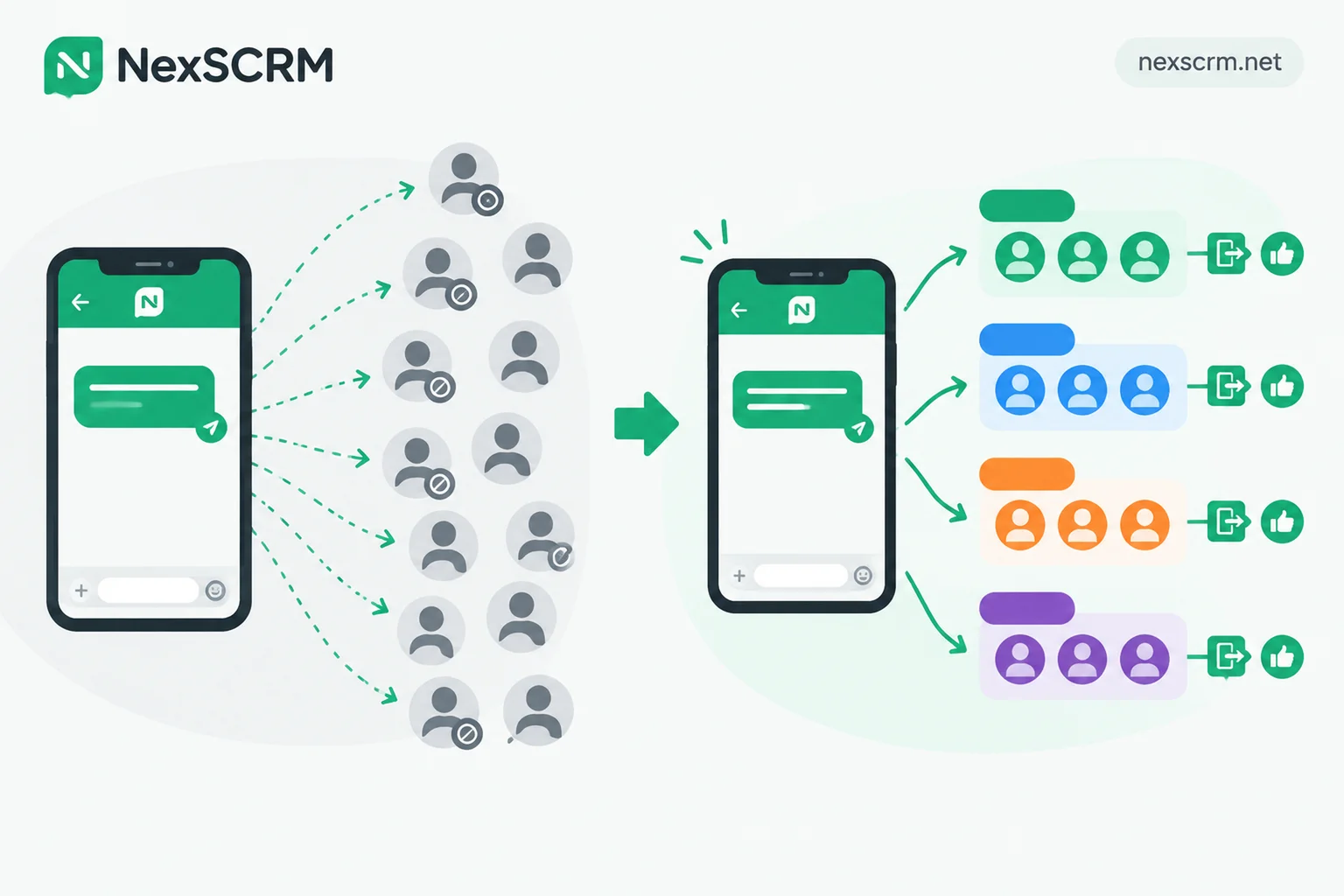
The biggest risk of mass broadcast is blocking, which is harder to recover from than credit cost. Friends who repeatedly receive promotions irrelevant to them are likely to block the account. Unless they actively unblock, future pushes cannot reach that person.
Segmented push sends messages only to people who might need them, such as customers who inquired about a certain product, customers in a certain region, or old customers who haven't interacted in a long time. Recipients feel the message is relevant, so open and click rates are naturally higher, and unsubscribes and blocks are fewer. If your account's block rate is already high, you can refer to "Why is LINE block rate high" to troubleshoot item by item based on when blocks occurred.
Which messages to use mass broadcast for, and which to use segmented
Messages suitable for mass broadcast are usually those every friend needs to know, with low sales intent:
- Store or branch closure notices
- Logistics suspension or delivery delay announcements
- Changes to terms of service or privacy policy
- Store-wide major promotion kickoff, provided the event is truly attractive to everyone
Use segmented push in the following cases:
- New product recommendations, targeting people by interest or past inquiries
- Offers for specific groups, such as new friends, old customers, or a certain order value tier
- Re-engaging inactive customers
- Repeat purchase reminders for old customers
- Events held only in certain regions
The judgment is simple: if the message is "irrelevant to me" for some friends, use segmented push.
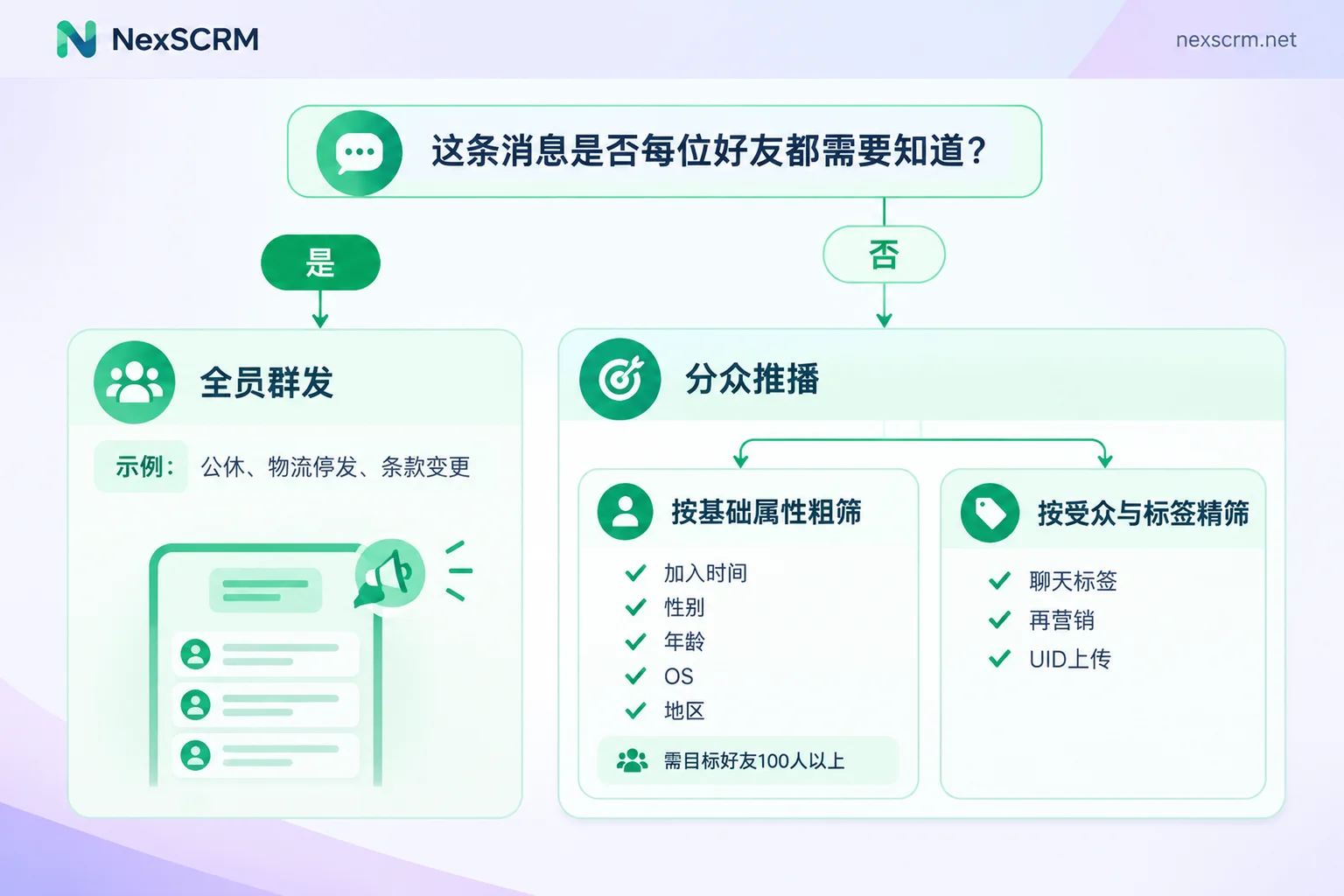
Conditions for using segmented push
Filter by attribute: Suitable for coarse filtering, with threshold and delay
The official backend's "Filter by attribute" is the easiest segmented method to start with, but there are limitations that affect whether it can be used:
- Friend threshold: The account must have at least 100 target friends to enable this feature.
- Fixed conditions: Only 5 conditions can be selected: time of joining, gender, age, operating system, and region.
- Data delay: These attributes are inferred by the system, with about a 3-day reflection delay. Friends who just joined today cannot be immediately filtered by attribute.
It is suitable for coarse filtering, such as "send only to friends who joined within 30 days" or "send only to a certain region." But it cannot see what customers asked about or bought. To segment by needs and purchase history, you need audiences and tags.
Audiences and tags: Create more accurate lists based on chat records
More precise segmentation relies on "audiences." Common types include chat tag audiences, click retargeting, impression retargeting, join channel audiences, and UID upload. Multiple audiences can be combined, using "include" and "exclude" to define lists. For specific methods, see "How to set up LINE segmented push more precisely".
These audiences share a common prerequisite: the team must routinely tag customers according to unified rules. The official backend itself does not know a customer's needs and purchase stage; this information exists only in conversations. You can start with three dimensions:
- Intent needs: What type of product or service the customer asked about
- Purchase stage: Inquiring, quoted, closed, repeat purchase
- Order value tier: Divided by the team's own order value ranges
At the beginning, fewer tags with fixed naming is more practical than creating many but nobody tagging according to rules.
Tags come from daily conversations
How accurately you can segment depends on whether customer service and sales record customer information during conversations. If the team uses multiple accounts simultaneously and communicates with the same customers on platforms outside LINE, information is scattered across accounts, making it easy to miss when organizing tags, and hard to pick up when someone else takes over.
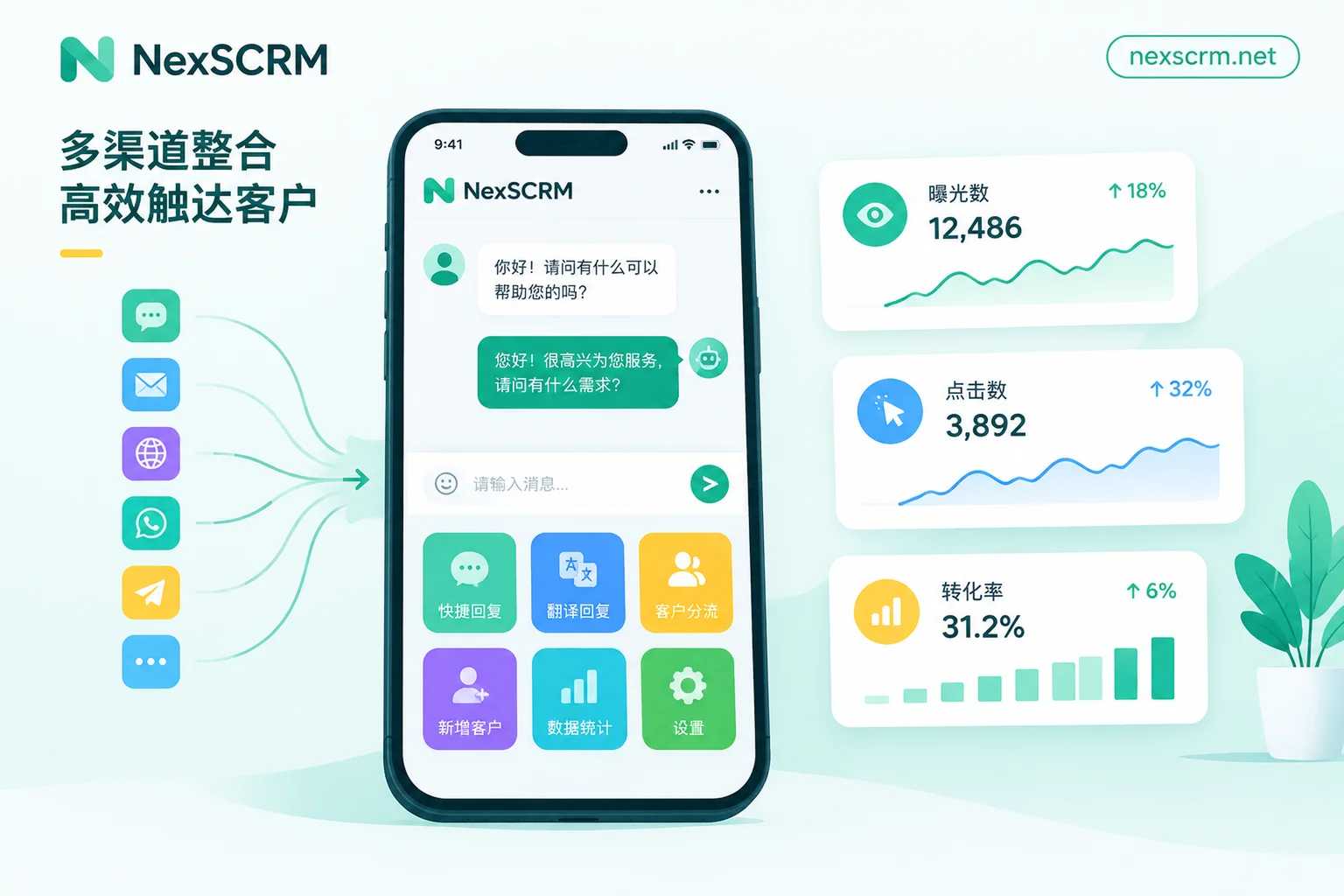
In NexSCRM, messages from multiple platforms and accounts are sent and received in one workspace, and customer profiles, tags, and contact deduplication are also centralized. When serving, you can conveniently note the customer's intent and stage; records of the same customer in different accounts can be deduplicated and merged, and context remains when handing over to colleagues. The chat tags and audiences used for push are still created in the LINE official account backend. NexSCRM's role is to clearly record and consistently name customer classifications from conversations, so that when creating audiences in the backend, there is a reliable basis.
How to confirm which method works better for your account
You don't have to rely solely on experience; you can compare messages sent during the same period:
- Credit consumption: The number of target recipients for each push, and how many credits were used this month
- Opens and clicks: Open rate and click rate in the backend, viewed separately for the two methods
- Block changes: Whether the number of blocks increased significantly within a few days after each push
If a certain type of mass broadcast significantly increases blocks after sending, switch that type of content to segmented push next time. If a certain segmented list consistently has low opens and clicks, it's usually time to check whether tags are accurate or whether the list is too broad.


Comments(0)