 NexScrm官方博客
Businesses can use Telegram's community features for overseas customer operations, but must distinguish the purpose of each function. Channels are for official announcements, supergroups with topics are for public Q&A and user interaction. Actual quoting, order follow-ups, and after-sales must be done in private chats with support accounts—which is exactly where Telegram's native features are relatively weak.
Here's the order: first choose the form, then set rules, and finally fill the private chat gaps.
Three community forms and what they're good for
| Form | Who can speak | Scale | Best for business | Points to note |
|---|---|---|---|---|
| Channel | Admins only | Unlimited subscribers | New products, promotions, announcements, policy or logistics notices | It's one-way; you need to link a discussion group for subscribers to comment |
| Supergroup | All members can speak | Up to 200,000 | User interaction, public Q&A, dealer or agent communities | Members can see each other, risking poaching |
| Topics | Speak within sub-boards | Attached to a supergroup | Split a large group into sections like "New Product Inquiries," "After-Sales," "Tutorials" | Too many sections scatter attention; need moderation |
Channels are for publishing official information. Messages are pushed directly to subscribers, bypassing algorithmic feeds, making them ideal for notifications that customers must fully receive. After linking a discussion group, subscribers can comment under each message, making it easy to gather feedback on new products or events. However, it's not suitable for one-on-one questions; if a customer asks about pricing in the comments, it ultimately needs to move to private chat.
Supergroups are for interaction. A regular group upgrades to a supergroup as it grows, with a limit of 200,000 members. Admin permissions can be finely tuned, and you can enable slow mode, restrict media sending, or add anti-spam bots to control ads and flooding. The main cost is privacy: group members can see each other and contact one another privately. Competitors joining your group and privately adding your customers is a common risk.
Topics are for dividing a large group. When enabled, a supergroup is split into multiple forum-style sections, each with its own message stream and notification settings. Customers only need to follow what interests them. Sections should be organized by what customers need to do—like "Pre-purchase Inquiries," "Logistics Tracking," "After-Sales Issues"—not by company department, because customers don't know which department to contact.
How to choose: answer three questions first
- Do customers need to interact with each other? If not, a channel is enough; you don't need to bear the management cost and privacy risks of a group.
- Is the customer list sensitive? For B2B buyers, high-value customers, or core dealers, the list itself has value. These customers are better served by "channel + private support chat," not by pulling them into the same public group.
- Are questions flooding the group? If the same questions repeat and important messages get buried, it's time to enable topics and organize FAQs into pinned or fixed sections.
Most foreign trade teams end up with a three-layer structure: channel for publishing, group for interaction, support account for closing deals and service.
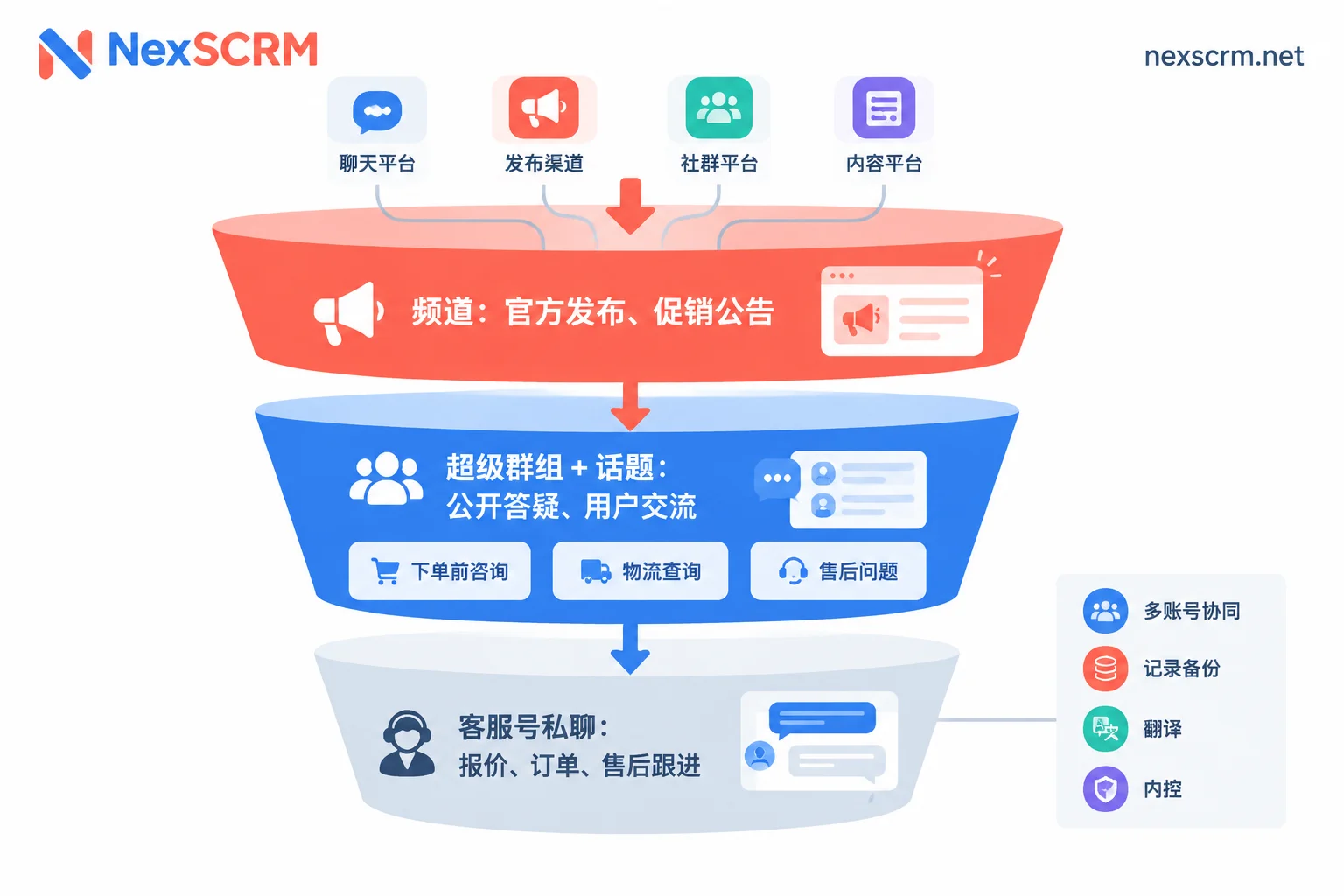
For how to set up this layered structure, refer to How to Build a Cross-Border Private Traffic Pool on Telegram: Three-Layer Support with Channel, Group, and Support Account.
What Telegram Business adds
Telegram Business adds several reception capabilities for individual accounts:
- Set business hours and location so customers know when to expect a reply;
- Quick replies: type "/" in private chat to bring up preset phrases for FAQs;
- Welcome greeting: auto-reply when a new customer first messages;
- Away auto-reply: inform customers when someone will handle their message outside working hours.
For a small team with one support account, these features cover basic reception. Two boundaries to note: first, quick replies only work in private chats, not for group Q&A; second, these features are designed around a single account—there is no multi-seat assignment, nor can multiple accounts be managed in one place.
Four things native features lack when the team grows
When there's more than one support account, or multiple shifts and staff handovers, the following issues arise:
- Invisible collaboration. Support accounts are scattered across different phones and computers; supervisors don't know which customer is still waiting, and handovers rely on screenshots and verbal notes.
- Records can break. Telegram allows deleting messages from both sides and clearing conversations. If records are deleted by customers or staff, the next person can't see previously discussed prices and terms.
- Lack of internal controls and statistics. Native features have no centralized sensitive word or behavior monitoring, can't prevent employees from collecting payments privately, and can't track how many leads each entry point brings by channel.
- Cross-language communication is tough. Customers come from multiple language backgrounds and often send images and voice messages. Copying text to translation sites is slow and makes it hard to verify whether quotes and terms are translated correctly.
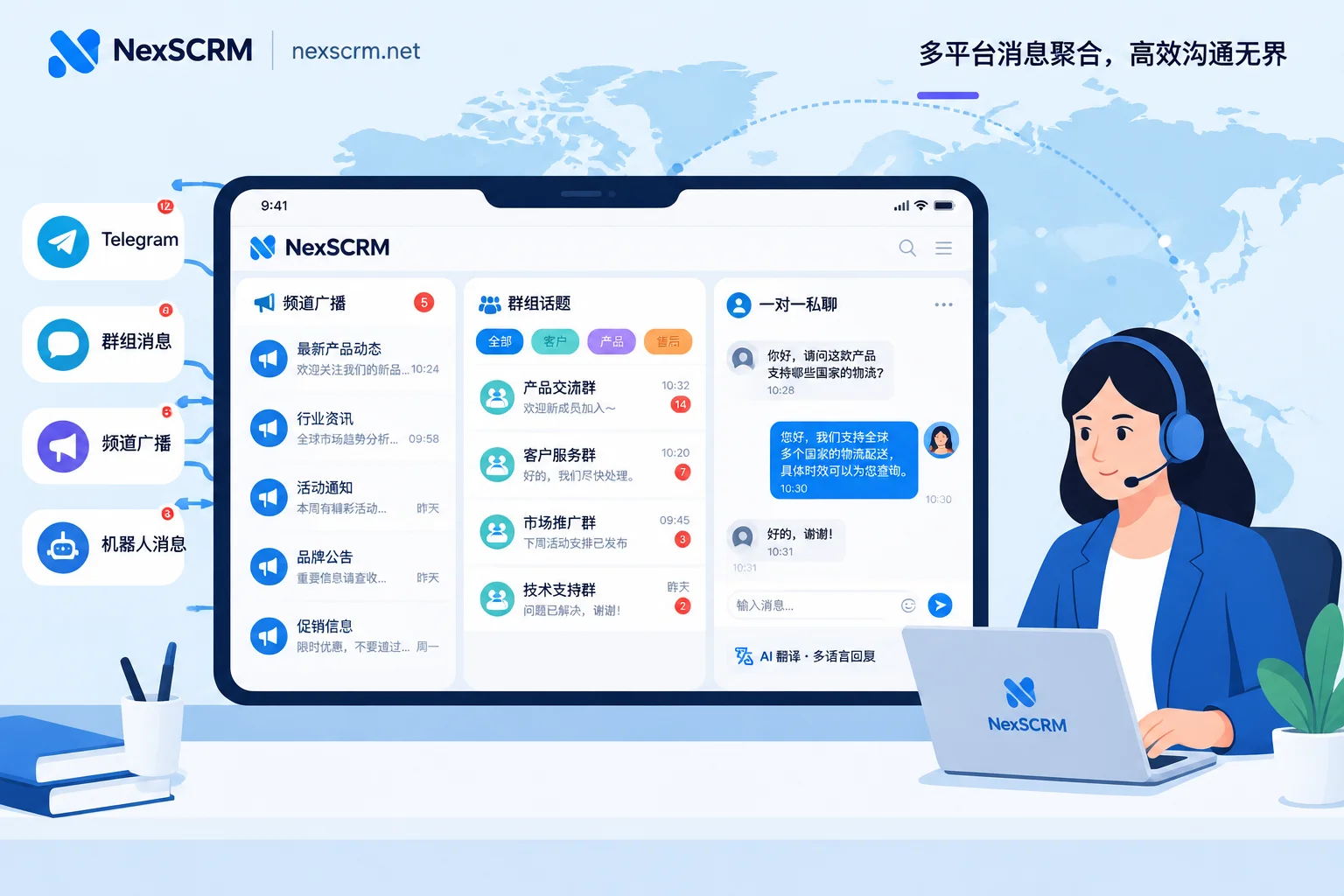
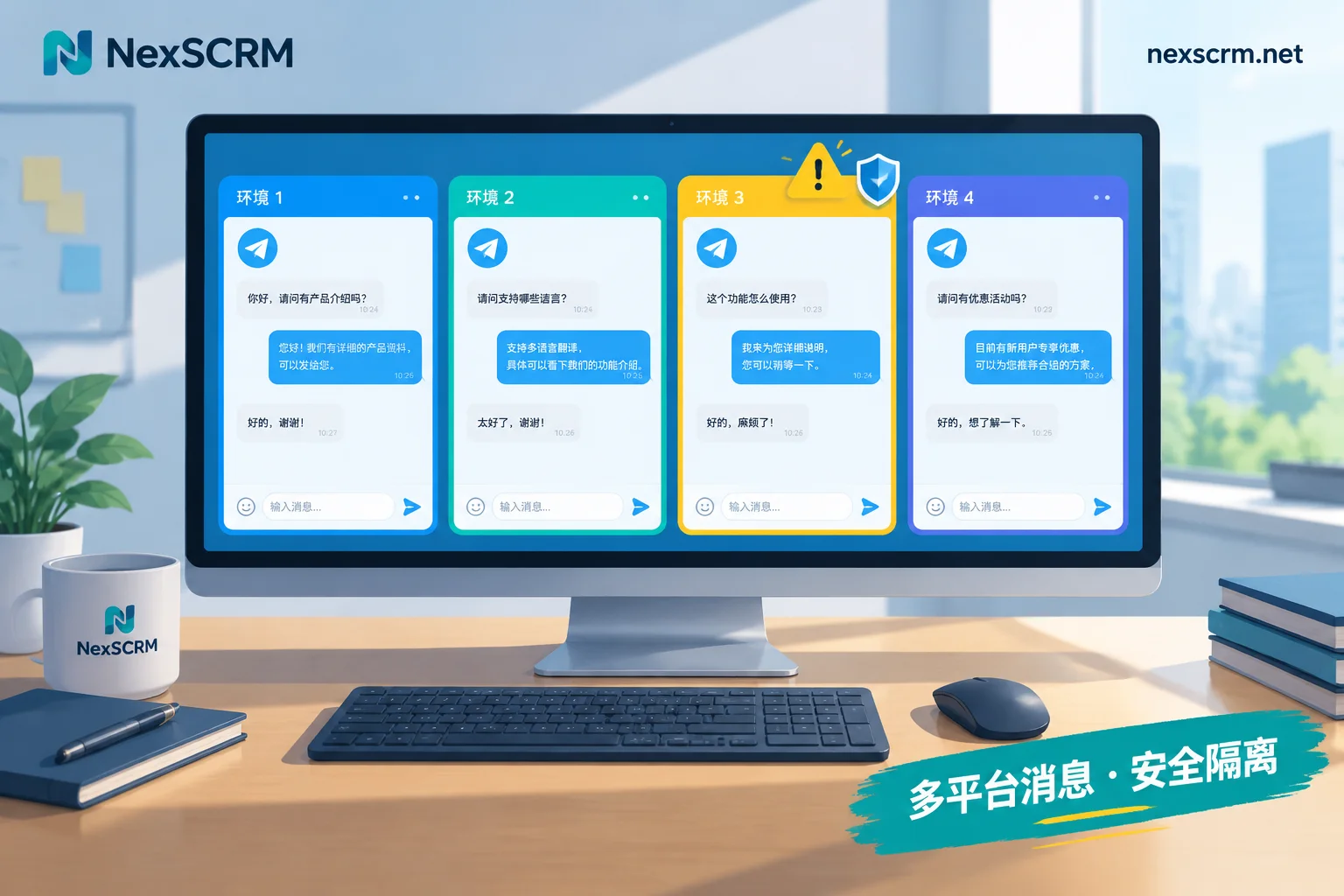
These are the areas that aggregated workbenches like NexSCRM address. In NexSCRM, you can put multiple Telegram support accounts and accounts from other platforms like WhatsApp into the same Windows workbench for sending and receiving. Each account uses an independent fingerprint environment and can bind a session-level proxy. Supervisors can see all conversations in one place and use customer profiles, tags, and follow-up reminders for handovers; see Multi-Account Aggregation. Chat records support cloud backup and search, so new colleagues can look up previous communications. Follower counters and split link statistics allow viewing leads by entry point; see Counters and Backup.
Additionally, sensitive word and behavior monitoring, data masking, and payment controls are used for internal governance; real-time two-way translation covers text, images, and voice, provides multiple translation routes, and keeps both original and translated text for easy comparison.
NexSCRM charges per port, where the number of ports equals the number of simultaneously online accounts. You can start with a free trial to verify if the workflow suits you. For estimating ports, see How Many Ports Does One Support Agent Need. If you're worried about getting banned when operating multiple accounts, see Will Operating Multiple Telegram Accounts Get You Banned.
When you don't need extra tools
If you have only one or two people, one support account, customers speaking basically the same language, and no staff handovers, then "channel + group + Telegram Business" is sufficient. The value of tools only becomes apparent with multiple accounts, multi-person collaboration, multiple languages, and internal control needs. With few accounts and staff, just make good use of native features first.
Recommended implementation order
- Start with a channel as the official information outlet. Link a discussion group when you need to collect feedback.
- Create groups as needed. Before creating, define admin roles, enable slow mode and anti-spam bots. As numbers grow, enable topics and divide sections by what customers need to do.
- Direct deals to private chat. Leave support account entry points in the channel description and pinned group messages; route quotes, orders, and after-sales questions to private chat, not in public groups. For how to arrange traffic entry points, refer to Where to Best Attract Traffic to Telegram Private Pools.
- Once support accounts or reception staff increase, connect to a workbench to uniformly handle conversations, scripts, backups, statistics, and internal controls. Don't wait until employees leave and customers are lost to start filling the gaps.


Comments(0)