 NexScrm官方博客
First, the conclusion: Telegram does not prohibit an individual or a team from operating multiple accounts, and multi-accounting itself will not lead to a ban. Account feature restrictions (commonly called Spamban) or phone number bans usually have two causes.
- Behavioral issues: Proactively messaging strangers, adding people to groups without consent, sending repetitive promotional content, and being reported by the recipient.
- Environmental issues: Registering with virtual numbers of unknown origin, or many accounts crammed into the same network and frequently switched on the same device, being linked together by risk control.
So what teams need to manage is not how many accounts are opened, but what each account is doing and in what environment it logs in.
Multiple accounts are an officially supported usage
The official Telegram client allows adding and switching between multiple accounts on one device. The free version supports up to 3, and Telegram Premium up to 4, each requiring a separate phone number. The terms of service also do not prohibit multiple accounts.
When a team's account count exceeds the client limit, they generally distribute them across multiple devices or switch to multi-account management tools. As accounts grow, environmental issues emerge, which will be discussed separately later.
First cause: reported by strangers
Telegram's official Spam FAQ is clear: if you proactively message someone who hasn't saved you as a contact, send promotional links they haven't agreed to receive, or add people to groups or channels without permission, they can tap Report Spam. After review confirms the report, the account will be restricted.
The restricted state has a big impact on customer service teams:
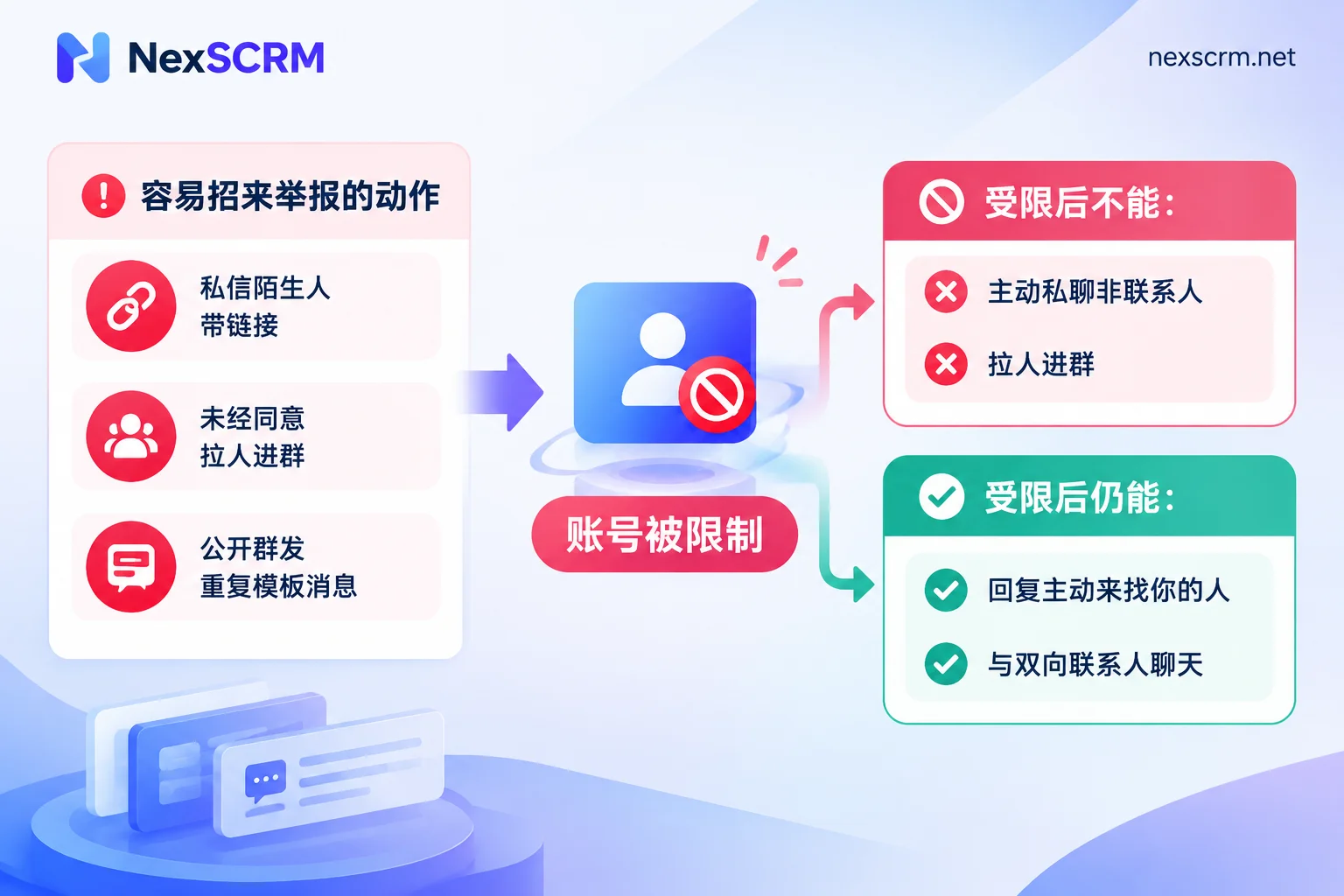
- What you cannot do: Proactively message non-contacts, add people to groups.
- What you can still do: Reply to people who contact you first, and chat normally with mutual contacts.
This rule determines the vastly different risk resilience of two types of accounts. Customer service accounts that mainly handle inbound inquiries can basically continue their conversations even if restricted. Accounts that rely on outbound acquisition almost grind to a halt once reported.
In daily work, the following actions most easily attract reports:
- Sending the first message to someone who doesn't know you, with a link or quote right away
- Adding people directly to product groups or channels without asking
- Posting large amounts of identical or obviously templated messages in public groups
Second cause: phone numbers and login environment
Phone number source. Virtual numbers and VoIP numbers are convenient for receiving verification codes, but such numbers may have been flagged by risk control long ago, making the registered account unclean from the start. Business accounts should use physical SIM cards, or numbers that the team can control long-term and can receive verification codes again. If the number cannot receive verification codes, appeals and recovery become very troublesome.
Network and device. Registering intensively under the same IP and device environment, or frequently switching multiple accounts, can easily be identified as associated accounts. Then if one account gets into trouble, others may be restricted or even banned as collateral.
Also note: Telegram has not disclosed how many accounts can be online simultaneously under the same IP, nor the risk control weight of different number segments. The "safe numbers" circulating online have no official basis. A more reliable approach is to separate account environments and make each account's behavior look like a real person communicating normally.
Why new accounts are more prone to trouble
Newly registered accounts are in a risk control observation period and have no interaction history. If you start messaging strangers, posting templated messages or links in public groups right after registration, the system can easily judge it as an automated spam account, resulting in feature restrictions or even a direct number ban.
When a new account is first activated, a safer usage is: first complete the profile picture, name, bio, etc., first handle inbound inquiries and existing contacts, and after having normal two-way conversations, gradually take on more reception volume.
Operating multiple accounts as a team: check in this order
1. Register phone numbers. Record what number each account uses, on which device or environment it logs in, and who is responsible for it. Numbers expiring without renewal, or employees leaving with phones, are direct causes of many teams losing accounts, unrelated to platform risk control.
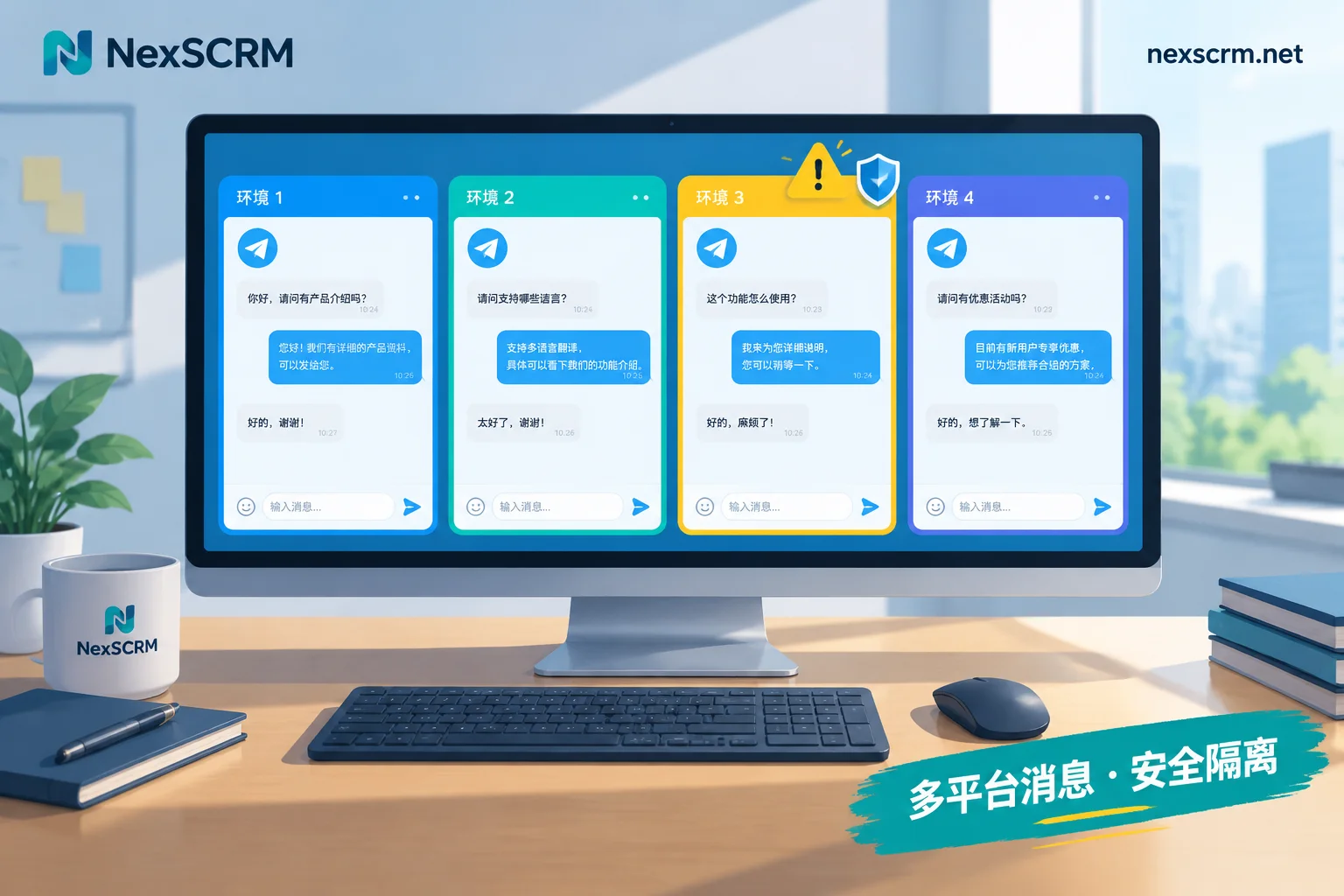
2. One environment per account. Each account should use an independent device fingerprint and a fixed network exit; do not share one network and switch back and forth. If a team uses NexSCRM to manage multiple Telegram accounts, each account has an independent fingerprint environment in the workspace and can bind a session-level proxy individually. Customer service can send and receive messages in the same interface without repeatedly switching accounts in one client. For specific configuration, see Multi-Account Aggregation Feature. For how to fill in and check proxy parameters, refer to How to Configure Different Proxy IPs for Each Social Account.
Note that environment isolation solves the problem of "being associated" and "being implicated." Actively harassing strangers and getting reported cannot be changed by switching environments.
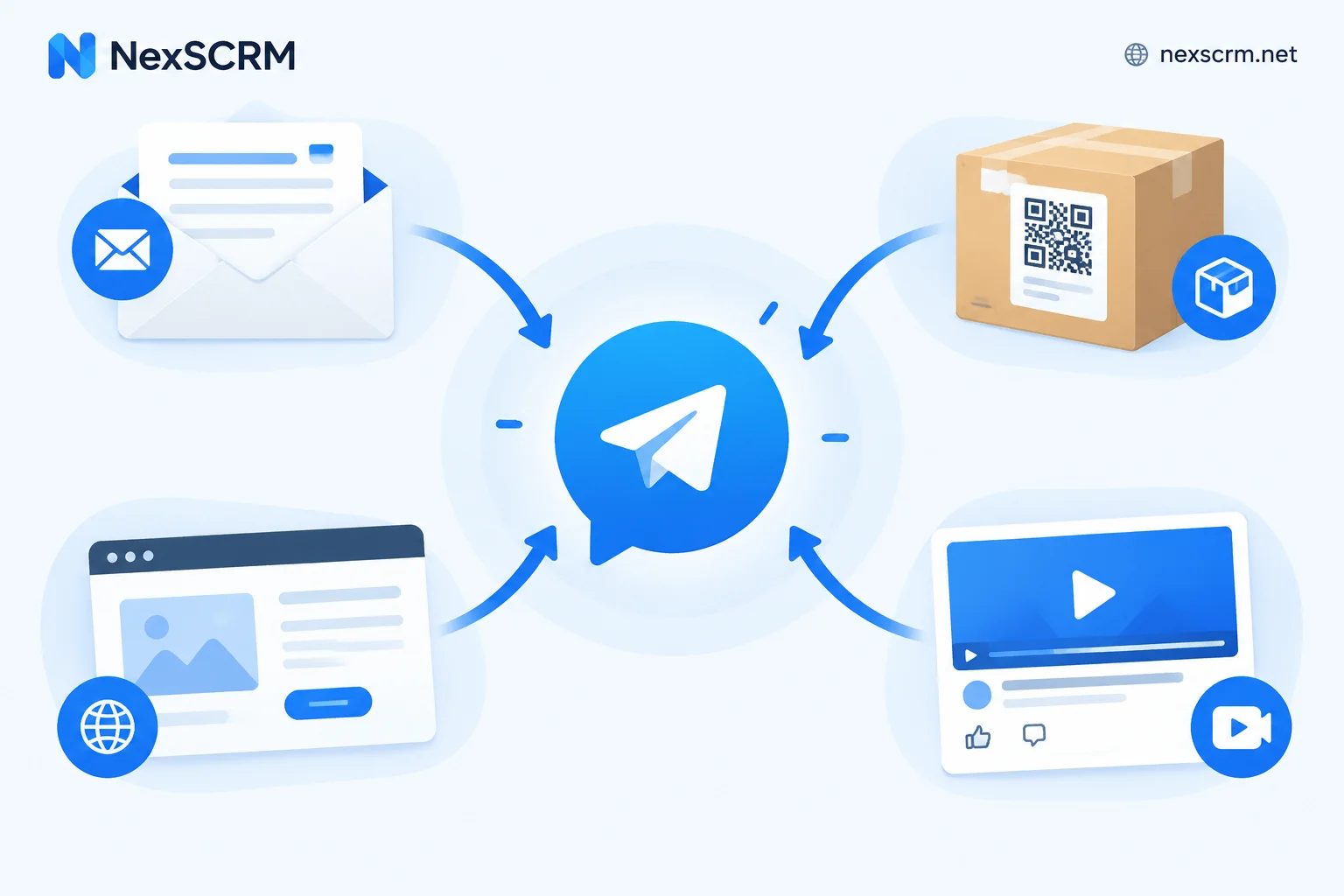
3. Change acquisition method to let customers speak first. This is the most effective step to reduce report risk. When customers proactively send messages from links in channels, official websites, ads, or business cards, you are replying to a conversation they initiated, and it won't be treated as harassment. Even if the account gets restricted someday, these conversations can continue. For how to design entry points, see Where to best divert traffic for Telegram private domain; for how to divide roles among channels, groups, and customer service accounts, see How to build a cross-border Telegram private traffic pool.
4. Unify scripts, but do not copy verbatim. Teams can have approved script templates to ensure consistent quoting and product descriptions. Before sending, adjust according to the customer's question and add the details they mentioned. A large number of identical messages in groups are easily judged as spam and customers don't like to see them either.
5. Get consent before adding to groups. To add customers to product or after-sales groups, first send an invitation link for them to click and join; do not add them directly.
6. Managers should clarify rules. If an employee privately messages strangers, the company's account and all customer conversations on it are at stake. What actions are not allowed should be written into team guidelines, not just left to employee self-discipline.
What to do if already restricted or banned
Feature restricted (can still log in but cannot send messages to strangers):
- Find the official bot @SpamBot in Telegram to check the reason and estimated lift time.
- If you believe it's a mistake, e.g., the other party was a customer who contacted you first, you can submit an appeal directly in @SpamBot.
- During the restriction, continue replying to customers who contact you and mutual contacts; this part is unaffected.
- Review which action caused the report and stop the corresponding practice. If you continue the same operation after the restriction is lifted, you will likely be restricted again, and each time it becomes harder to resolve.
Number banned (login shows "This phone number is banned"):
@SpamBot cannot handle this. You need to email [email protected] to appeal. In the email, clearly state the banned number, the account's actual purpose (e.g., foreign trade customer inquiry reception), and why you believe it was mistakenly banned. Whether it can be unbanned and how long it takes depend on the official processing result.
Conclusion
Whether multiple Telegram accounts get banned mainly depends on two things: whether the accounts are disturbing strangers, and whether the accounts are crammed into the same environment. With clear phone number sources, one environment per account, focusing on inbound customer inquiries, and not mechanically copying scripts, most ban and restriction risks can be avoided. If truly restricted, first check the reason with @SpamBot, then decide whether to appeal or adjust practices.


Comments(0)