 NexScrm官方博客
Conclusion first: If you need high-frequency reception and conversion for overseas social media such as WhatsApp, Telegram, LINE, Zalo, Facebook, and Instagram, prioritize a "desktop aggregated SCRM workbench with built-in independent environments" (e.g., NexSCRM) for multi-account customer service; antidetect browsers are more suitable for managing Amazon store backends and ad accounts, while cloud phones are more suitable for running TikTok short video posting, live streaming, or pure mobile app account nurturing.
Many foreign trade or cross-border e-commerce supervisors, when searching for "multi-account customer service management," most easily fall into the trap of treating "being able to open multiple accounts" as "being able to manage customer service well." Cloud phone vendors emphasize group control and anti-ban, antidetect browser vendors focus on environment isolation, but teams that have truly done frontline reception know: once customer service accounts exceed seven or eight, the real bottleneck is never whether they can be hung on the screen simultaneously, but whether messages are missed, whether the language is understandable, whether customers collide, and whether records can be retained after staff leave.
Below we put the three common tools on the same table and break down each item according to the real daily actions of a customer service team, helping you choose the right solution at once.
1. Why can't "multiple accounts" in customer service scenarios be managed by ordinary multi-open?
In industry practice, a customer service agent manually switching windows to manage 3 to 5 accounts is still从容, but once handling more than 8 accounts simultaneously without a unified aggregation and routing mechanism, missed replies, delays, and "account confusion" are almost inevitable. Because customer service reception has four hard requirements beyond ordinary account nurturing:
- Unified send/receive and unread aggregation: During promotions or ad traffic peaks, new messages constantly push unprocessed conversations to the bottom; agents cannot rely on visually opening a dozen screens one by one for inspection.
- Context preservation and cross-language instant understanding: If aggregation only puts messages together but loses the customer's corresponding account ownership, historical language preference, and previous follow-up action, then no matter how fast the translation is, the awkward situation of "agent replying to the wrong conversation" will occur.
- Cross-account deduplication and customer asset accumulation: Overseas buyers often add several of the team's customer service accounts simultaneously to compare prices. Without deduplication and shared follow-up records, two agents may quote different prices to the same buyer, causing internal friction.
- Permission isolation and violation interception: Agents can chat with customers, but they must not take chat records and customer resources with them upon leaving, nor can they privately add contact information or collect payments without the supervisor's knowledge.
If your team is still at the stage of "people watching devices, manual bookkeeping," you can first refer to Four Practical Steps for Teams to Achieve Human-Account Decoupling and Prevent Order Collisions; and for how to choose the tool route specifically, see the comparison below.
2. Horizontal Comparison of Cloud Phones, Antidetect Browsers, and Aggregated SCRM Workbenches
| Comparison Dimension | Antidetect Browser | Cloud Phone | Desktop Aggregated SCRM Workbench (e.g., NexSCRM) |
|---|---|---|---|
| Underlying Logic | Simulates independent browser fingerprint configurations, isolates web cookies and cache | Runs a complete mobile operating system (Android/iOS real device cluster) on cloud servers | Desktop aggregates social media sessions, each account with independent fingerprint environment + session-level proxy IP |
| Anti-Association Performance | Strong isolation on web, requires additional proxy IP | Mobile hardware parameters and system-level isolation, also requires proxy IP | Account independent environment and session-level proxy IP isolation (IP needs to be provided by the team), no re-scan after restart |
| Message Aggregation Method | Each account is an independent browser window or tab, requires back-and-forth switching | Group control interface can view multiple screens, but messages remain in respective virtual phones | Multiple platforms and accounts unified in one workbench for send/receive, centralized unread reminders, windows can be split or merged |
| Cross-Language Translation | Relies on third-party translation plugins for web, prone to conflicts or failure | Copy and paste item by item on mobile, or external input method translation, low input efficiency | Client built-in multiple translation routes (Google/Microsoft/DeepL/AI large models), automatic two-way translation for send/receive |
| Collaboration and Anti-Fraud | No native cross-account deduplication, ticket counting, and sensitive behavior audit | Easy handover (just transfer cloud phone), but lacks data dashboard and real-time sensitive word interception | Primary/sub-account permission separation, fan counting and deduplication, data masking, sensitive behavior monitoring, cloud record retention |
| Best Scenario | E-commerce multi-store backends, ad accounts, pure web operations | TikTok video posting/live streaming, high-frequency interaction and batch account nurturing on apps | Overseas social media multi-account high-concurrency customer service reception, foreign trade inquiry conversion and team performance management |
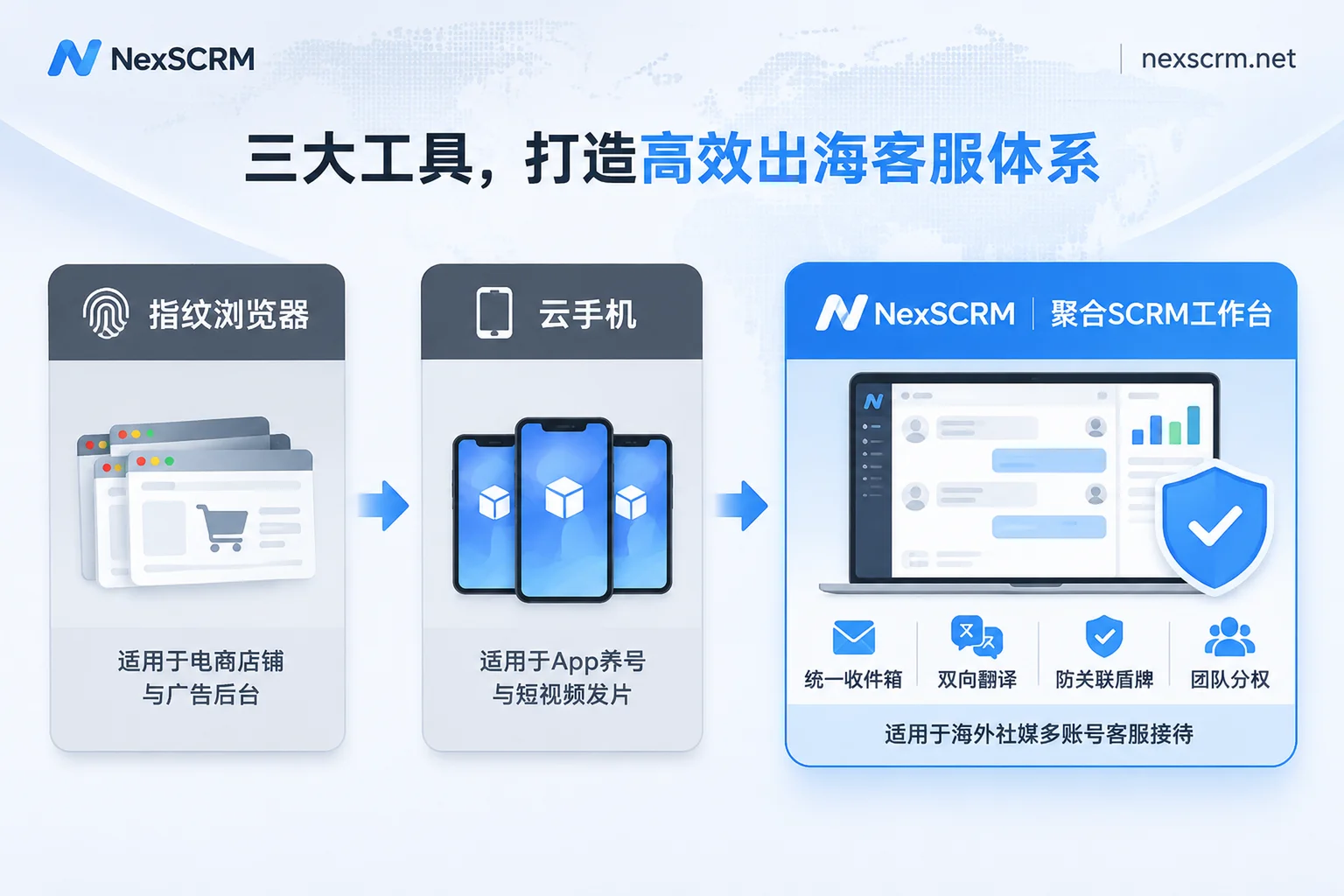
1. Antidetect Browser: Stable for Web Asset Isolation, but Too Heavy as a Customer Service Desk
The strength of antidetect browsers lies in generating independent fingerprint parameters such as resolution, time zone, and fonts for each web environment, combined with proxy IP to solve multi-account anti-association. For operators who need to log into a dozen independent site backends, Amazon Seller Central, or ad management accounts, it is a necessity.
But directly using it as a customer service workbench feels awkward daily: 15 WhatsApp or Telegram accounts mean 15 browser profile windows. Agents not only have to switch back and forth among a dozen tabs to find unread red dots, but also endure social media web versions dropping connections during long idle periods or web translation plugins conflicting with page redesigns; as for "how many new fans each agent gained today" or "who privately sent a personal payment QR code," the antidetect browser itself will not help you count and intercept.
2. Cloud Phone: Solves "Not Enough Devices," Not "Low Chat Efficiency"
In recent years, many teams have started using cloud phones for multiple accounts, which is indeed more convenient than placing twenty or thirty real phones on the desk—cloud-based 24/7 operation without power outages, and when staff handover occurs, just transfer the cloud phone permissions.
However, when agents actually sit in front of a computer and use cloud phones to chat with major clients, efficiency often gets stuck in three places: first, the group control interface still shows "one device, one screen," so 10 cloud phones require 10 screen taps to check new messages; second, typing, sending images, quotes, and checking historical files on mobile chat are far less smooth than on desktop; third, cloud phones usually lack SCRM capabilities such as cross-account ticket deduplication, automatic fan counting, and per-contact locked translations. Therefore, cloud phones are more suitable for front-end "account nurturing and content reach," not as the main workbench for back-end "precision chat conversion."
3. Desktop Aggregated SCRM Workbench: Designed for "High-Frequency Communication + Team Control"
Targeting the real workflow of overseas social media customer service, an aggregated workbench specializing in multi-account customer service management (such as NexSCRM) takes the route of integrating "independent anti-association environment" and "cross-platform customer follow-up" into the same client. In actual implementation, it mainly helps teams eliminate four types of internal friction:
- Balancing environment isolation and stability: In NexSCRM's Windows client, each social account runs in an independent fingerprint environment and supports binding session-level proxy IP (Note: NexSCRM itself does not provide proxy IP, SMS verification, or account purchase services; proxies need to be configured per account. For specific parameter verification, refer to Proxy IP Binding Practical Details). Login status is automatically saved; closing and restarting the software does not require re-scanning the QR code. Both regular WhatsApp and WhatsApp Business accounts can be directly connected.
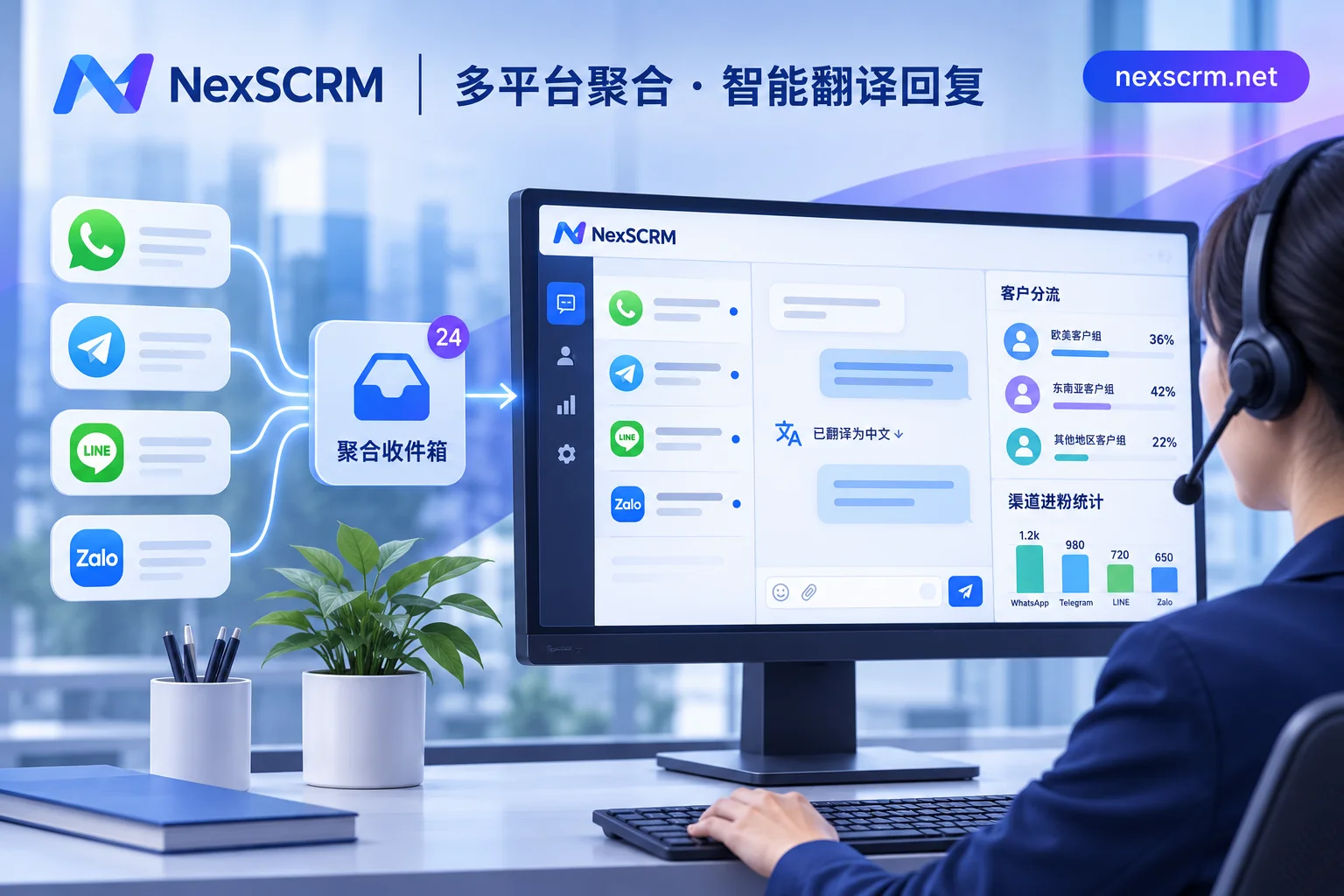
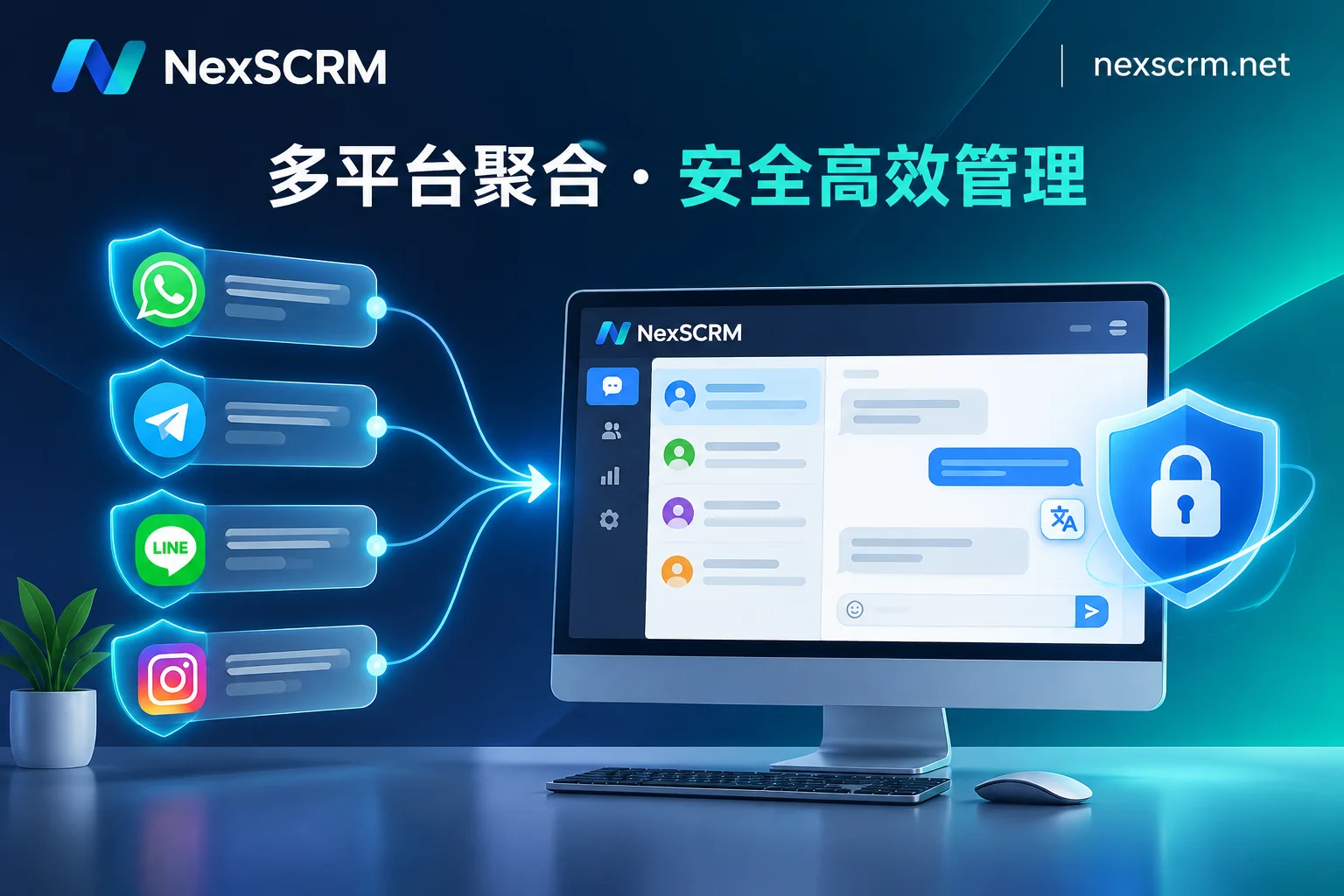
- Multiple platform sessions in one workbench: Simultaneously aggregates accounts from multiple platforms such as WhatsApp, Telegram, LINE, Zalo, Facebook, Messenger, Instagram, TikTok, X, Discord, and Signal. All unread messages are centrally reminded, and chat windows can be split, merged, and hidden. To learn more about the security differences of different access architectures, see 3 Underlying Architectures and Security Boundaries of Social Media Aggregated Customer Service.
- Translation and AI assistance embedded directly in the input box: No need to install browser plugins that easily fail. NexSCRM Multi-language Real-time Translation supports automatic two-way translation of sent and received messages while retaining both original and translated text, can lock the language per contact, and provides multiple route switching among Google, Microsoft, DeepL, and AI large models (text fully supported; image and voice translation available by version). For repetitive inquiries, you can also enable AI Scripts and Auto-Reply to generate suggestions for agent confirmation before sending, or configure keyword auto-replies and new customer welcome messages.
- Keep fan data, anti-collision, and risk control on the enterprise side: Through the main account assigning ports and role permissions, sub-accounts can log in on multiple devices and only see data within their permission scope. With Fan Counter and Employee Internal Control, supervisors can track fan counts for main accounts and groups, enable ticket deduplication and system deduplication for individual or all sub-accounts, export data reports, and through data masking, sensitive word and sensitive behavior monitoring (such as privately adding contact information or collecting payments privately) and automatic cloud chat backup, ensure that customer profiles and communication records remain fully within the team after agents leave.
3. How Can Different Business Teams Directly Apply the Selection Combination?
You don't have to choose one over the other; just configure according to the team's current core actions:
- Foreign Trade B2B / Cross-border Private Domain Sales Teams (focus on chat conversion): Directly adopt a desktop aggregated SCRM workbench (e.g., NexSCRM), first connect main WhatsApp, Telegram, LINE, or Zalo accounts, and get translation, quick script library, contact deduplication, and fan counting running smoothly.
- "Short Video Ad + Private Domain Customer Service" Matrix Teams: Use cloud phones for front-end TikTok video posting, live interaction, or high-intensity account nurturing; once buyers click diversion links or private messages flow to private domain customer service accounts, subsequent reception, tag profiling, follow-up reminders, and handover are all collected into the aggregated workbench.
- Teams Running Both Store Backends and Social Media Customer Service: Keep e-commerce store backends and ad accounts in antidetect browsers; hand overseas social media private messages and instant messaging customers to the aggregated workbench for unified handling. Each does its own job without slowing down the other.
- Note Two Clear System Boundaries: First, if the team mainly operates domestic WeChat and WeCom, or focuses on domestic e-commerce platform store groups, they should choose a customer service system corresponding to the domestic ecosystem (NexSCRM focuses on overseas social platforms and does not support WeChat or WeCom). Second, if the entire team uses Apple computers (Mac), confirm client compatibility before going live—NexSCRM currently provides a Windows client, and the macOS client is marked as "coming soon" on the official download page. Mac teams in urgent need of implementation should prepare a Windows environment first.
4. Before Deciding, Use This 4-Step "3-Day Practical Test" for On-Site Verification
No matter which software you finally choose, it is recommended to run a full three days with test accounts before formal purchase, focusing on these four things:
- Re-login and Disconnection Test: Bind independent session-level proxy IPs to 3–5 test accounts, repeatedly restart the client and switch sub-account device logins, and see if there are frequent disconnections or repeated requests for mobile QR code scanning.
- Multi-language Concurrency and Account Mix-up Test: Simultaneously send messages to different accounts in English, Spanish, Vietnamese, or Japanese, check whether unread reminders are prominent, whether you can directly lock the translation language for a single contact in the workbench, and whether image/voice translation matches the feature scope of your chosen version.
- Deduplication and Unauthorized Access Interception Test: Deliberately use the same buyer account to add two customer service accounts, verify whether system deduplication and ticket deduplication take effect; use a sub-account to simulate sending WeChat ID or private payment vocabulary, and check whether backend masking, sensitive word monitoring, and operation logs can be traced.
- Clarify Long-term Billing and Statistical Caliber: See clearly whether the software charges by "customer service seat" or by "port." Taking NexSCRM Subscription Plan as an example, it charges by port (a port is the number of accounts online simultaneously; for specific calculation, see Port Billing Explanation), supports upgrade or downgrade at any time, has additional translation character packs that can be stacked without time limit, and offers a limited-time free trial without a credit card. At the same time, be aware: such tools count fan additions, tickets, replies, and conversions, but do not directly perform financial-level order revenue attribution and ROI accounting; financial summary still needs to be linked with the team's ERP or order table for verification.
Combining "anti-association environment" and "high-frequency customer service collaboration" on one table is the most direct way for multi-account customer service teams to reduce costs in 2026. Distinguish the boundary between front-end traffic tools and back-end reception workbench, then run a test account according to real concurrency, and you can basically avoid 90% of selection detours.