 NexScrm官方博客
For LINE follower growth, focus on effective interactions, not the cumulative add count in your dashboard. Many teams think rising numbers are good, but what truly determines private domain value is the number of people who engage and can be reached after adding. Only looking at totals hides blocks, silence, and churn, and you won't know where growth stalls.
Break LINE follower growth into four stages: entry acquisition, first-touch retention, menu engagement, and re-engagement. Each stage has corresponding metrics to help you identify which link is leaking. This article uses LINE's official Messaging API rich menu insight endpoints as hard support; the rest is actionable methodology.
First, Distinguish Two Numbers: Total Friends vs. Active Friends
To judge whether LINE follower growth is healthy, look at Target Reach instead of total adds. In LINE's official account dashboard, besides total adds, there's Target Reach (the number of friends you can effectively message). These two often diverge: totals rise, but Target Reach shrinks, indicating many friends have blocked or churned.
Slow growth is often not due to insufficient traffic but because new people don't stay. Instead of throwing more ads at acquisition, first clarify how many existing friends are active vs. silent. A simple method: segment based on interaction data from the dashboard, not by staring at the total.
Target Reach and the "add friend channel" mentioned later are public feature names in LINE's official account dashboard; field names and calculation methods may vary by region, based on your account's display.
Stage One Entry Acquisition: How to Track LINE Official Account Friend Sources
Friends from ads, independent site codes, and offline scans have completely different quality. Ad-driven users may add impulsively with low retention; independent site users actively search with strong intent; offline scans are scenario-triggered, and stickiness depends on follow-up operations.
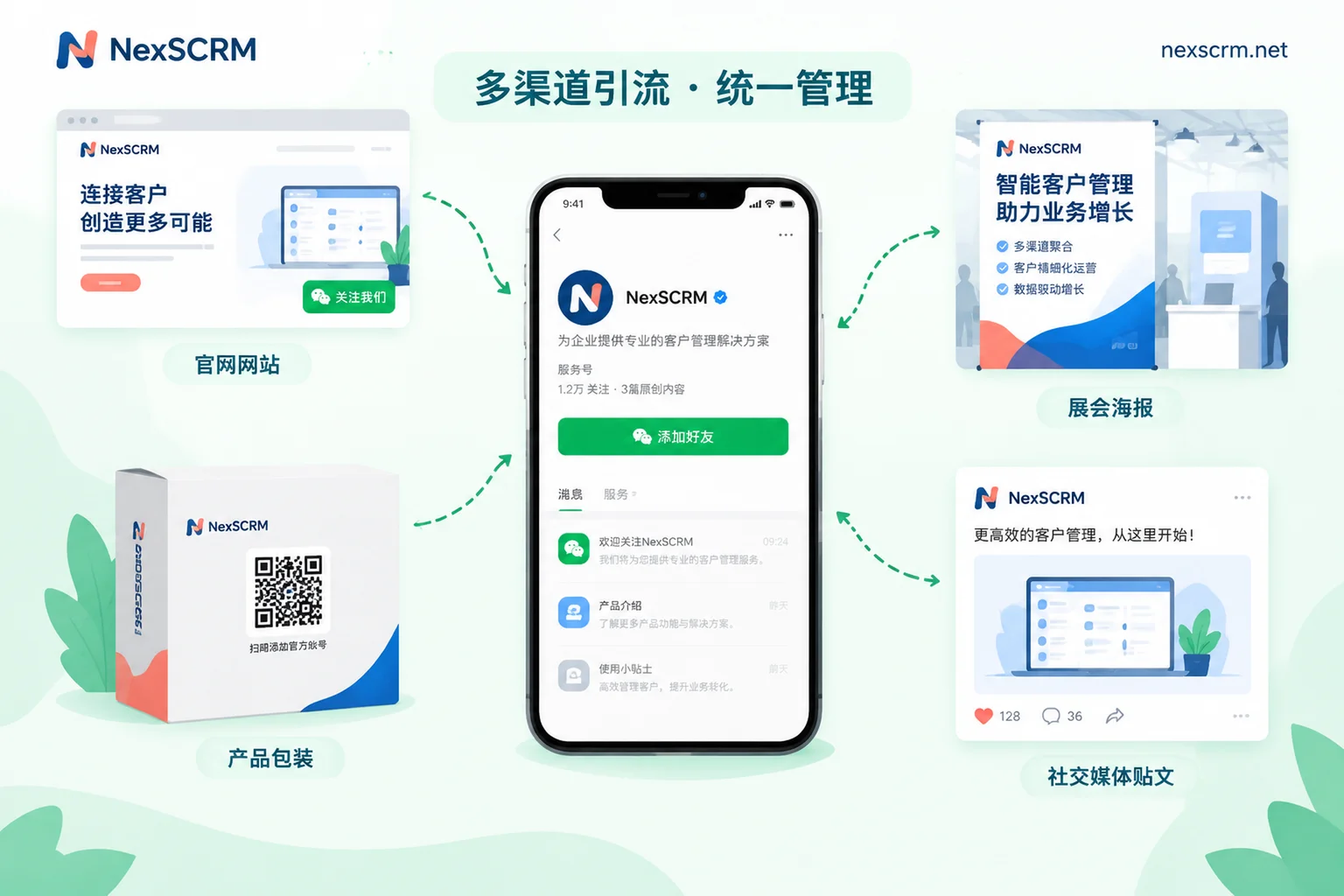
How to know the source? LINE's official dashboard has the "Add Friend Channel" (友だち追加経路) feature that tracks multi-sources like parameterized links, QR codes, and LINE Ads. Place different parameterized links or QR codes in different channels to see each source's new adds and block rates.
If a source has a particularly high block rate, optimize that channel's landing page or messaging rather than blindly increasing spend. Without this step, all growth data can't be attributed.
Stage Two First-Touch Retention: The First Message After Adding Determines Immediate Blocks
Many accounts bombard new friends with promotions immediately, causing instant blocks. First-touch experience determines whether users stay.
Self-check three things: Is the welcome message a single message? Does it ask for conversion immediately? Is it in the user's native language? Users in Japan, Taiwan, and Thailand respond completely differently to Japanese, Traditional Chinese, and Thai.
Track block churn as an independent metric, not masked by totals. If the dashboard shows high source adds but also high block rates, the problem is in first touch.
Stage Three Menu Engagement: How to Read LINE Rich Menu Click Data
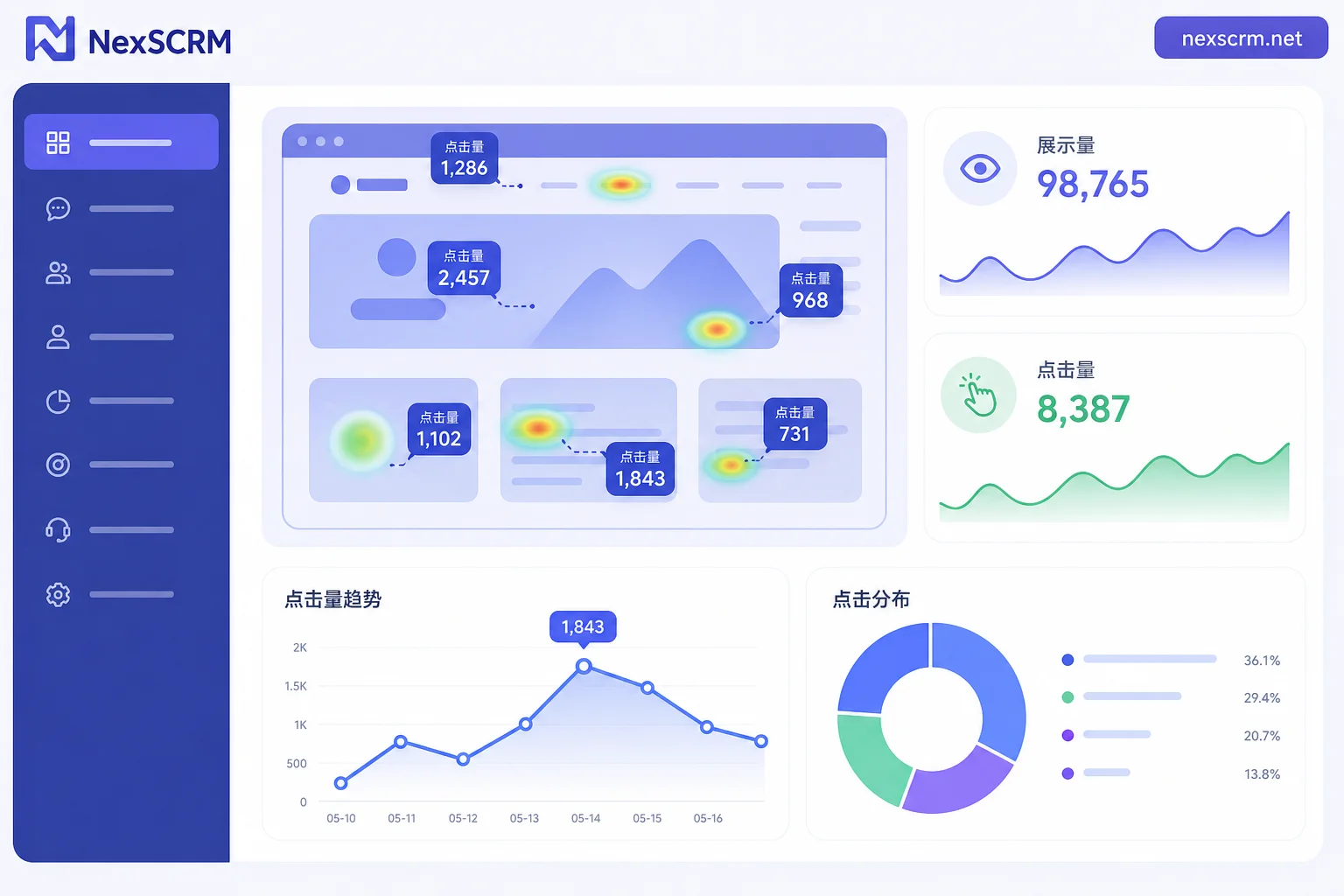
After users add and stay, see if they actually use it. The Rich Menu is key for engagement, and LINE provides data tools via Messaging API.
Per LINE Developers' Messaging API reference, rich menu insight endpoints include Get rich menu insight totals and Get rich menu insight by day, allowing you to retrieve daily impression counts and click counts for each tappable area within a period. Data metrics are based on official docs at the time of writing; interface capabilities follow the latest official announcements.
These three data types answer three questions:
- Impressions: Is the menu being seen? If impressions are low, friends aren't opening the chat window—problems in retention or reach.
- Area Clicks: The click count for each tappable area shows which part meets needs. For example, how many times "Get Coupon" and "Contact Support" were clicked.
- Daily Data: See changes before and after redesign. For example, did clicks rise after changing menu layout?
To calculate CTR, use "area clicks ÷ impressions" as your own metric. Note: LINE hasn't published industry averages; any external "average CTR" cannot be verified. The reasonable approach is to compare with your own historical data: if a region's CTR increases after redesign, the new layout better fits needs. Online claims of industry average CTR have no official source and shouldn't be used as a benchmark.
This is the core of the article: with this data, you can shift growth attribution from "how many added" to "where they go after adding."
Stage Four Re-Engagement: Segment by Click Behavior, Not Mass Broadcast
With menu click data, stop mass broadcasting. Segment friends into three tiers:
- Clicked a specific need: E.g., clicked "Get Coupon"—interested in promotions; send related products or campaigns.
- Viewed but not clicked: High impressions, no area clicks—considering; nurture with low-frequency, high-value content.
- No action for long: Over a month without opening—control touch frequency to avoid blocks.
Mass undifferentiated broadcasts incur costs and increase block rates, damaging your hard-earned effective reach. When friends added but don't interact, or Japanese clients don't reply on LINE, often it's not about copy but lack of interest-based segmentation.
For cautious Japanese clients, pacing matters more than content. One or two precise sends a month beats weekly bombardment.
Multi-Language Markets: Should Menus and Scripts Be Separate for Japanese, Traditional Chinese, Thai?
If your account serves Japan, Taiwan, and Thailand, consider separate menus and scripts by language. Preferences vary widely; mixing makes it impossible to see who clicked what.
After splitting, each language's click data reflects true needs. For example, Japanese clients might prefer "Support," while Thai clients like "Promotions." Only separate tracking reveals these differences.
Practically, language tags and conversation logs should be in a unified backend; otherwise, juggling accounts causes confusion and data mixing. Aggregating Japanese, Traditional Chinese, and Thai conversations into one workspace and assigning agents by language is a common use of tools like NexSCRM. For configuration after splitting menus and scripts, refer to LINE Official Account and SCRM System Integration Tutorial; for language-specific first-touch script differences, see Multi-Language Communication Tips for LINE Private Domain Support in Japan and Taiwan.
Which Metrics Are Auto-Tracked vs. Manually Checked
Not all growth judgments can rely on automated data; some need manual checks. The table below helps:
| Metric Type | Auto-Retrievable | Manual Check | Notes |
|---|---|---|---|
| Menu impressions, area clicks | Yes, via API | Monthly spot-check for accuracy | Use official rich menu insight endpoints |
| Friend source distribution | Yes, via dashboard | Quarterly review for broken links | Check parameterized links regularly |
| First-touch message quality | No | Manual review before new templates | Check single message, no immediate conversion |
| Translation accuracy | No | Manual proofreading before each update | Especially for multi-language markets |
| Need categorization accuracy | No | Sample user messages | E.g., clicked "Promo" but actually asking about after-sales |
Note: "Auto-retrievable" means LINE's official dashboard or API provides the data; "manual check" is a recommended operational action, not official requirement. To track cross-platform follower trends, pair with a Social Media Follower Counter.
Growth Dashboards and Monthly Review Rhythm for Three Team Sizes
Different team sizes require different dashboard fields for LINE follower growth.
| Team Size | Dashboard Fields | Data Pull Frequency | Review Meeting |
|---|---|---|---|
| 1-2 people | Total friends, Target Reach, source new adds, block rate, menu clicks | Weekly | Monthly, focus on trends |
| 3-8 people | Above plus source adds/blocks, menu area clicks, daily trends | Every two days | Weekly, quick adjustments |
| 8+ people | Above plus segmented push effectiveness, multi-language platform data | Daily | Weekly plus monthly deep attribution |
For tools, if multi-language conversations and menu click data are scattered across dashboards, consider an aggregator SCRM like NexSCRM, which consolidates conversations from multiple platform accounts into one workspace, supports language-based agent assignment, real-time translation, and message statistics. But remember, tools are auxiliary; LINE doesn't publish benchmark data, so tools can't provide it either.
Start by picking one measurable metric per stage, run for a month, then decide whether to increase traffic. To tie metrics to ROI, see How to Evaluate ROI and Conversion Rates for Overseas Social Private Domain Operations.
FAQ
Why is my LINE official account friend growth slow?
Don't blame traffic first. Check if entry sources are clearly tagged, whether first-touch messages cause blocks, if the menu allows interaction, and if re-engagement is over-broadcasting. Slow LINE follower growth is rarely one cause but a leak in one stage of the four-stage chain.
What's a normal LINE rich menu click-through rate?
LINE hasn't published a benchmark; there's no "normal value." Compare with your own historical data: did CTR improve after redesign? If clicks on a region rose after redesign, the new layout fits better. Horizontal comparisons are meaningless due to industry, content, and user differences.
What to do when LINE followers added but don't interact?
First check menu clicks to see if they "view but not click" or "totally uninterested." The former: use low-frequency, high-value content; the latter: control touch frequency to avoid blocks. Don't mass broadcast—it pushes friends toward blocking.
How to analyze LINE rich menu click data?
Via Messaging API's rich menu insight endpoints, you can retrieve daily impressions and clicks per tappable area. First check impressions are normal, then see which area gets most clicks, and finally calculate CTR as "area clicks ÷ impressions" for comparison after redesign.
How to follow up with Japanese clients who don't reply on LINE?
Japanese clients are sensitive to high-frequency bombardment; they value pacing and content quality. Aim for at most one or two touches per month with precise content, like info related to menu areas they've clicked. Check historical click behavior before sending; don't treat everyone as the same.
How to track LINE official account friend sources?
The dashboard has "Add Friend Channel" with multi-source tracking for parameterized links, QR codes, LINE Ads. Use different parameter links per channel to see new adds and blocks per source. Stop guessing "ads are ineffective"—the dashboard has data.


Comments(0)