 NexScrm官方博客
Telegram multi-account aggregated login management solutions currently only have four paths: native client account slots (free for 3, Premium for 4), device-level multi-instance, Bot API, and third-party aggregation backends. Their capabilities differ in whether active outreach is possible, whether conversations can be aggregated, and whether permissions and audit trails are present. When your team runs multiple Telegram business accounts and switches between them to reply to customers daily, what you need is not another client but a solution that clearly defines what can and cannot be done. This article provides a four-layer decision framework, comparing each layer from login type to permission audit trails, and incorporating the Communities architecture launched on July 14, 2026, to explain why you should restructure your multi-account workflow now.
Conclusion First: Four Implementation Paths and Capability Boundaries
Currently, there are only four types of paths: native client account slots, device-level multi-instance, Bot API, and third-party aggregation backends. Their core differences lie in account type (regular user or bot), environment isolation, conversation aggregation, and completeness of audit trails.
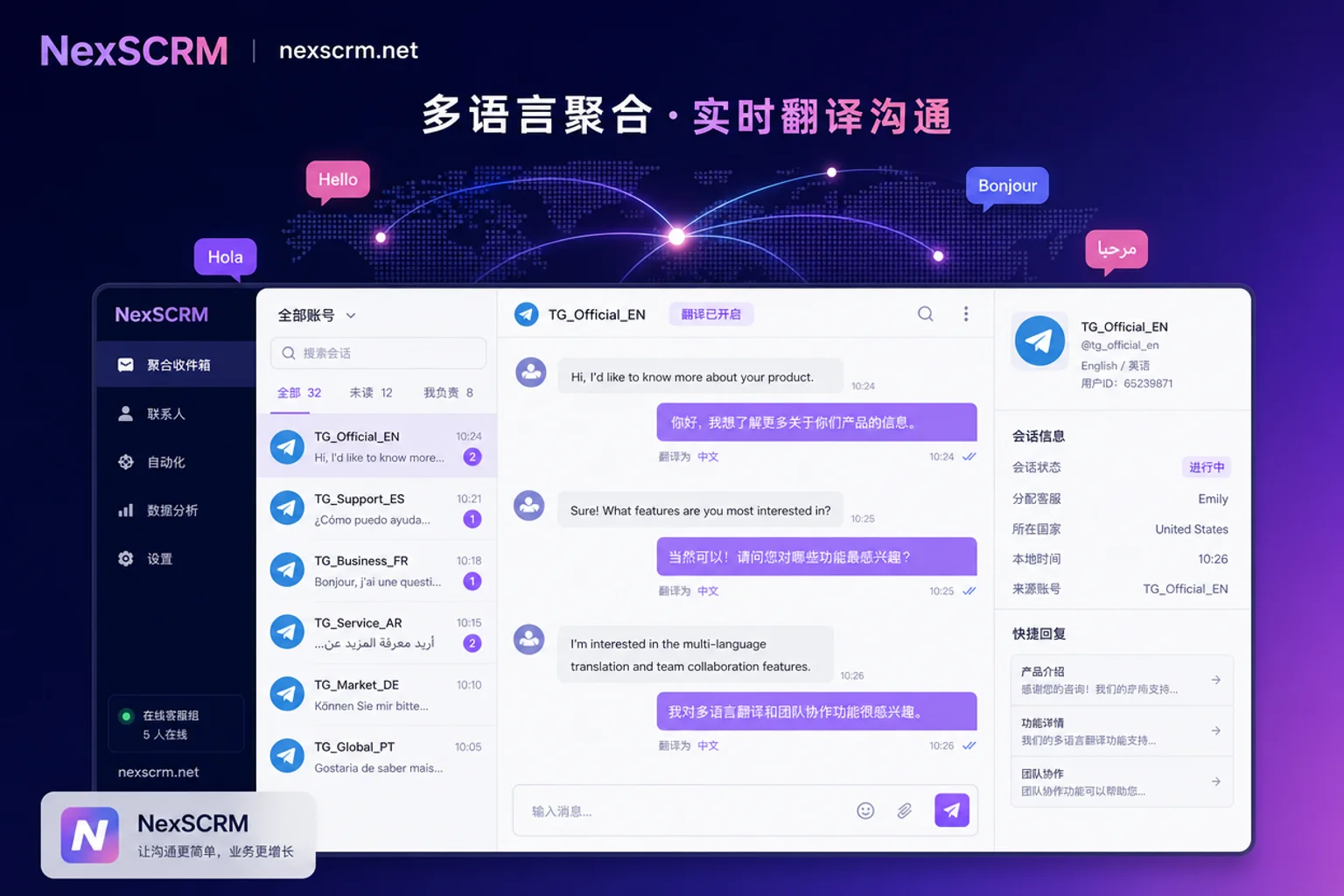
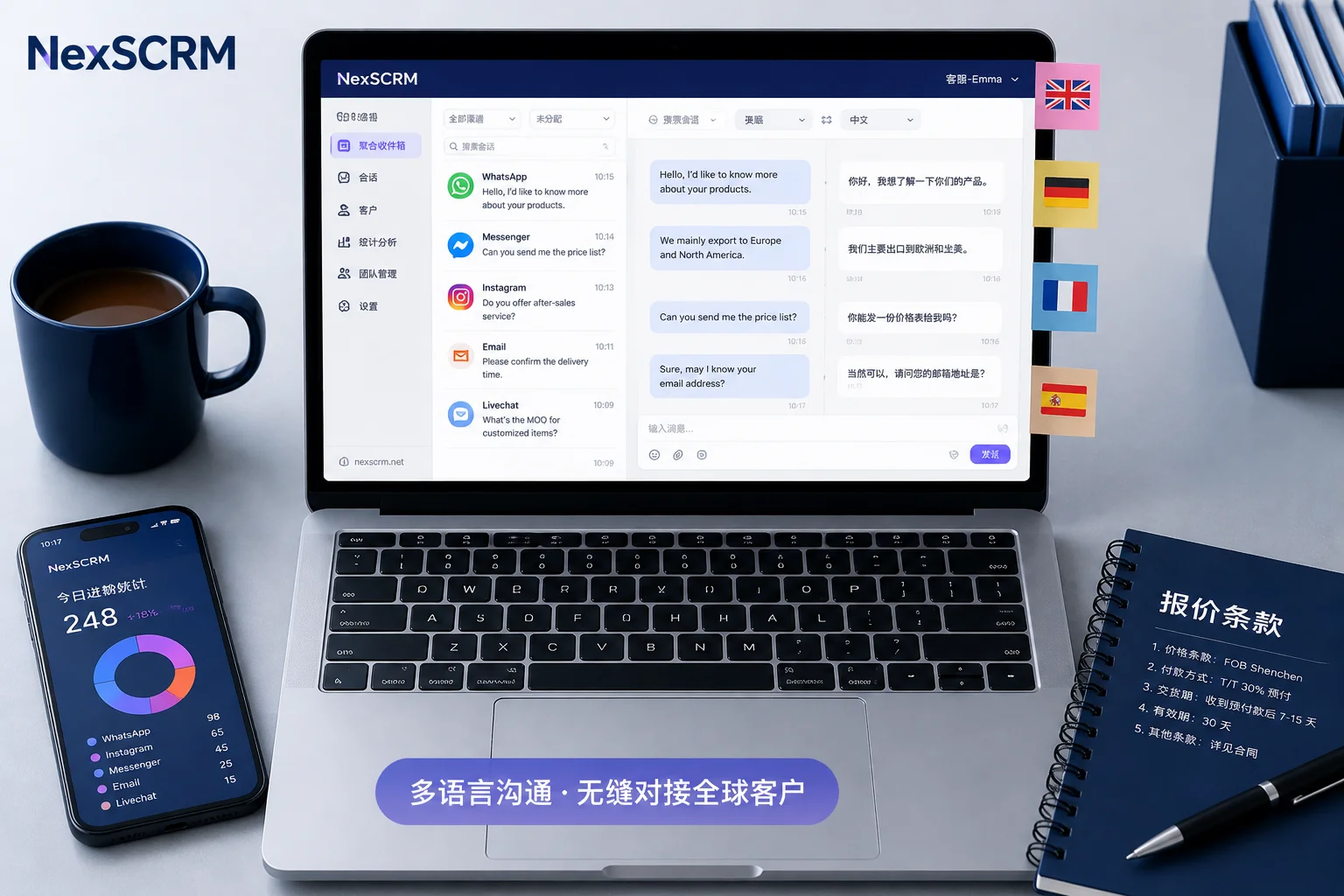
Native client allows adding up to 3 accounts for free on the same device, and 4 with Telegram Premium (each account must be bound to a unique phone number). Device-level multi-instance uses fingerprint browsers or separate proxies for environment isolation, but conversations remain scattered in each account's view. Bot API is based on official interfaces with strict rate limits; bots cannot proactively message users who have not /started the conversation, making them suitable for standardized responses. Taking NexSCRM as an example of an aggregation backend, it consolidates conversations from multiple accounts into a unified inbox, supports agent assignment and audit trails, solving the aggregation problem.
Key Comparison Table:
| Implementation Path | Account Type | Active Outreach | Conversation Aggregation | Permission Audit | Use Case |
|---|---|---|---|---|---|
| Native Client Slots | User account | Yes, but subject to behavioral risk controls | No, requires manual switching | Weak, only local | 1-3 person small team, light management |
| Device-Level Multi-Instance | User account | Yes | No, each account independent | Weak | Single user with multiple accounts needing environment isolation |
| Bot API | Bot | No (cannot initiate private chats) | Partial, requires API development | Medium, needs self-building | Standardized responses, in-group self-service |
| Third-Party Aggregation Backend | User accounts + Bots | Yes (user accounts) | Yes, unified inbox | Strong, granular permissions and backups | Multi-agent teams, agency operations |
Note: No solution can guarantee "no bans," but compliant configuration can reduce risks.
Layer 1: Login Type: User Account or Bot? How to Decide
User accounts (on the MTProto User API side) can initiate private conversations with strangers, suitable for one-on-one sales; bots are restricted per official Bot API documentation: a maximum of 30 messages per second across chats, and 20 messages per minute per group, and they are never allowed to send unsolicited private messages to users who have not messaged them.
Decision Criteria:
- Need proactive first contact or one-on-one sales → Use user accounts
- Need standardized responses, ticketing, notifications, or in-group self-service → Use bots
Common Mismatches: Assigning outreach to bots (result: cannot initiate) or high-frequency notifications to user accounts (result: triggers risk controls).
Layer 2: Environment: Risks of Sharing Devices and Networks
Each account must be bound to a unique phone number. If multiple accounts register, switch, or send unsolicited commercial messages to strangers from the same device or IP, you may trigger "Report Spam," leading to Spamban (restricting proactive messages to non-bidirectional contacts) or even bans. Isolating device fingerprints and outgoing networks by account can reduce associated risks but does not guarantee against bans.
Environment Self-Check List:
- [ ] Are accounts and numbers one-to-one, and can the numbers receive verification codes?
- [ ] Are device fingerprints and outgoing networks isolated by account?
- [ ] Is account switching frequency excessive (avoid multiple switches in a short time)?
- [ ] Are first contact scripts unsolicited commercial messages (avoid direct links or ads)?
No tool can guarantee 100% immunity from bans or association, but independent environments reduce risk.
Layer 3: Conversation Aggregation: How to Receive Messages from All Business Accounts in One Place
Native client slots only provide "switching within the same app," which is not aggregation. To unify messages from multiple business accounts, you need a cross-account aggregated inbox rather than switching accounts in the same app. To answer "How to unify reception of messages from multiple Telegram business accounts," you need unified customer profiles, tags, assignment, and statistics.
Decision Criteria:
- Is there a single inbox collecting messages from all accounts?
- Are customer tags unified and deduplicated across accounts?
- Does it support agent assignment and transfers?
- Does it handle multilingual conversations?
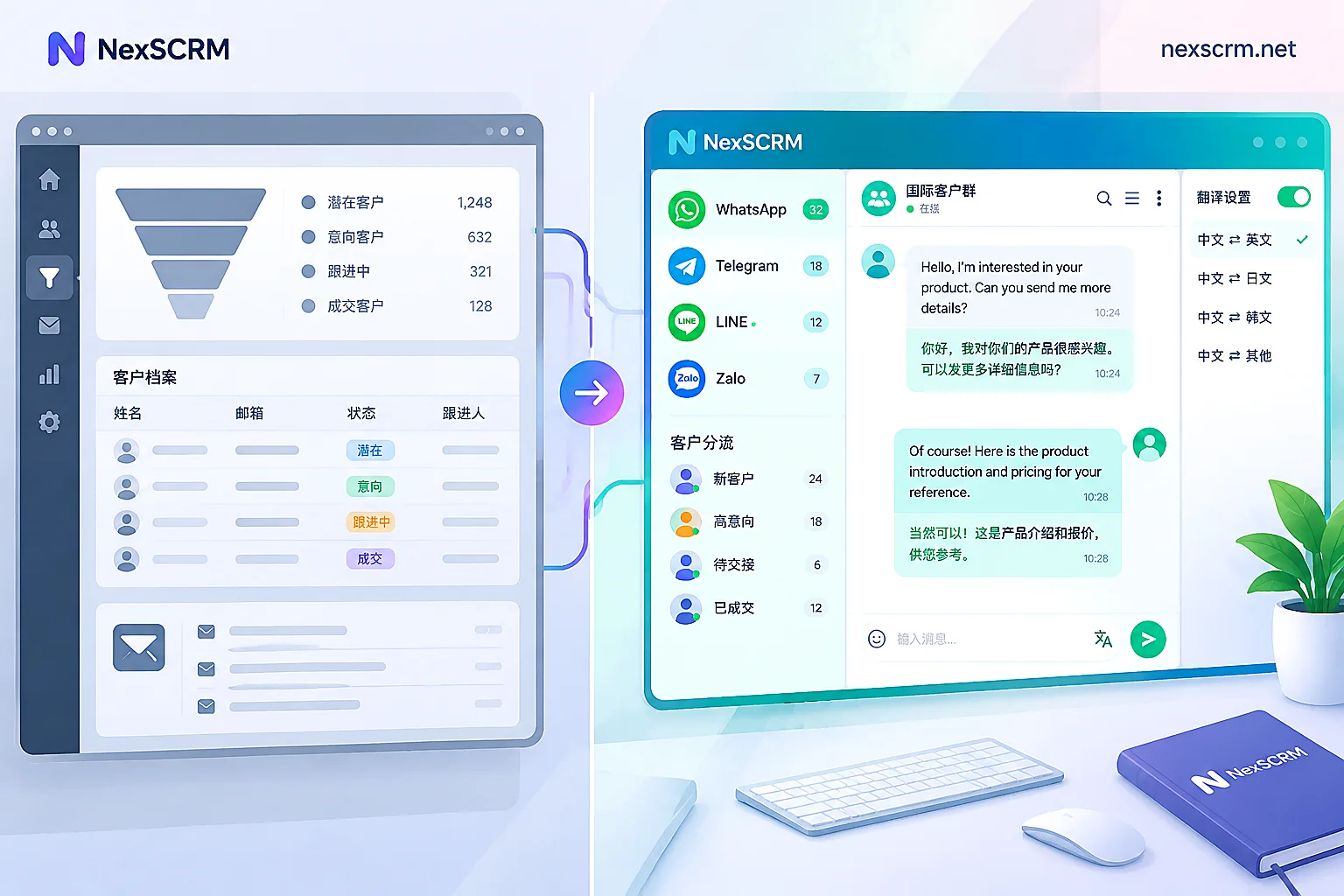
This naturally leads to aggregation backends represented by multi-account customer service management — NexSCRM can bring conversations from multiple Telegram accounts into one inbox, unify customer tags, and provide Telegram translation software with real-time two-way translation, suitable for multi-market teams.
Layer 4: Permissions and Audit Trails: Who Sees Which Account, and How to Hand Over When Leaving
The biggest fear in multi-account operations is accounts leaving with employees. To answer "How to hand over chat records when a customer service account leaves," you need a permission matrix and audit trail mechanisms. The following is a general permission division suggestion for multi-agent scenarios; specific fields depend on the actual configuration of the backend used.
Permission Matrix Reference:
| Role | Account Scope Visibility | Conversation Access | Export Permission |
|---|---|---|---|
| Agent | Only assigned conversations | Own only | No |
| Supervisor | All conversations | View available | Exportable |
| Admin | All + settings | View available | Exportable |
Off-boarding SOP: Reclaim account control, clear login credentials, ensure historical conversations are searchable, keep tags and follow-up records in the backend. NexSCRM's independent environment and message backup ensure chat records and customer assets remain in the company backend, not on personal phones. Combined with Telegram private domain operations, permission layering prevents customers from being taken away by departing employees.
Restructuring Multi-Account and Channel/Group/Bot Roles with Communities
On July 14, 2026, the official Telegram blog announced the launch of Communities, which aggregates related channels, groups, and bots into a themed space. Users joining any chat in the community can view and join other public chats, and the chat list can be collapsed to a single entry. Additionally, bots in groups support temporary private messages (replies visible only to the user) and introduce a rich text editor supporting up to 32,768 characters per message, with AI formatting and polishing.
This means the old "one account per group" fragmented configuration needs to be restructured per community: channels for one-way announcements, groups for community interaction, bots for in-group self-service and ticketing (using temporary private messages to avoid spam), and user accounts only for high-intent private conversations.
Community Role Division Table:
| Component | Responsibility | Ownership Logic |
|---|---|---|
| Channel | One-way announcements | Community admin |
| Group | Community interaction | Community moderators |
| Bot | Self-service ticketing | Community automation |
| User account | Private chat conversion | High-intent customer care |
Also, maintain consistent identity and naming for multiple accounts within the community to avoid confusion.
Configuration Comparison for Three Team Sizes and Pre-Launch Checklist
Here is the minimum configuration for Telegram multi-account management solutions based on team size:
| Team Size | Login Type | Environment | Conversation Aggregation | Permission Audit |
|---|---|---|---|---|
| 1-3 person small team | Native slots (3) | Independent proxy per account | Manual switching | Regular exports |
| 5-20 person multi-agent | User accounts + Bots | Independent environments | Aggregated inbox | Granular permissions |
| Agency operations | User accounts + Bots | Isolation between clients | Unified backend | Data isolation + statistics |
For agency operations, backends like social media aggregation customer service can achieve cross-client data isolation and unified statistics.
Pre-Launch Checklist:
- [ ] Are numbers owned by the company?
- [ ] Are device and network mappings one-to-one?
- [ ] Is the division between bots and user accounts clear?
- [ ] Is the inbox aggregated?
- [ ] Are tag systems unified?
- [ ] Is the permission matrix set?
- [ ] Are backups and exports enabled?
- [ ] Is the community structure restructured per Communities?
- [ ] Are first contact scripts compliant?
- [ ] Is anomaly monitoring set up?
FAQ
How many Telegram accounts can I log into on one phone?
Official limits: Free users can log into up to 3 accounts; Premium users up to 4, and each account must be bound to a unique phone number. If you need to manage more, consider third-party aggregation systems, but ensure environment isolation to avoid association risks.
Will multiple accounts be linked and banned?
If multiple accounts register or switch frequently on the same device or IP, or send unsolicited commercial messages to strangers, they may trigger Spamban or bans. Isolating device fingerprints and outgoing networks per account can reduce associated risks but does not guarantee against bans.
What is the difference between a bot and a regular account for customer service?
Bots cannot proactively message users who haven't /started, and are limited to 30 messages per second across chats; regular accounts can initiate contact but are subject to behavioral risk controls. Therefore, use bots for standardized responses and regular accounts for one-on-one sales.
After Communities, how should channels, groups, and bots be assigned?
Restructure per community: channels for announcements, groups for interaction, bots for self-service (using temporary private messages to prevent spam), and user accounts for high-intent private chats. Maintain identity consistency within the community.
How to hand over chat records when a customer service account leaves?
The key is to reclaim account control, clear login credentials, and ensure historical conversations are searchable. Use an aggregation backend with message backup to keep customer assets in the company system, not on personal phones.
Before wrapping up, run the four-layer self-check list to audit your current account configuration, identify mismatches, and adjust layer by layer. If you need to consolidate conversations from multiple Telegram accounts with audit trail, evaluate NexSCRM's aggregation management and message backup capabilities. That completes a comprehensive Telegram multi-account aggregated login management solution.


Comments(0)