 NexScrm官方博客
When three customer service agents are asked by the same customer "What is the minimum order quantity?" and give three different numbers, it has little to do with memory. The real reason is that those three script versions are sitting in three different people's phone notes, and they were written in three different months.
To achieve consistency, the sequence matters more than the tool:
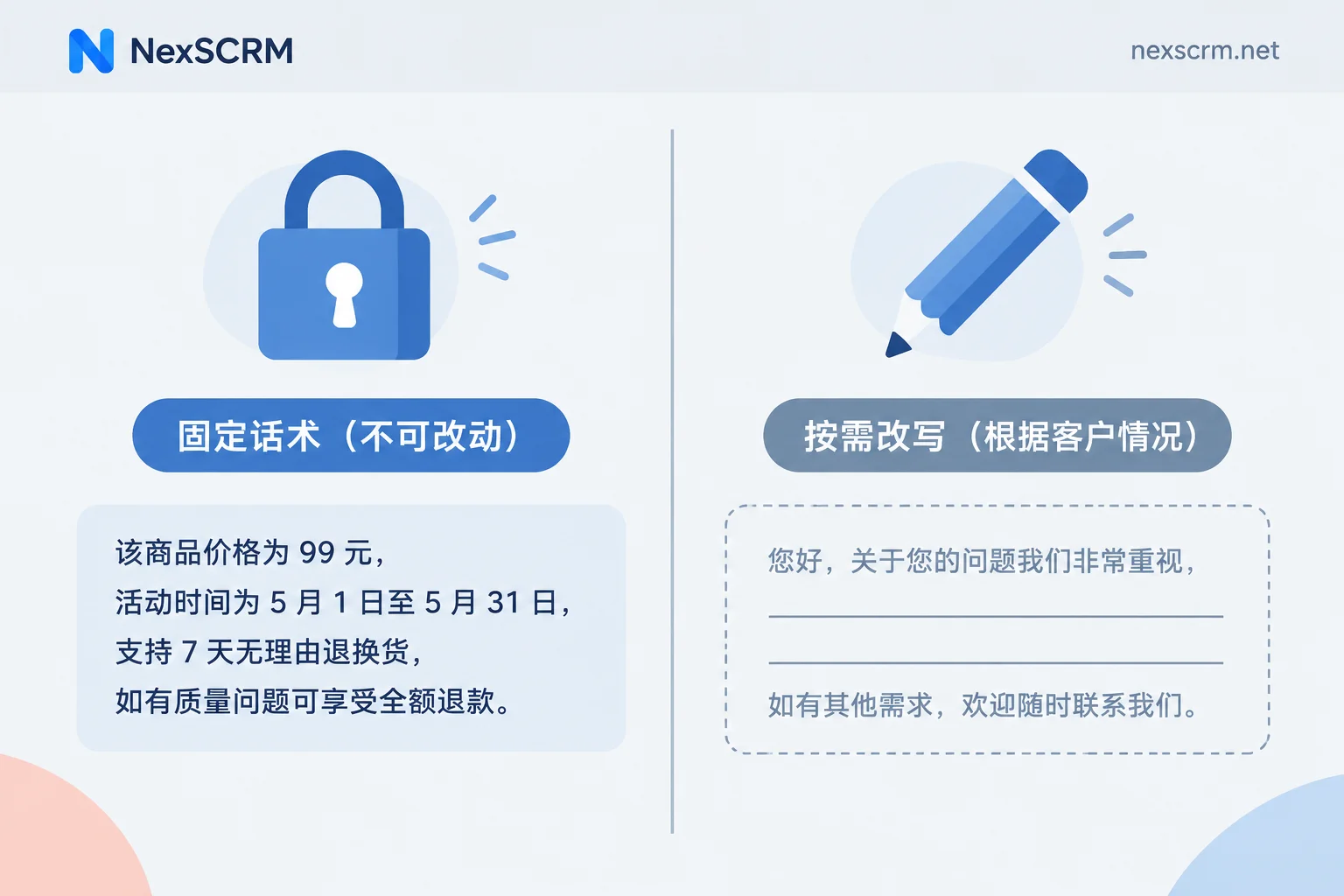
- First, split scripts into two categories: "not a single word can be changed" and "just a skeleton";
- Only the first category qualifies as a master template in the shared library;
- The shared library is categorized by the service flow and named according to standards so people can find them;
- Creation and editing permissions are centralized with supervisors, who modify the master rather than notifying everyone to replace their own copies;
- Regularly audit real chat logs to check whether what was sent matches what's in the library.
The following sections follow this order, with conditions and exceptions noted within each step.
First, Understand Why Consistency Breaks Down
The three common sources are:
Scripts stored on personal devices. The quick replies built into the WhatsApp Business client are limited to 50 entries and are tied to that device and account. As the team grows, you hit capacity limits, cannot set permissions, and cannot share templates with images. As a result, each person saves another copy in their own notes, creating separate versions.
Updates were only announced once. Shipping costs went up, a promotion ended—someone mentioned it in the group, but nobody went back to edit that entry in their notes. The old wording stays until it gets sent again.
New hires "copy" scripts from veterans. What they copy is a snapshot from a particular moment, not the current version, and it will never be synchronized again.
So the solution is not another round of training—it is making scripts into a single, editable, searchable source.
Step 1: Distinguish Rule-Based and Skeleton Scripts
This step must come first because it determines how each script is managed and whether it can be edited.
Rule-based: Content that involves specific numbers and commitments—pricing and tiered discount conditions, minimum order quantity, production and shipping timelines, logistics timeframes, return and refund conditions, warranty coverage. These must be sent word-for-word as-is. They are not a matter of expression but of fact; changing a single word could become an over-commitment, and later either the company has to absorb the loss or the customer shows up with a screenshot to confront you.
Skeleton-based: Customer complaint reassurance, delayed shipment apologies, price negotiation back-and-forth, repurchase follow-ups for high-value customers. What's stored in the library is structure, not a finished product: first acknowledge the emotion, then give facts, then offer options, then provide a clear timeframe. Agents need to fill in the customer's name, order number, and specific request before sending.
If everything is treated as rule-based, customers can clearly feel they are talking to a template—especially in complaint scenarios, where they may have just finished describing a specific grievance and then get a canned response, which usually escalates the situation. Conversely, if everything is skeleton-based, you're back to everyone saying their own thing. Splitting into two categories is not a compromise; it's using different approaches for two different problems.
A simple labeling method: add a fixed prefix to rule-based templates in the title, for example [FIX], so agents immediately know this one cannot be altered.
Step 2: Build Five Master Templates Around the Service Flow
Don't categorize by "commonly used / rarely used"; categorize by where the customer is in the journey. The minimal viable five blocks are:
- Greetings and out-of-hours auto-replies
- Quotations and tiered discount conditions
- Production cycles, shipping, and logistics inquiries
- Return and refund rules
- Customer complaints, objections, and escalation reassurance
Write the master templates for these five blocks first, then consider expanding. Once fixed clauses are consolidated into master templates, the path for new and veteran agents to misquote prices or promise out-of-scope services due to memory gaps is blocked.
Cross-border returns and exchanges have many touchpoints and involve multiple languages; you can start by building the skeleton according to the touchpoints outlined in Cross-Border E-Commerce Return and Exchange Customer Service Communication Scripts and Multilingual Templates.
Don't upload 200 entries into a new library all at once. When there are so many entries that search becomes unusable, agents will give up and type their own—and that's exactly where consistency starts to fracture again.
Step 3: Naming Determines Whether Others Can Find It
Use two-level naming with "main category_sub-item" or a consistent camelCase style, for example /Pricing_Tier1, /Shipping_Delay, /Refund_Damaged. Three constraints:
- The main category is fixed—the five blocks above—don't invent extra ones;
- Sub-items should describe the specific scenario, not use adjectives (use
Shipping_Delay, notShipping_抱歉); - Different language versions should have a language code at the end,
_EN,_ES.
Don't open up naming rights to everyone. Once someone creates an alias based on their own habits, the same scenario will have two entries, and the other one will never be updated.
If a template includes variables like customer name or order number, confirm before entry that the variable can be populated; otherwise what gets sent is Hi ,. For specific prerequisites, see How to Use Variables in Quick Reply Templates to Auto-Fill Customer Names.
Step 4: Who Can Edit, and How to Edit
Creation, editing, and deactivation permissions belong to supervisors or business owners. Agents retain the right to use and to fine-tune skeleton-based scripts.
The update action is "modify the master," not "post a new version in the group and ask everyone to replace their own"—if manual replacement is required, someone will always skip it. For items with expiration dates like promotional prices, shipping fees, and tiered discounts, write the expiration date in the title or notes when entering them, and switch versions all at once when they expire. Don't leave it as "if the customer doesn't ask, we don't deal with it."
In NexSCRM, quick script templates and customer profiles and tags are maintained at the same level: supervisors create shared templates, agents use them directly in conversations; combined with sensitive word and behavior monitoring, expressions that deviate from the standard—like "quoting privately" or "promising a full refund"—can be set as keywords so they are seen promptly, rather than waiting for a customer complaint. For how permissions are grouped and whether image scripts can be used directly, refer to the actual settings in the client. Feature details are in Profiles, Deduplication, and Scripts.
Multilingual: Chinese Consistency Does Not Equal Foreign Language Consistency
Once the Chinese master templates are finalized, if five agents each translate on the spot, the customer still receives five different versions. For sentences about refund conditions, timeframes, and liability, a single word difference is a different commitment.
Handle it separately: foreign language versions of rule-based scripts should be finalized and stored alongside the Chinese master; when the Chinese changes, update the translation. Skeleton-based scripts can be translated on the spot because they are meant to vary with the customer's situation.
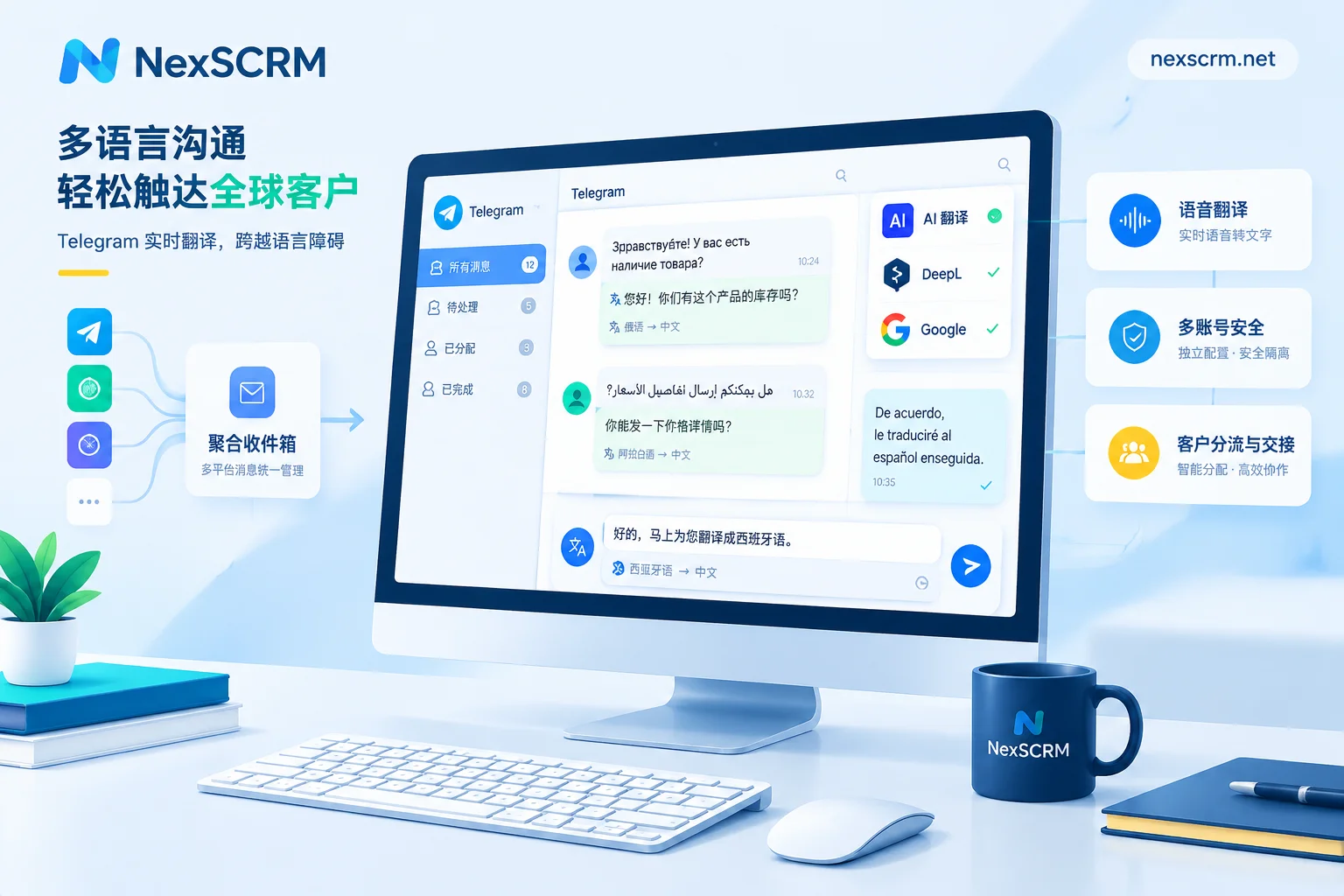
Day-to-day communication still needs real-time translation as a fallback, and it's best to retain both the original and the translation—later, when you need to review "what was actually promised at the time," having only the translation isn't enough. NexSCRM's real-time two-way translation supports text, images, and voice, with multiple routes available, and retains both the original and translation.
Step 5: Audit What Was Sent, Not What's in the Library
A tidy library doesn't mean tidy output. Set a frequency—weekly or monthly:
- Search chat logs with keywords like price numbers, shipping amounts,
refund,discount; - Compare what different agents say about the same question to check if an old version's numbers are still circulating;
- When you find deviations, first look back at whether the master is unclear, then talk to the person.
When searching, distinguish whether you're searching a single conversation, a specific account, or all accounts. Consistency audits must cover all accounts; for operational differences, see How to Search Historical Messages by Keyword in Chat Logs.
Risk is higher during customer handovers: if the person taking over cannot see what the previous colleague promised, it's easy to give a second version of the story. Sharing chat logs and script libraries within a team are two sides of the same coin; see How to Share WhatsApp Chat Logs and Consolidate Customer Assets with Your Team.
Common Pitfalls
- Turning "unified messaging" into "unify every sentence." Copying templates verbatim in complaints and negotiations usually makes things worse; leave these as skeletons.
- The library keeps growing. Regularly deleting is more important than constantly adding; deactivate entries that haven't been used in six months.
- Only managing the Chinese version. If translations aren't updated, nothing has changed.
- Using templates to replace training. New hires need to understand why a script is written that way—for example, why refunds are only accepted within 7 days of delivery—otherwise when a customer asks a follow-up, they'll still improvise on the spot.
If you're really going to start, define the rule-based master templates for the five blocks first—that's far more useful than building a big, comprehensive library all at once. Add the rest as you encounter them in real conversations, and note who approved it and when it expires.



Comments(0)