 NexScrm官方博客

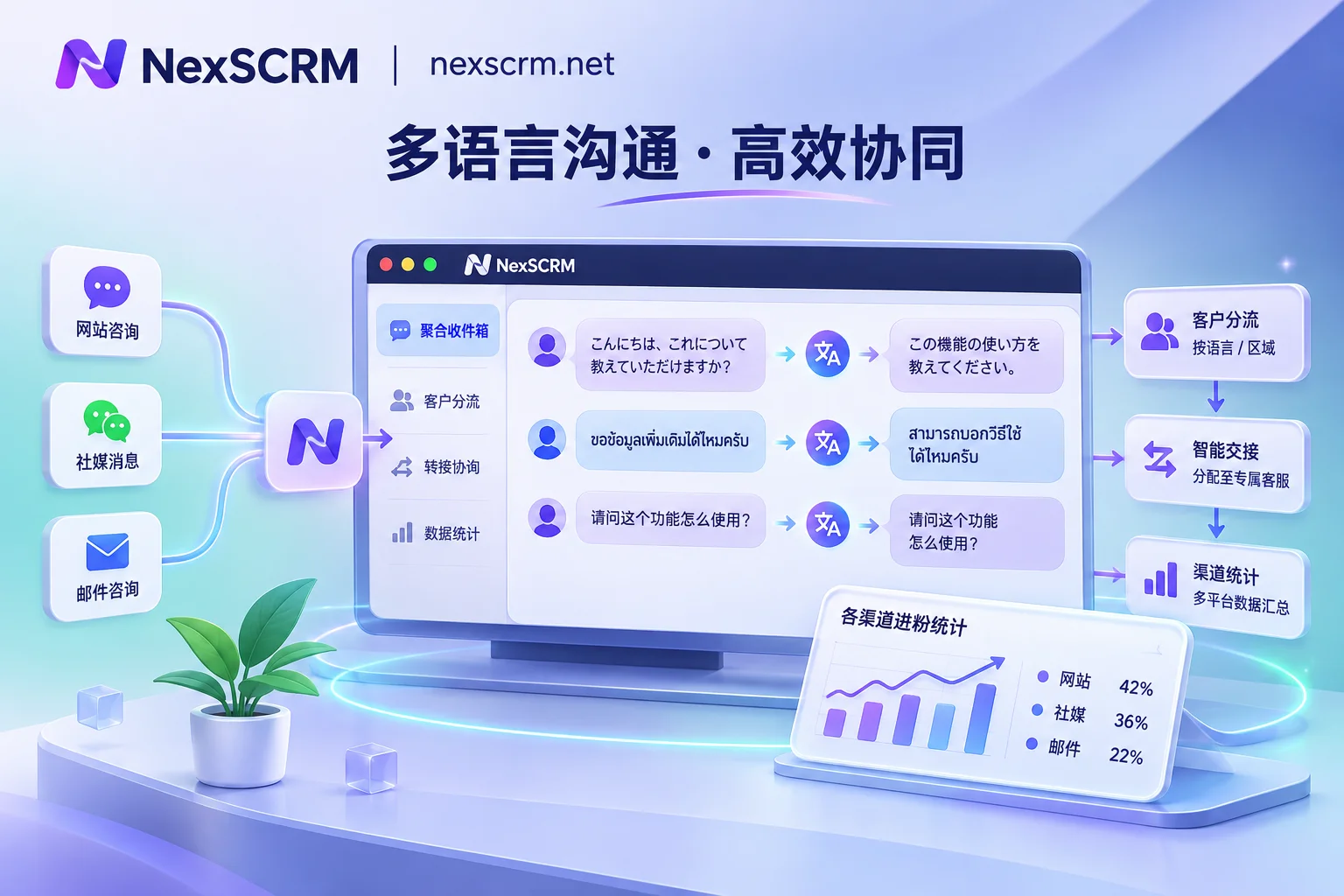
WhatsApp Repeat Purchase and Re-engagement for Old B2B Clients: First Clear Whether the Window Is Open, Then Rank the List
A dormant B2B client list blasted with one template is the fastest way to send your account into a low quality rating. This article follows the actual execution order: the 24-hour customer service window decides what you can send now, how to tier opt-in permission, how to rank the list, what four parts a re-engagement message contains, how to pace batches, and what must be finished within 24 hours after a client replies.
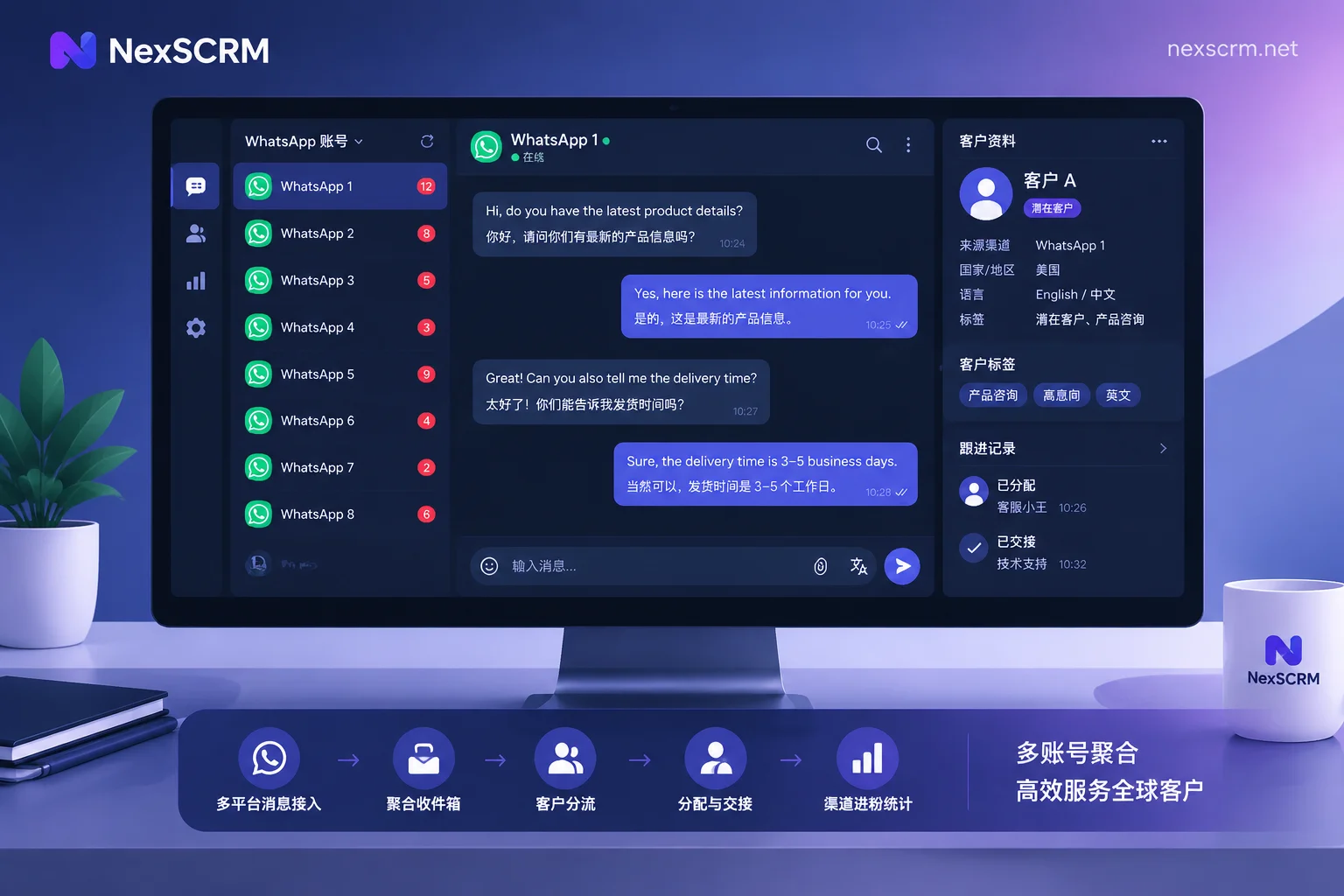
How to Choose a WhatsApp Multi-Account Two-Way Translation Customer Service Tool: First Pass Anti-Association, Then Look at Translation Routes and Por
Foreign trade teams managing over a dozen WhatsApp accounts while customers speak multiple languages cannot rely on the official client's multi-account and multi-device features. This article outlines the key conditions to confirm when selecting a tool, in order: anti-association environment, translation form, aggregated workspace, team internal controls, and port cost.

Can Customer Voice Messages Be Translated into Chinese Directly? Platforms Only Do Half the Job
WhatsApp and Telegram voice-to-text only transcribes in the customer's spoken language, not Chinese. To see Chinese directly in the chat interface, you need to combine voice transcription and text translation. This article explains the boundaries of native platform capabilities, when manual two-step is sufficient, why voice translation must preserve the original, and how to read back and confirm numbers, models, and addresses.

How to Set Up Keyword Auto-Reply and Greeting Messages: Trigger Mechanisms on WhatsApp, Telegram, LINE and Unified Multi-Account Configuration
A guide to configuring greeting messages and keyword auto-replies on WhatsApp Business, Telegram Business, and LINE Official Account, covering trigger conditions, platform limitations, native backend entry points, and unified management for multi-account matrices with translation and collaboration.
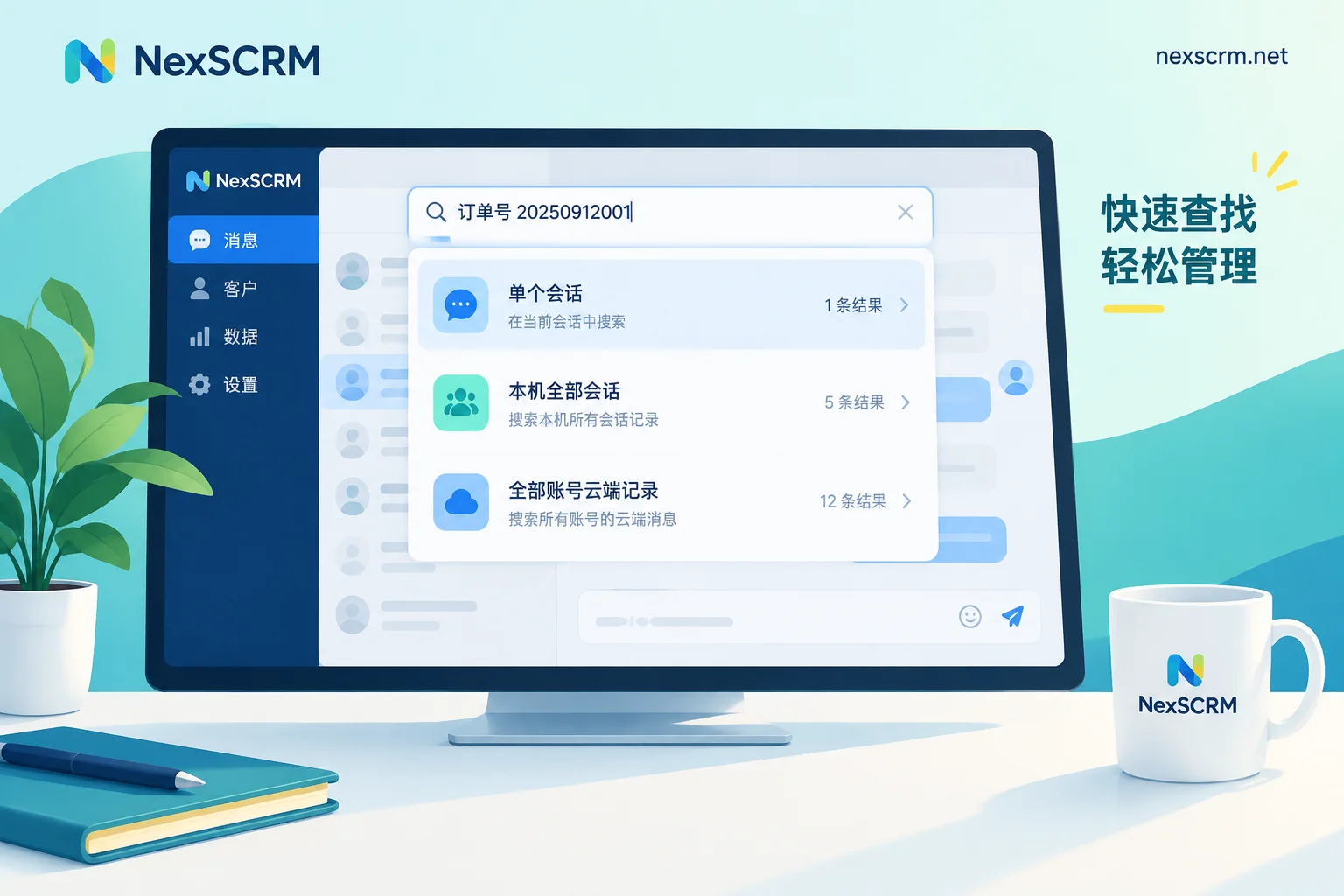
How to Search Chat History by Keyword: First Determine Whether You're Searching a Single Chat, Globally, or Across All Accounts
WhatsApp, Telegram, and LINE each have their own entry points and filters for keyword search; this article provides step-by-step instructions for three scopes—searching one person, searching all conversations, and searching all accounts—explains how to choose keywords and use date and media filters, and offers practical workarounds for three situations where native search fails: cross-account, cross-language, and employee turnover.