 NexScrm官方博客
In cross-border e-commerce, international customer service, and social media marketing, multi-account operation has become a necessity. Whether managing multiple WhatsApp accounts for client communication or operating multiple Telegram channels and communities, multi-account is almost a standard configuration for overseas teams.
Traditional multi-account methods, though "barely usable," have obvious shortcomings in efficiency, security, and ease of use. Today, we dive deep into the analysis of NexScrm multi-account tool, a professional tool that truly enhances the efficiency of multi-account management.
NexScrm Multi-Account Tool vs Traditional Methods
Traditional Multi-Account Methods
Traditional multi-account management usually relies on browser multi-window or multi-tab functions (such as Chrome multi-user mode or incognito windows) or using multiple browsers (e.g., Chrome, Firefox) to log into different accounts. This approach seems simple but has many drawbacks:
- When handling multiple tasks, frequently switching accounts consumes a lot of time.
- When managing multiple accounts in the same browser, browsing history and bookmarks from different accounts may get mixed up.
- Frequently switching multiple accounts in the same browser may cause the platform to associate these accounts with the same user. This risk is especially high; if one account is banned due to violations, other associated accounts may also be affected.
- Switching between multiple accounts may lead to confusion in browser cache and Cookie data. This not only affects browsing experience but also poses a risk of privacy leakage.
NexScrm Multi-Account Tool
Compared to traditional methods, NexScrm multi-account tool provides a more efficient and stable solution for multi-account management:
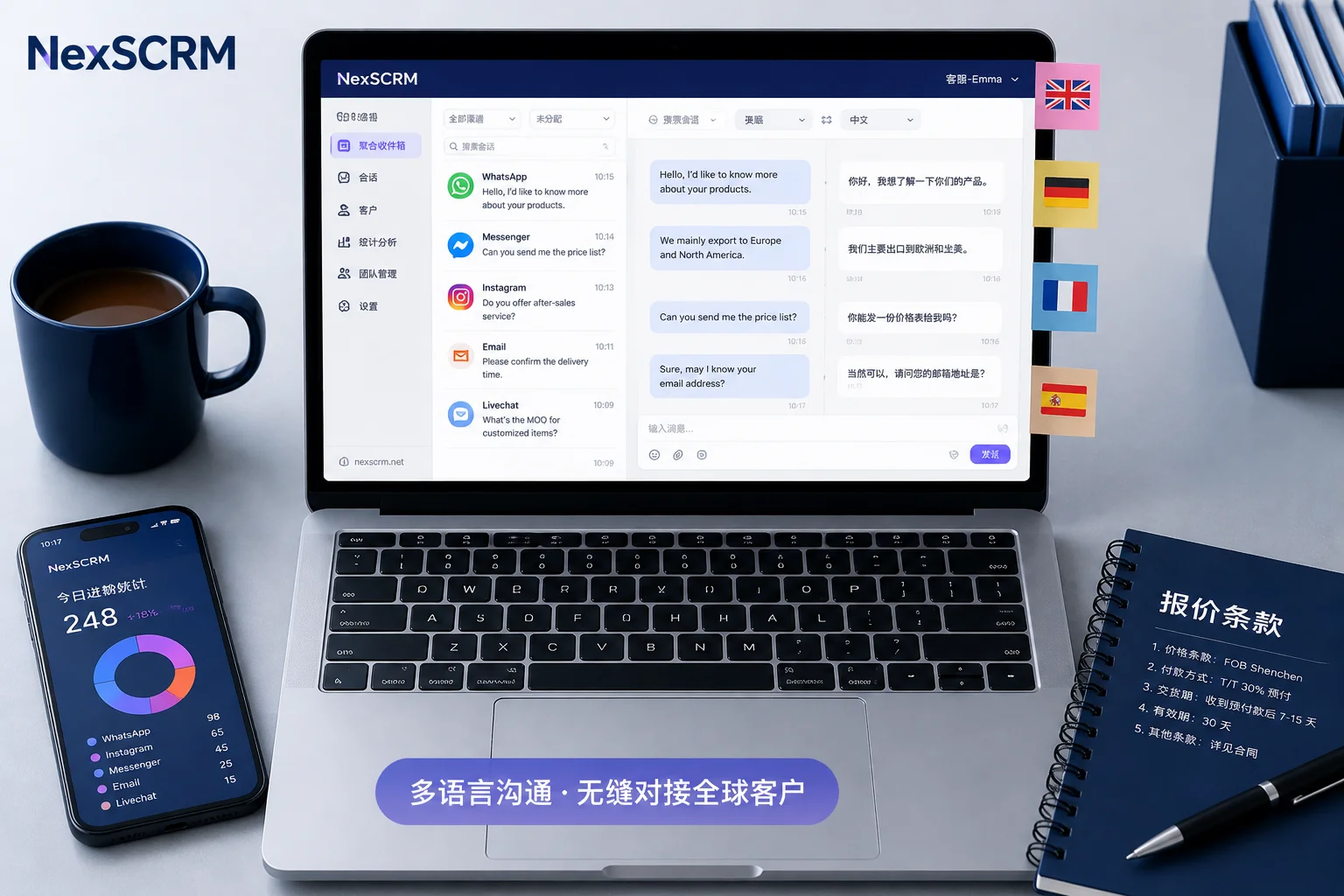
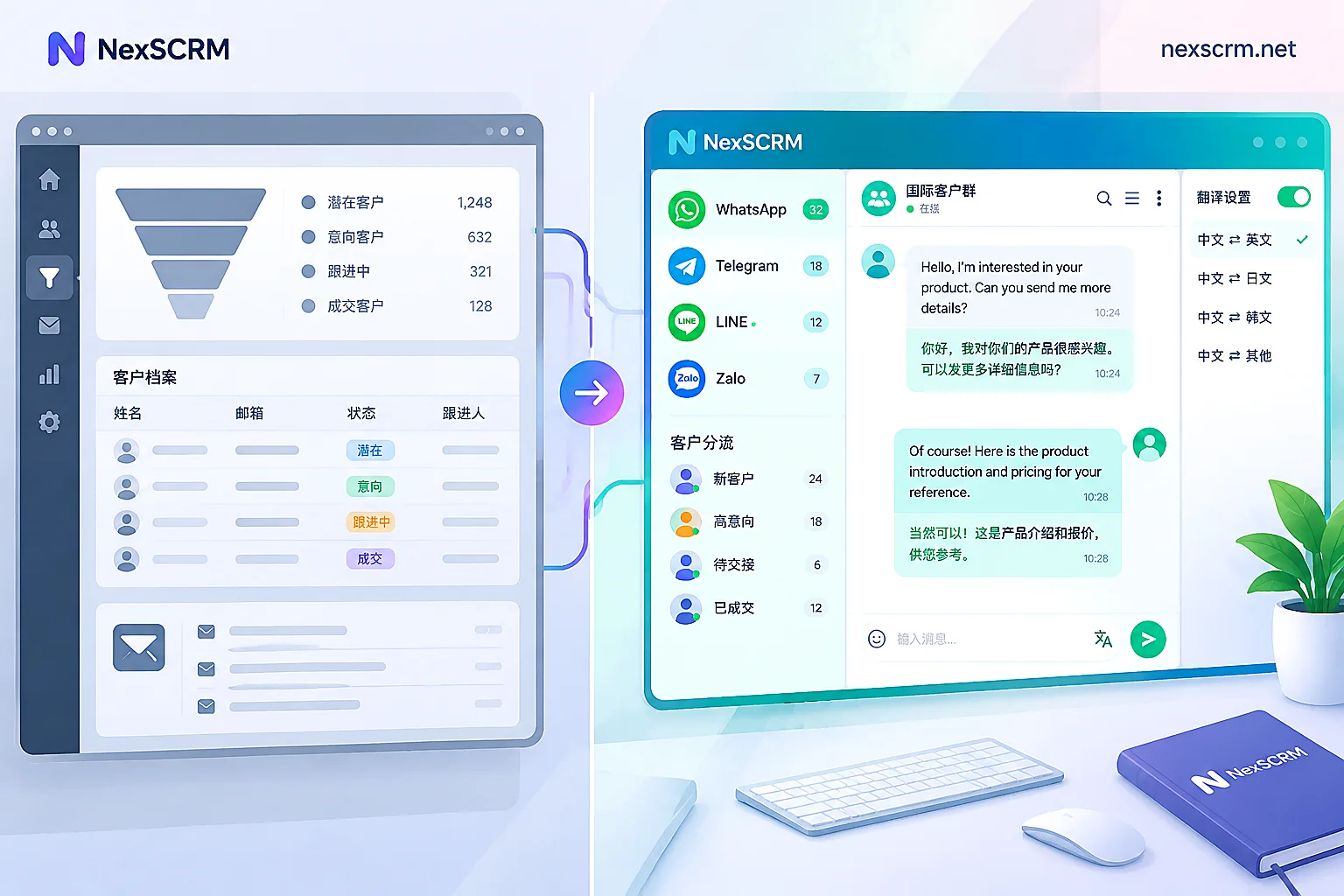
- Unified interface for managing multiple accounts: NexScrm offers an intuitive unified management interface, allowing users to log into multiple accounts simultaneously and manage them in a single window. This enables users to easily switch between different accounts, handle multiple chats at the same time, and improve work efficiency.
- Independent account environments: NexScrm generates a unique fingerprint environment for each account. It can also configure independent proxy IPs for different accounts, making each account appear as if it is logged in from different devices and locations, thus avoiding account association risks.
- Unlimited accounts: NexScrm supports running an unlimited number of accounts simultaneously. Users can create 50, 500, or even thousands of fingerprint environments to achieve large-scale account management without worrying about account quantity limits.
- Automation features: NexScrm has built-in automation features to perform repetitive tasks such as automatic translation, auto-reply, scheduled bulk messaging, and intelligent routing. This improves operational efficiency and reduces manual errors and time costs.
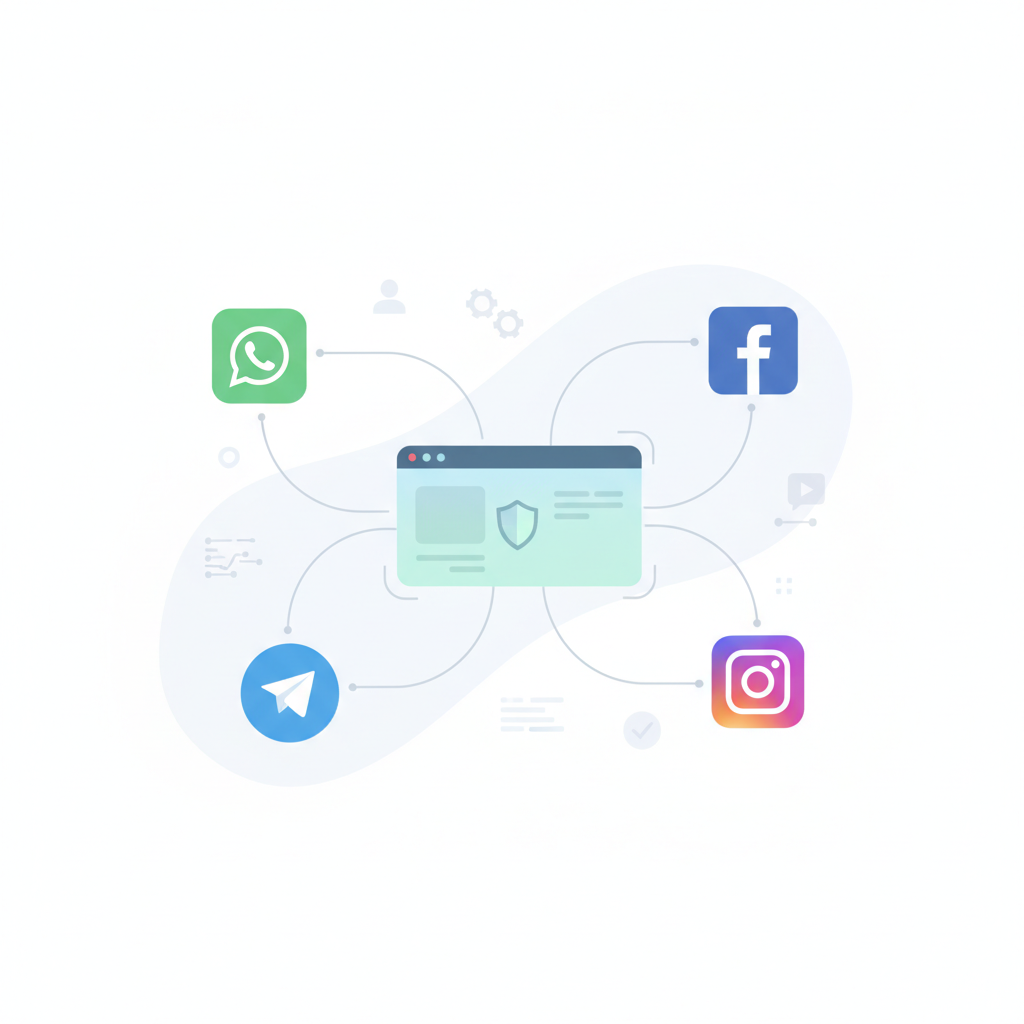
- Support for multiple platform types: NexScrm supports managing accounts on various platforms such as WhatsApp, Telegram, LINE, Facebook, Instagram, Twitter, Discord, etc., helping achieve efficient multi-account management across multiple platforms.
How Does NexScrm Multi-Account Tool Mitigate the Risk of Account Bans?
Security is one of the core considerations for any multi-account management tool. NexScrm multi-account tool was designed with multi-account security in mind and takes several measures:
Simulating Different Device Environments
To avoid fingerprint tracking, NexScrm can simulate multiple different "user" environments on the same computer. Each environment allows users to set over 20 fingerprint parameters, including operating system, browser type, screen resolution, Canvas fingerprint, User-Agent, font list, plugins, language settings, etc., thereby helping reduce the risk of association and bans on platforms like WhatsApp, Telegram, LINE, FB, Instagram, Discord, etc.
Network Isolation for Accounts
NexScrm allows users to configure different network proxies for each environment, hiding the real device IP address and showing the platform that these accounts are operated by different users from different locations, thus avoiding the detection of multiple accounts logging in from the same IP.
Privacy Protection and Security
By simulating software and hardware fingerprint information of different devices, NexScrm ensures that each account's Cookies, local storage, etc., are completely isolated, preventing account association due to identical fingerprints.
Simulating Real Operation Trajectories
To further avoid abnormal user behavior detection caused by operating multiple accounts simultaneously, NexScrm has a built-in intelligent anti-ban algorithm that simulates real human operations, randomizes behaviors, and sets intervals to make account behavior appear more natural and authentic, further reducing the risk of bans.
How to Use NexScrm Multi-Account Tool Safely?
- Register an account on the official website and download the client.
- Log into the NexScrm SCRM account in the client.
- After logging in, select the platform you want to multi-account on and click "New Session."
- Go to "Environment Configuration" > "Proxy Settings." (Session proxy can only be configured when the account is offline.)
1). Click on the protocol under proxy configuration and select a protocol other than No Proxy.
2). Select the protocol type, enter the host and port, as well as username and password (if any).
3). Click "Check Proxy Server" and after it shows connection successful, click "Apply" to complete.
- In "Fingerprint Settings," you can choose "One-click Random Generate Fingerprint Configuration" or customize fingerprint parameters including operating system, browser type, screen resolution, Canvas fingerprint, User-Agent, font list, plugins, language settings, etc. Click the "Generate New Fingerprint" button to complete fingerprint settings.
- If needed, add Cookies to ensure each account's Cookies are independent and unique, preventing account association.
- Click "Start Session" to launch the environment and scan the QR code to log into the social account.
- To manage multiple accounts, simply repeat steps 3, 4, 5, 6, and 7 until all accounts are logged in. Already logged-in accounts will be automatically remembered the next time you enter the software, making it safe and time-saving.
With advantages like unlimited multi-account, independent environments, and unified management, NexScrm multi-account tool is an ideal replacement for traditional browser multi-tab methods. Whether for individual users or enterprise operations teams, it helps improve account management efficiency while reducing compliance risks. If you are looking for an efficient and secure multi-account management tool, NexScrm is definitely worth trying!