 NexScrm官方博客
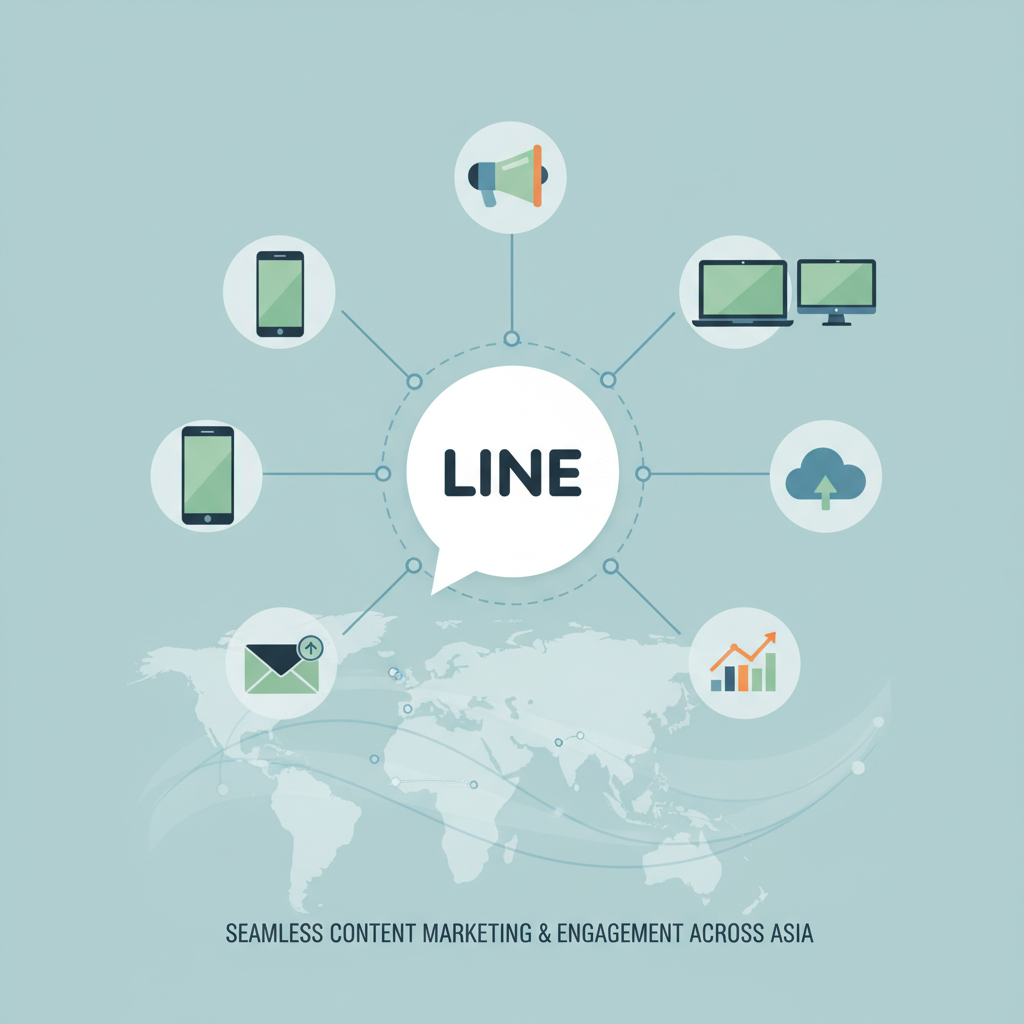
In Asian markets such as Japan, Taiwan, Thailand, and Indonesia, LINE is more than just an instant messaging app—it is a core connection point between brands and users, a key battleground for private domain traffic operations. For businesses aiming to deepen content marketing on this platform, scalable and precise information delivery, i.e., LINE broadcast, is essential to improve operational efficiency and marketing effectiveness. This article provides a full-process analysis of how to efficiently implement LINE broadcast, from strategy, tools, and execution to conversion.
1. How LINE Broadcast Boosts Content Marketing?
Before discussing specific methods, we must first understand why LINE broadcast is so important for modern content marketing.
Current challenges in LINE marketing:
- Managing multiple LINE accounts requires switching between accounts to send marketing messages.
- Inability to batch reach followers or send direct messages to users—manual one-by-one sending is extremely inefficient.
- Homogeneous messages, unable to achieve personalized marketing.
- Lack of trackable results—difficult to measure conversion from sent marketing messages.
What LINE broadcast enables:
- Scalable reach: Efficiently push brand events, new product launches, coupons, etc., to a large number of target users in a short time.
- Precise targeting: Send customized content to users with different tags or sources, achieving precision marketing.
- Data feedback: Through replies after broadcast, collect user feedback, quickly assess content appeal, and optimize future content strategies.
To efficiently reach a large user base on LINE and turn it into a true "customer acquisition pool," a broadcast tool is a necessity.
2. How to Choose the Right LINE Broadcast Tool?
When selecting a LINE broadcast tool, consider the following:
1. Stability and Compliance
- Does the tool have effective anti-blocking mechanisms (e.g., environment isolation, IP proxy, send interval control, multi-account distribution)?
- Is the service stable, ensuring long-term secure account operation?
2. Core Functionality Completeness
- Can it manage multiple LINE accounts simultaneously and set unified broadcast tasks?
- Does it support tags, groups, and variable content to avoid sending the same message to everyone?
- Does it include essential features like scheduled broadcast, batch contact import, message templates, and personalization variables?
3. Data Statistics Capability
- Does it provide clear, real-time sending reports to help operators understand task performance for review and optimization?
4. Post-Broadcast Handling
- Does the tool offer auto-reply, AI chatbot features to handle a large volume of user inquiries after broadcast, effectively converting traffic?
As an omni-channel private domain communication tool, NexScrm integrates LINE, WhatsApp, Telegram, Instagram, and other major social platforms for unified management and bulk broadcast. After broadcast, it tracks results—viewing send count, click-through rates, etc.—helping operators continuously optimize.
Key advantages:
- Supports large-scale broadcast with random intervals and daily send limits to avoid being flagged as spam.
- Automatically checks account status upon importing customer lists, identifying invalid or unregistered users to filter out ineffective targets.
- Automatically tags customers based on interaction and interests for precise broadcast and follow-up.
- Offers multiple message templates with random content combination, ensuring each message is unique.
- Supports message personalization and automatic variable replacement, improving customer response rates and satisfaction.
- Optional scheduled sending triggered by customer active hours.
- Centralized management of multiple LINE accounts on one platform, enabling round-robin sending to spread risk.
- Supports proxy IP and fingerprint management—each account can bind different IP and device fingerprints to prevent association and blocking.
3. How to Implement LINE Broadcast?
Step 1: Bind Your LINE Account to NexScrm
Scan your LINE account QR code to connect it to NexScrm. NexScrm supports logging into multiple LINE accounts for centralized management.
Step 2: Create a LINE Broadcast Task
Click "Broadcast Message" > "Create Task" on the client's right side.
Create broadcast task
Step 3: Configure Broadcast Information and Rules
① Select Accounts: Set multiple accounts for random sending.
② Select Recipients: Options include import by phone number, quick select from top contacts, custom group selection, inverse selection, and exclude based on previous tasks.
③ Broadcast Task Settings:
- Send settings: Support original text or translated text.
- Task send time: Send immediately or schedule.
- Send mode: Multi-template random or multi-template all.
- Broadcast content: Choose message templates—you can pre-edit and customize content for different needs.
- Message interval: Set 1-300 seconds between messages.
- Contact/group interval: Customizable.
Step 4: Data Tracking After Broadcast
Start the task → the system will run in the background. Monitor real-time progress, success rate, and other key metrics on the dashboard to optimize your LINE strategy.
4. How to Efficiently Handle Traffic from LINE Broadcast and Drive Conversion?
Broadcast is only the first step. The key is to manage the resulting inquiries and interactions, guiding them toward conversion. This requires configuring AI chatbots and auto-replies on LINE to ensure timely responses and prevent traffic loss.
1. Set Up Auto-Reply: Quick Responses to Common Questions
After broadcast, a large number of user replies may flood in—human agents might not handle them all at once. With NexScrm, you can set keyword-triggered auto-reply rules. When a user's message hits a preset keyword, the system automatically sends the corresponding answer. This greatly improves response efficiency, enhances user experience, and filters out repetitive queries.
2. Create an AI Chatbot: Intelligent Replies for Higher Efficiency
For more complex inquiries or smarter interactivity, use NexScrm's AI chatbot feature. Import your product information, FAQ knowledge base, etc., to train a dedicated brand AI agent. The bot can:
- Understand user intent: Use natural language processing to grasp questions beyond keyword matching.
- Conduct multi-turn dialogues: Guide users through continuous questioning to clarify needs, performing initial screening and qualification.
- Seamlessly transfer to human agents: When encountering complex issues or strong purchase signals, transfer the conversation to a human for deeper follow-up.
With the combination of "auto-reply + AI chatbot," businesses can effortlessly handle traffic spikes from broadcasts, ensuring every potential customer receives timely, professional service. This efficiently converts valuable traffic into actual sales orders or loyal fans.
FAQ
- Can LINE broadcast pre-set message content and schedule sending?
Yes. NexScrm's broadcast feature supports configuring send times for scheduled delivery. - Will LINE broadcast lead to account suspension?
As long as you choose a tool with anti-blocking strategies—like NexScrm, which offers comprehensive protections (send intervals, daily limits, multi-account distribution, random templates)—the risk of suspension can be effectively reduced. - Besides LINE, can other platforms be integrated?
Yes, NexScrm also integrates WhatsApp, Facebook, Instagram, TikTok, Telegram, Discord, Zalo, and other major social platforms.