 NexScrm官方博客
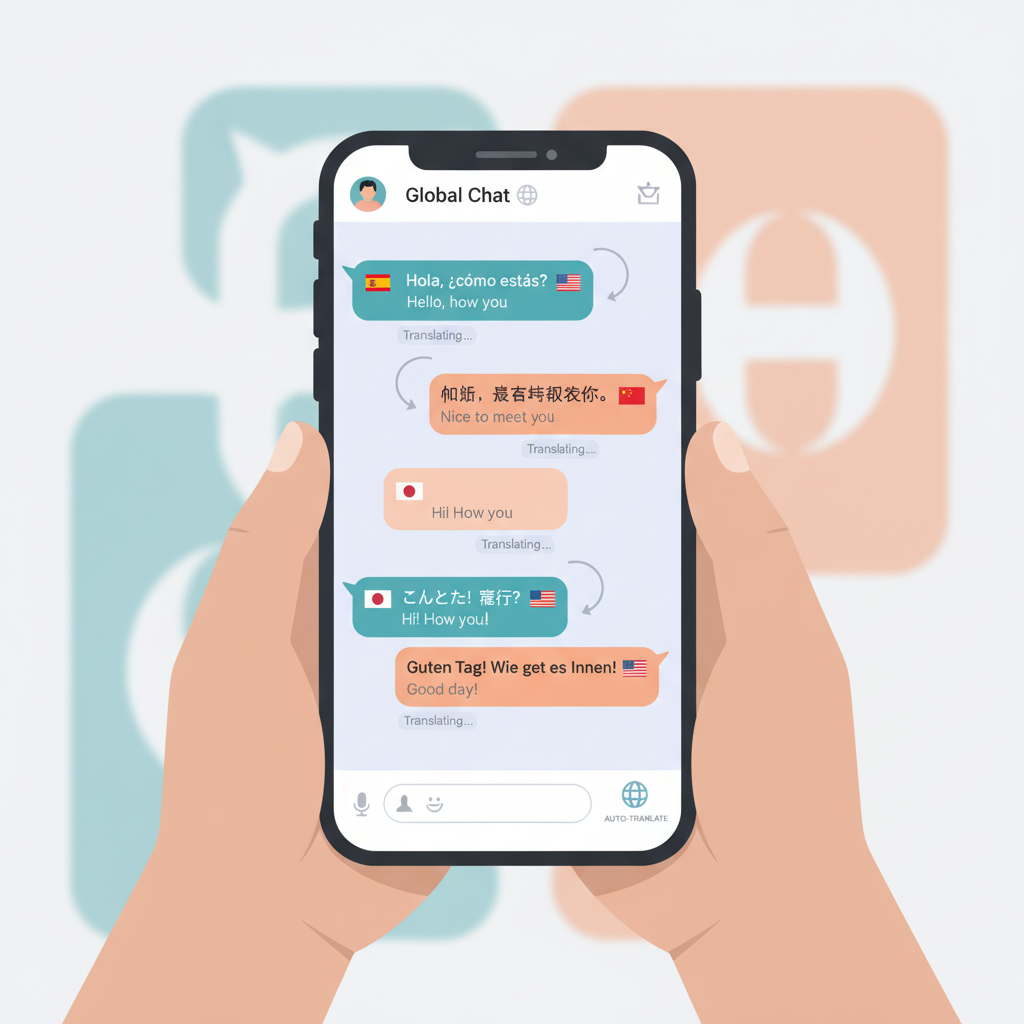
With the widespread use of Instagram globally, it is not only a content platform but also an important tool for many people to engage in cross-language communication and business interactions. Whether interacting with overseas fans or handling cross-border customer inquiries, multilingual messages in DMs have become the norm, making language issues the biggest barrier to efficiency.
To help businesses solve this problem, this article will detail how to achieve Instagram real-time translation, enabling customer service teams to communicate smoothly with customers in different languages directly on Instagram, achieving cross-language barrier-free communication.
Benefits of Instagram Real-Time Translation
- Immersive Social Experience: Stay within the chat interface without repeatedly copying, switching apps, and returning to the chat window. Naturally understand and reply to messages as if communicating in your native language, making conversations more coherent.
- Expand Multilingual Overseas Markets: Through real-time translation, business customer service teams can communicate instantly with global customers. The immediacy of real-time translation provides better service to customers in different languages, helping businesses expand into multilingual overseas markets.
- Suitable for High-Frequency, Multi-Session Scenarios: When handling multiple chat windows simultaneously, every second of delay can lead to loss. Real-time translation significantly reduces response time, allowing you to handle multiple conversations effortlessly.
How to Achieve Instagram Real-Time Translation
1. Use NexScrm for Instagram Real-Time Translation
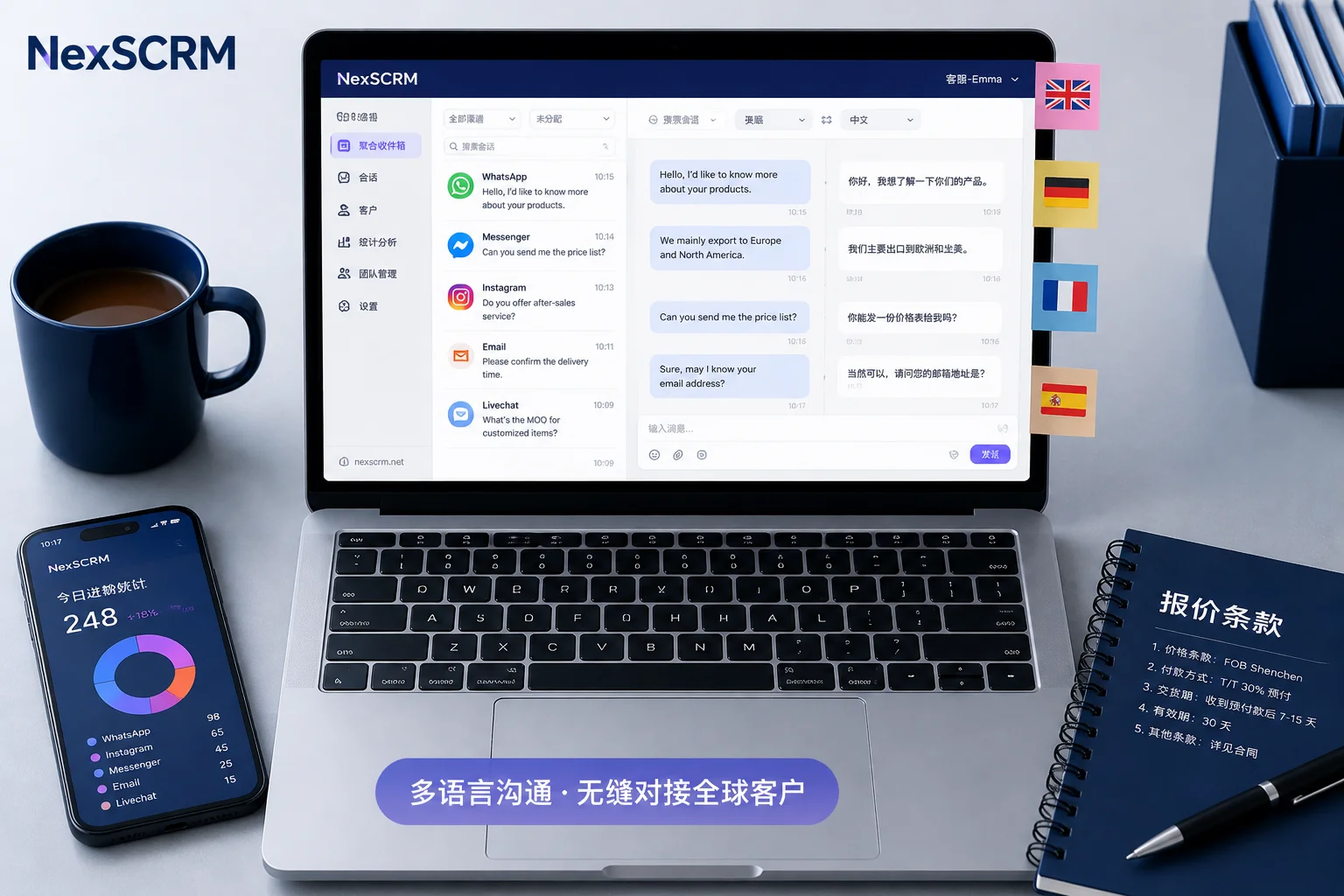
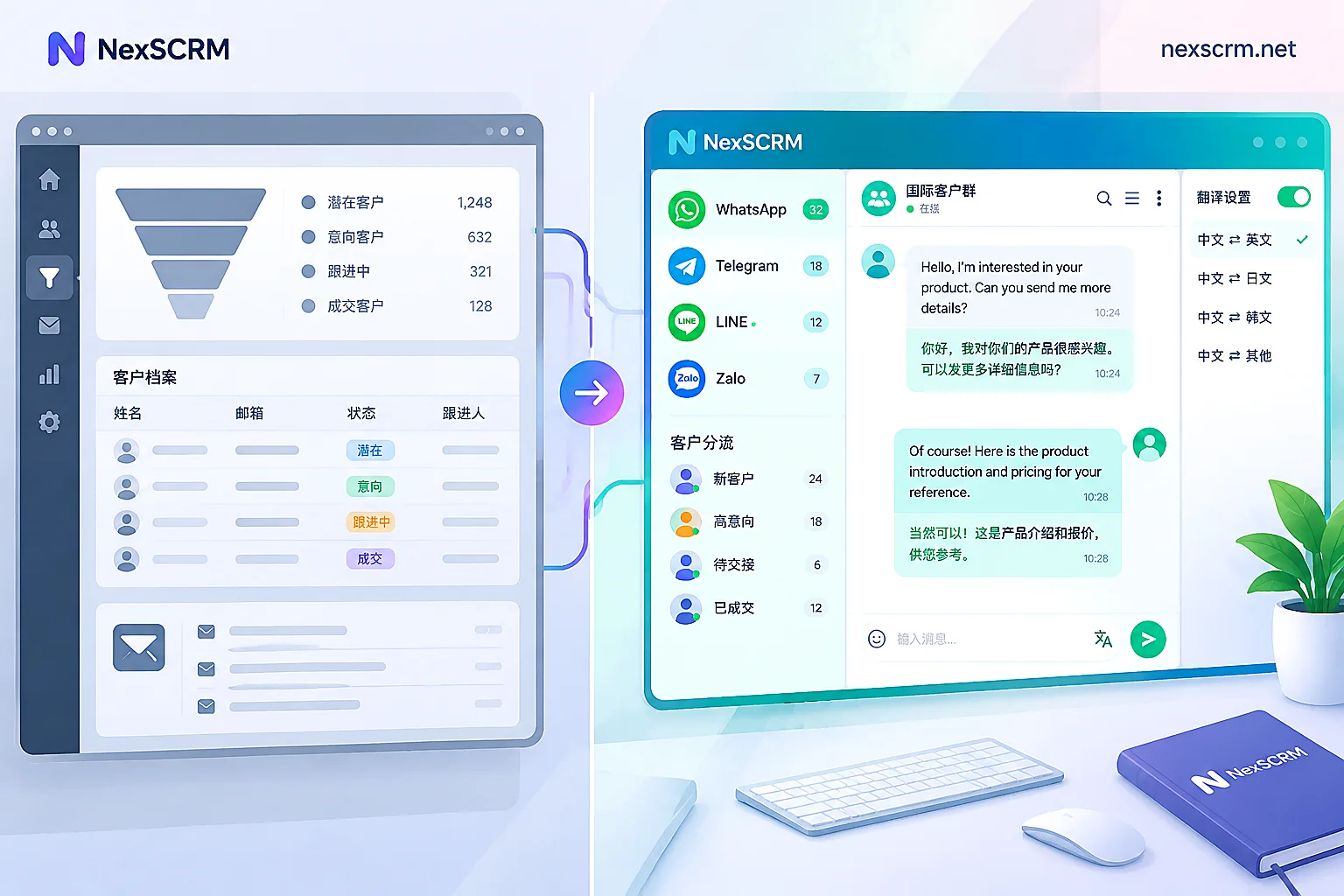
NexScrm is a real-time translation tool designed for multi-platform social interactions, excelling in chat scenarios like Instagram, WhatsApp, and Telegram. It provides automatic two-way real-time translation: incoming messages are automatically translated into your language, and outgoing messages are automatically translated into the recipient's language, requiring no manual intervention. The specific steps are as follows:
① In the platform list, select Instagram, create a new session, follow the prompts to log in or authorize, and DMs will sync and appear.
② Go to "Translation Settings" and complete the relevant settings:
- Set your native language (e.g., Simplified Chinese) and commonly used target languages.
- Select a translation engine (Google, DeepL, GPT-4o mini, Claude, etc.).
- Enable the "Real-Time Translation" toggle.
③ Open any Instagram conversation in NexScrm (one-on-one or group chat).
- Incoming message → Auto-detect language → Display translation in real time.
- You type a message in Chinese → Automatically translate into the other person's language.
- Supports group chat batch translation, voice-to-text with translation, and image OCR translation. The entire interface feels as smooth as native chat.
2. Other Instagram Translation Methods
1). IG Built-in Translation
Instagram has a built-in translation feature for chat messages (DM/private messages). Users can long-press a specific message and select "Translate" from the pop-up menu. However, it can usually only translate individual messages and cannot assist you in sending replies in a foreign language.
How to use:
① Open the Instagram app → Go to "Messages".
② Enter any chat.
③ Long-press the message bubble → Select "Translate".
④ The translation result immediately appears in small gray text below the original message (default matches your app language).
⑤ First, ensure the setting: Profile → Settings and Privacy → Language → Set the app language to Chinese (Simplified).
2). Gboard Keyboard
Gboard is Google's input method keyboard that supports real-time translation in any app that supports typing (including Instagram). It mainly handles messages you send: you type in your native language, and Gboard automatically translates it into the target language before sending. This perfectly complements Instagram's built-in "receive translation" (long-press message → Translate).
Specific settings and steps:
① Download/open Gboard (Google Keyboard) and set it as the default keyboard.
② Open any input field to bring up the Gboard keyboard.
③ Tap the ">" key or comma key in the top left corner → Find the "Translate" icon (globe or Translate) → Enable it and select commonly used language pairs.
④ Open the Instagram chat box, directly type in Chinese (or your language). The text you type appears in the preview bar above the keyboard in real time, along with the translated version.
⑤ After confirming the translation is correct, tap the "Send" button. Gboard automatically fills the translated foreign text into Instagram's input field, and you only need to tap Instagram's send button.
3). Use Google Translate Tap to Translate (Mobile Only)
Using Google Translate's "Tap to Translate" feature can easily translate text in Instagram chat messages (DM/private messages). This feature mainly handles received messages.
Steps:
① Open the Instagram app → Tap the paper airplane icon in the top right corner to go to "Messages".
② Enter any chat conversation and find the foreign message you want to translate.
③ Long-press the message text (or double-tap to select) → Select "Copy".
④ After copying, the Google Translate floating bubble/icon immediately appears at the bottom right of the screen (or in a floating position).
⑤ Tap this bubble → A translation window pops up, automatically showing the original text + translation (default translates into your phone's system language or app language, e.g., Chinese).
Summary:
These three free translation methods all have issues with "manual triggering" or "one-way translation." To achieve receive + reply + efficient multi-account management, specialized tools (such as NexScrm) are usually needed to provide a truly real-time two-way translation experience.
Advantages of NexScrm Real-Time Translation
1. Real-Time Two-Way Translation
It can both automatically translate IG messages received from customers and instantly translate your replies into the customer's language, truly achieving efficient two-way real-time translation.
2. Multiple Translation Engine Configuration
Built-in Google, DeepL, Microsoft + GPT-4o mini, Claude, Gemini, and more. It can aggregate and compare multiple translations of the same sentence to select the most accurate one; supports back-translation verification, ensuring higher accuracy for business/professional chats.
3. Voice Translation
Supports converting received voice messages directly to text with translation, and also converting your text replies into foreign language voice messages for sending, allowing translation processing in voice communication scenarios.
4. Multi-Account Translation
Unified management of multiple Instagram (and WhatsApp/Telegram/LINE, etc.) accounts, with all chats translated in one interface. A high-efficiency tool for cross-border teams and multi-account operators, avoiding the hassle of switching between apps.
To achieve true "real-time translation" for Instagram chats, it is recommended to first try specialized tools like NexScrm for the smoothest and most integrated experience.