 NexScrm官方博客
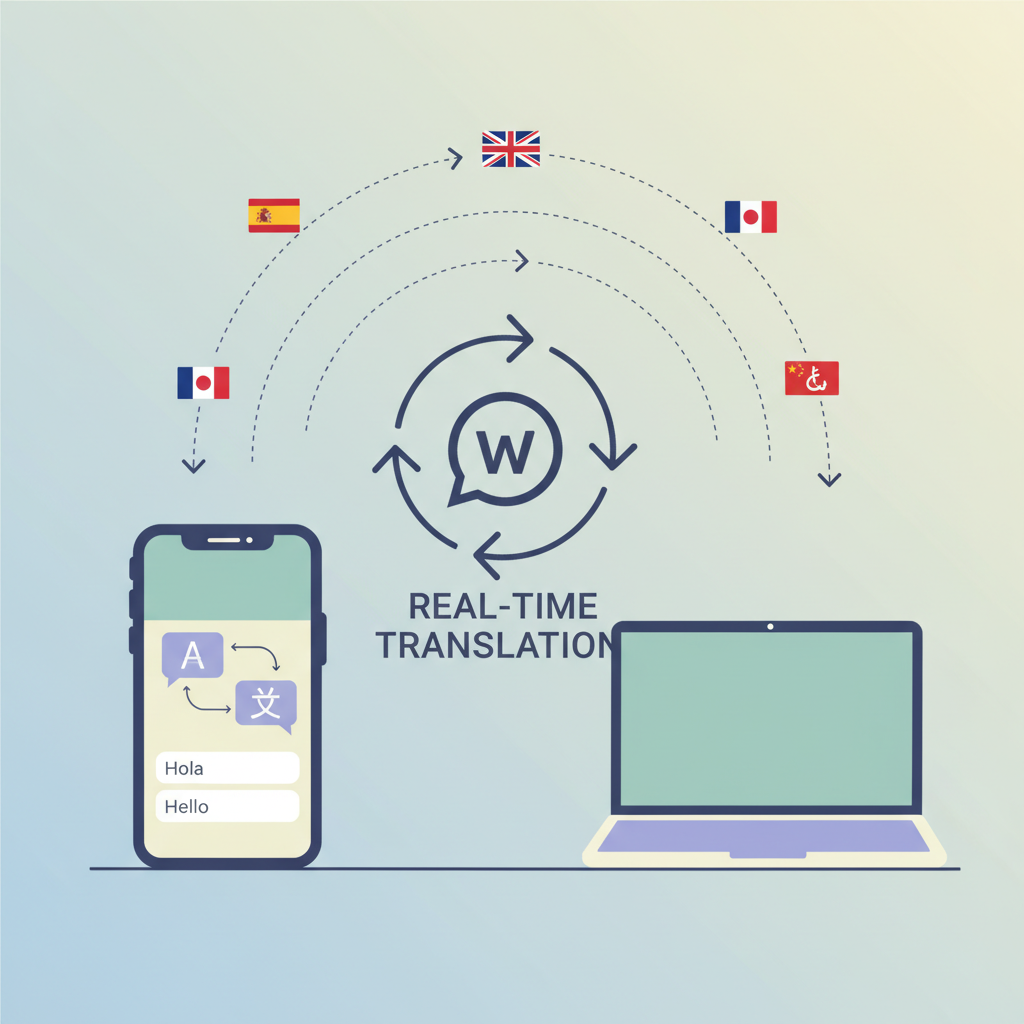
With the increasing frequency of global business, WhatsApp has become a core tool for enterprises to communicate with international clients. However, language barriers often lead to misunderstandings, reduced collaboration efficiency, and even missed opportunities. Simple "translation" features are no longer sufficient for high-frequency, instant communication. The need for "two-way real-time translation"—enabling real-time translation of sent and received messages within the chat—has become a key pain point for overseas enterprises, teams, and individual users.
This article provides a comprehensive analysis of how to achieve efficient two-way real-time translation on WhatsApp mobile and desktop, helping you choose the most suitable solution.
WhatsApp Mobile Two-Way Real-Time Translation Solutions
Mobile is a frequent daily use scenario. The following two methods can be combined to achieve a near-complete two-way closed loop.
1. Native WhatsApp Translation (Translate Received Messages)
WhatsApp has introduced built-in message translation for Android/iOS users, supporting one-on-one chats, groups, and channel messages.
Steps:
1). Ensure WhatsApp is updated to the latest version (check App Store / Google Play).
2). Open any chat and long-press (tap and hold) a foreign language message.
3). In the pop-up menu, select "More options" (three dots icon) > "Translate".
4). Choose the source and target languages; the translation appears immediately below the message.
5). Android users can additionally enable "Auto-translate entire conversation" in chat settings to automatically convert incoming messages to your preferred language.
2. Gboard Keyboard (Translate Sent Messages)
The simplest and most efficient tool for real-time translation when sending messages is Google's Gboard keyboard, which has built-in translation as you type and works on both Android and iOS.
Setup and Usage:
1). Download and install Gboard (Google Keyboard) and set it as the default keyboard.
2). In the WhatsApp chat interface, tap the input field to invoke Gboard.
3). Tap the "More" icon (or globe icon) in the toolbar above the keyboard > select "Translate".
4). Set translation from "XX language" to "XX language".
5). Type in your native language; Gboard automatically translates it into the target language.
6). Confirm and send; the recipient receives the fully translated foreign language message.
Mobile solution summary: Combining WhatsApp native (receive) + Gboard (send) provides basic two-way translation on mobile. However, the process is not automatic and requires manual translation steps; receiving and sending are separate actions, making the translation experience disjointed and cumbersome in fast-paced business conversations.
WhatsApp Desktop Two-Way Real-Time Translation Solutions
There is no built-in translation on desktop, but the following solutions can achieve full two-way translation:
1. Use Chrome/Edge Browser Extensions (WhatsApp Web)
The Chrome/Edge extension store offers several translation plugins designed specifically for WhatsApp Web that support real-time automatic translation of both received and sent messages, such as WhatsApp™ Auto Translation.
Steps:
1). Search for "WhatsApp™ Auto Translation" in the Chrome/Edge store and install the extension.
2). Open web.whatsapp.com and log in by scanning the QR code.
3). Go to translation settings: enable receive/send translation and select target languages.
4). Incoming messages: automatically converted to your preferred language (displayed below the original message).
5). Outgoing messages: type in Chinese; the plugin translates in real-time before sending.
Advantages: install and use; supports 200+ languages; almost seamless in auto mode; free.
Limitations: Only works for WhatsApp Web users.
2. Use NexScrm Real-Time + Automatic + Two-Way Translation (Windows/Mac)
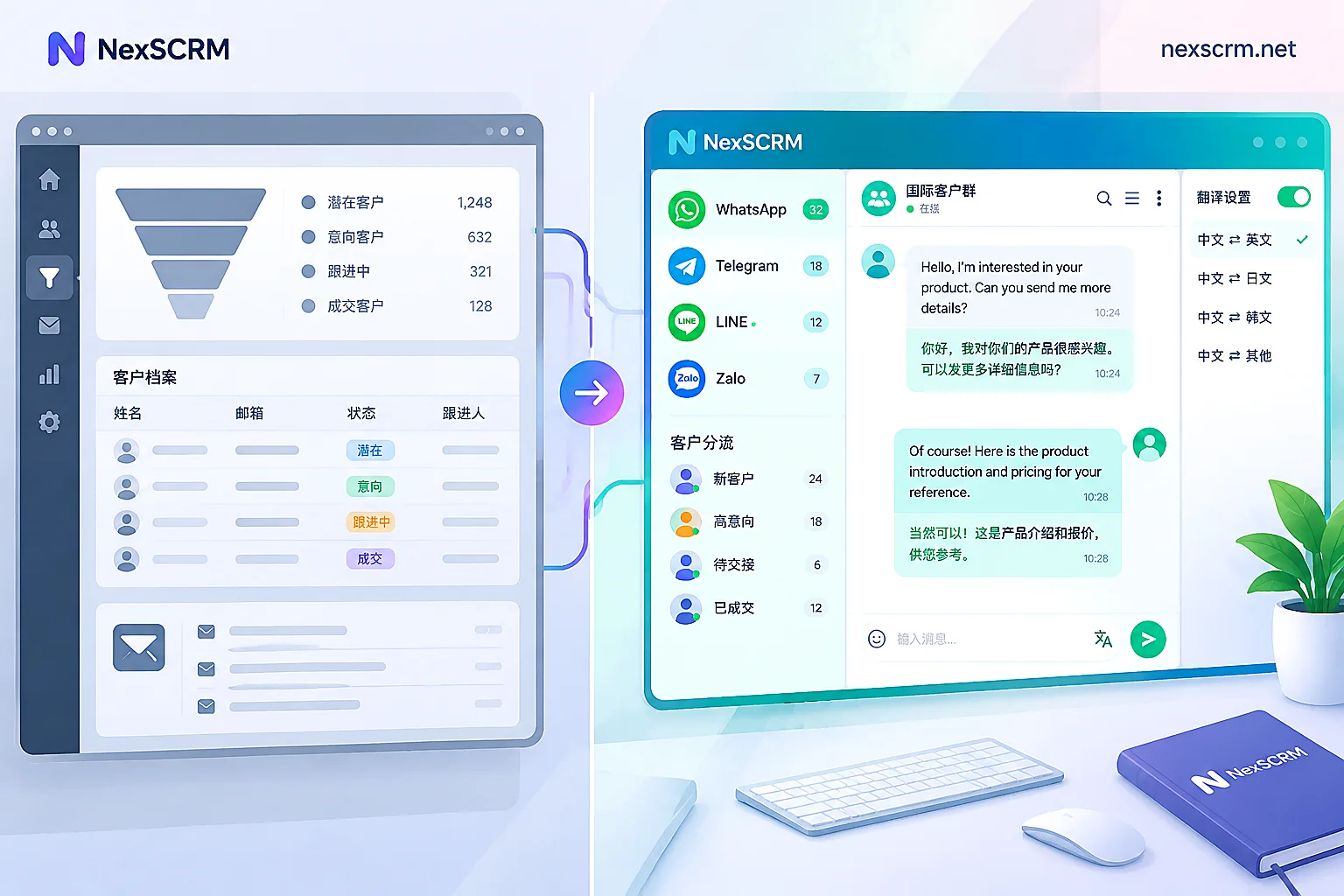
For overseas enterprises, teams, or high-frequency users, NexScrm offers a more stable and professional solution. As a desktop client enhanced for WhatsApp, it provides truly automatic two-way real-time translation:
Send: Type in your native language; upon sending, the recipient automatically receives a message translated into their language.
Receive: Messages from the recipient are automatically translated into your native language and displayed directly in the chat.
The entire process requires no extra clicks, copy-pasting, or page refreshes, offering a smooth communication experience as if chatting with a native speaker.
Steps:
1). Download and install NexScrm:
① Download the desktop application from the NexScrm official website (supports Windows/Mac).
② After installation, log in by scanning the WhatsApp Web QR code.
2). Complete translation settings:
① Global translation settings: In the [Settings] page's [Translation Settings], enable [Auto-translate incoming messages] and [Auto-translate outgoing messages], set the [Translation route] and [Translation language]. Then, all conversations in newly logged accounts will default to using the global configuration.
② Conversation translation settings: Select a conversation for an account, find [Translation Settings] in the right sidebar. Here you can set the global translation line for each platform (default Google), and based on the client's language, customer service and sales personnel can turn on individual translation switches and set a specific language for each client.
3). Translate messages: Incoming foreign messages are automatically translated into Chinese; type Chinese and it is automatically translated into the recipient's language.
Advantages:
- Automatic language detection: No need to manually select source language; the system instantly detects any language sent by the client and automatically displays the translation in the chat window.
- Multiple translation engines: Integrates 11 major translation engines, such as GPT-4o mini, Claude 3 Haiku, Gemini 1.5, Google, Microsoft, DeepL, etc. Choose whichever you prefer.
- Multi-format translation support: Besides plain text, supports voice message transcription + translation, and text recognition + translation in images/documents.
- Multi-account translation: Supports multiple WhatsApp accounts, each with independent translation language/engine settings.
Summary: Choose the Best Solution Based on Your Scenario
Light personal use → Mobile: WhatsApp native translation (receive) + Gboard (send) combination; Desktop: free Chrome extension.
Overseas enterprises, teams, high-frequency cross-border communication: Prioritize NexScrm for truly zero-latency automatic two-way translation, greatly improving professional efficiency and customer experience.