 NexScrm官方博客
Zalo Translation Software Selection Guide: From Native AI Translation Updates to Efficient Cross-Border Customer Service Solutions
In Southeast Asian cross-border e-commerce and foreign trade expansion, the Vietnamese market holds a pivotal position, and Zalo, as Vietnam's national instant messaging tool, is a core link connecting local buyers, suppliers, and partners. However, language barriers have long plagued overseas operations and customer service teams.
Recently, in its July 2026 update, Zalo officially upgraded its native AI translation feature, expanding direct translation support to Chinese and Korean, and integrating a richer multilingual engine on iOS. While this update improves the reading experience for individual users, in scenarios involving multi-account management, agent collaboration, and real-time two-way sending, relying solely on mobile native tap-to-translate still has significant limitations.
This article will interpret the latest changes in Zalo's translation features, analyze the pros and cons of different communication tools, and provide actionable selection and operational recommendations for cross-border teams.
1. Zalo's Native AI Translation Updates and Limitations
According to the latest version update notes from Zalo, the platform is increasing investment in AI text processing capabilities:
- Multilingual Expansion and Colloquial Recognition: Following previous deep semantic optimization for Vietnamese slang and everyday colloquialisms, Zalo's recent updates have extended native AI translation in chat windows to Chinese and Korean. Users can now quickly convert language by long-pressing a single message.
- Mobile Interaction Optimization: On iOS and Android clients, users can view translations directly below messages, reducing the frequency of cross-app copy-paste.
Why Native Translation Cannot Meet Enterprise-Level Customer Service Needs?
Despite the increasing accuracy of Zalo's mobile "long-press translation," cross-border enterprises handling hundreds of inquiries daily still face three major pain points:
- One-Way and Single-Message Tap: The native feature mainly solves the reading problem of "receiving messages." When "sending messages," customer service representatives still need to manually compose or use external input methods for translation, lacking efficient real-time two-way translation within a single window.
- Insufficient PC and Web Coverage: Many enterprise customer service teams prefer working on desktop computers, but Zalo PC and Web versions have limited automatic translation support, causing agents to fall into the inefficient cycle of "copy-paste-translate."
- Lack of Customer Data and Team Collaboration: The native app cannot address needs for multi-account aggregation, conversation assignment, customer tagging, and unified backup of chat history.
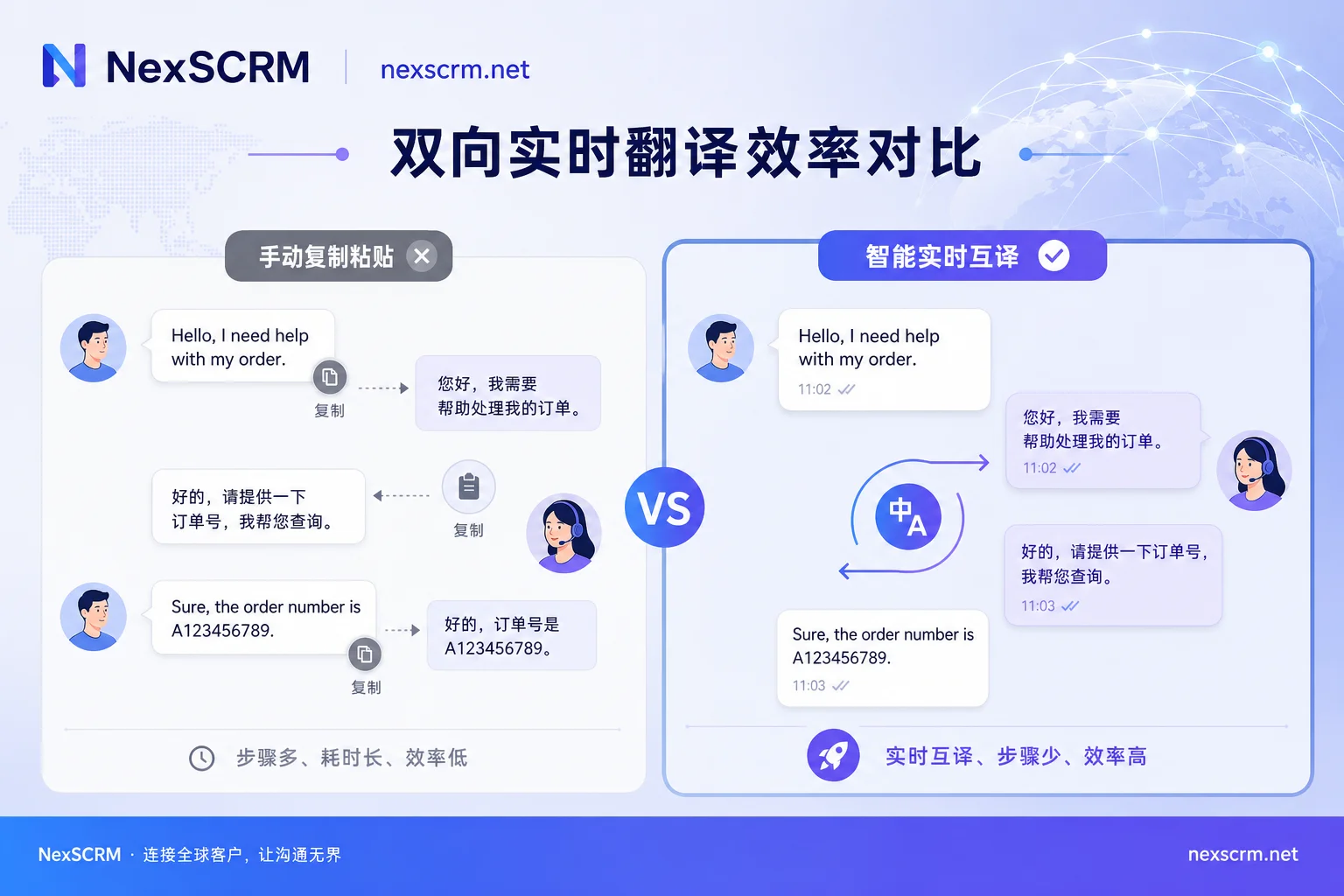
2. Comparison of Mainstream Zalo Translation Software and Solutions
To address these challenges, various Zalo translation software and auxiliary solutions have emerged in the market. Enterprises can choose appropriately based on their business stage:
1. Native App Mobile AI Translation
- Applicable Scenarios: Individual users, lightweight temporary communication, field personnel checking messages.
- Advantages: Official native support, free, no need to install third-party extensions.
- Disadvantages: Requires manual long-press for each message, cannot automatically translate sending content, lacks efficient PC-side customer service support.
2. Browser Plugins (e.g., Chrome Translation Extensions)
- Applicable Scenarios: Individual sellers doing light customer service responses on Zalo Web.
- Advantages: Easy to install, can overlay translated text on the Zalo Web interface.
- Disadvantages: Depends on browser environment; multiple account logins may pose environment association risks; plugin stability is limited by web DOM structure changes, and cannot achieve system-level CRM data accumulation.
3. Professional Cross-Border SCRM Systems (e.g., NexSCRM)
- Applicable Scenarios: Multi-agent teams, multi-account operations, medium to large cross-border e-commerce and foreign trade enterprises.
- Advantages: Provides real-time two-way automatic translation, multi-platform and multi-account aggregation management, independent anti-association environment, message backup, and AI-assisted replies, achieving integrated communication and marketing.
- Disadvantages: Suitable for commercial team deployment, requires unified configuration of agent permissions.
3. NexSCRM-Driven Zalo Automated Communication Solution
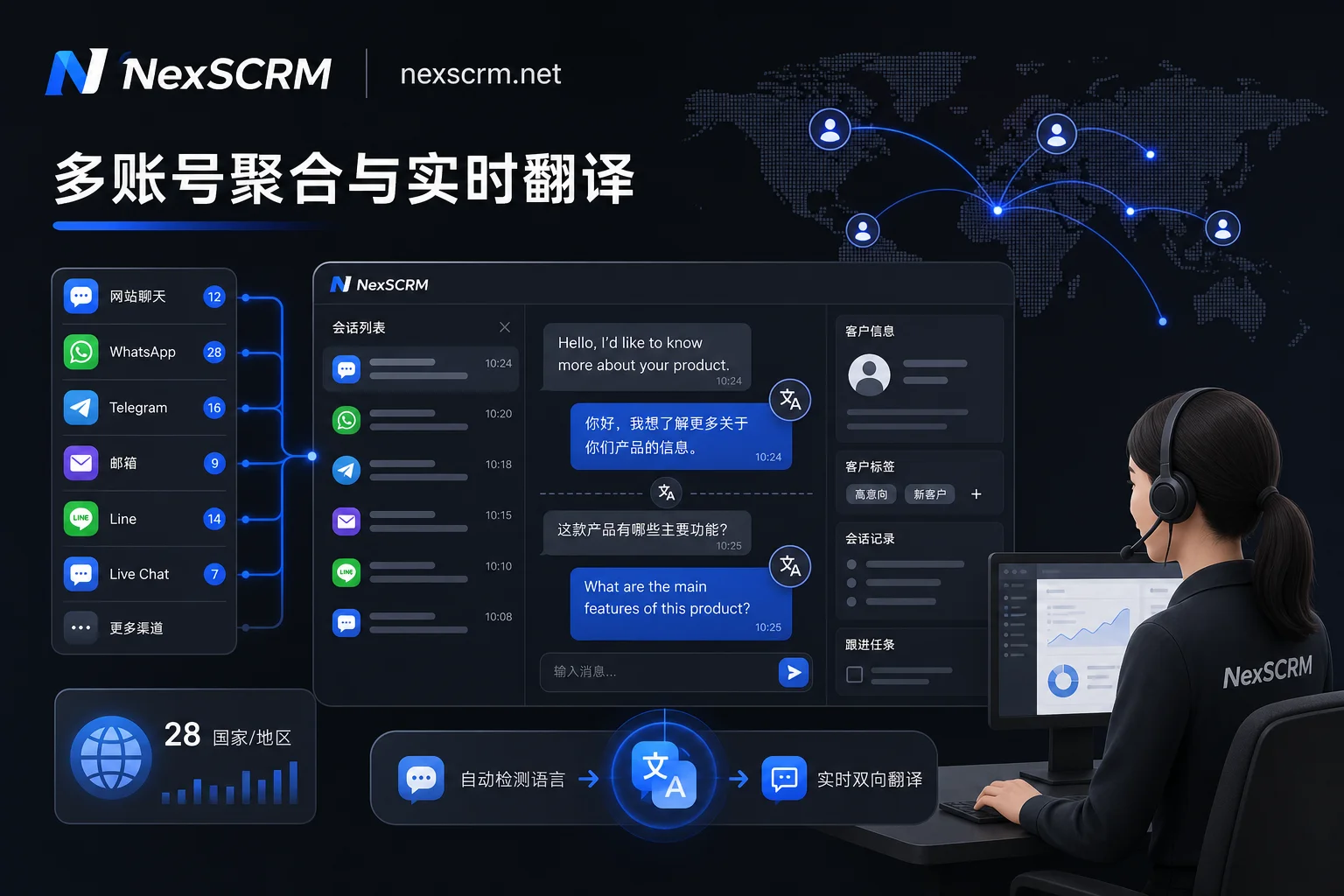
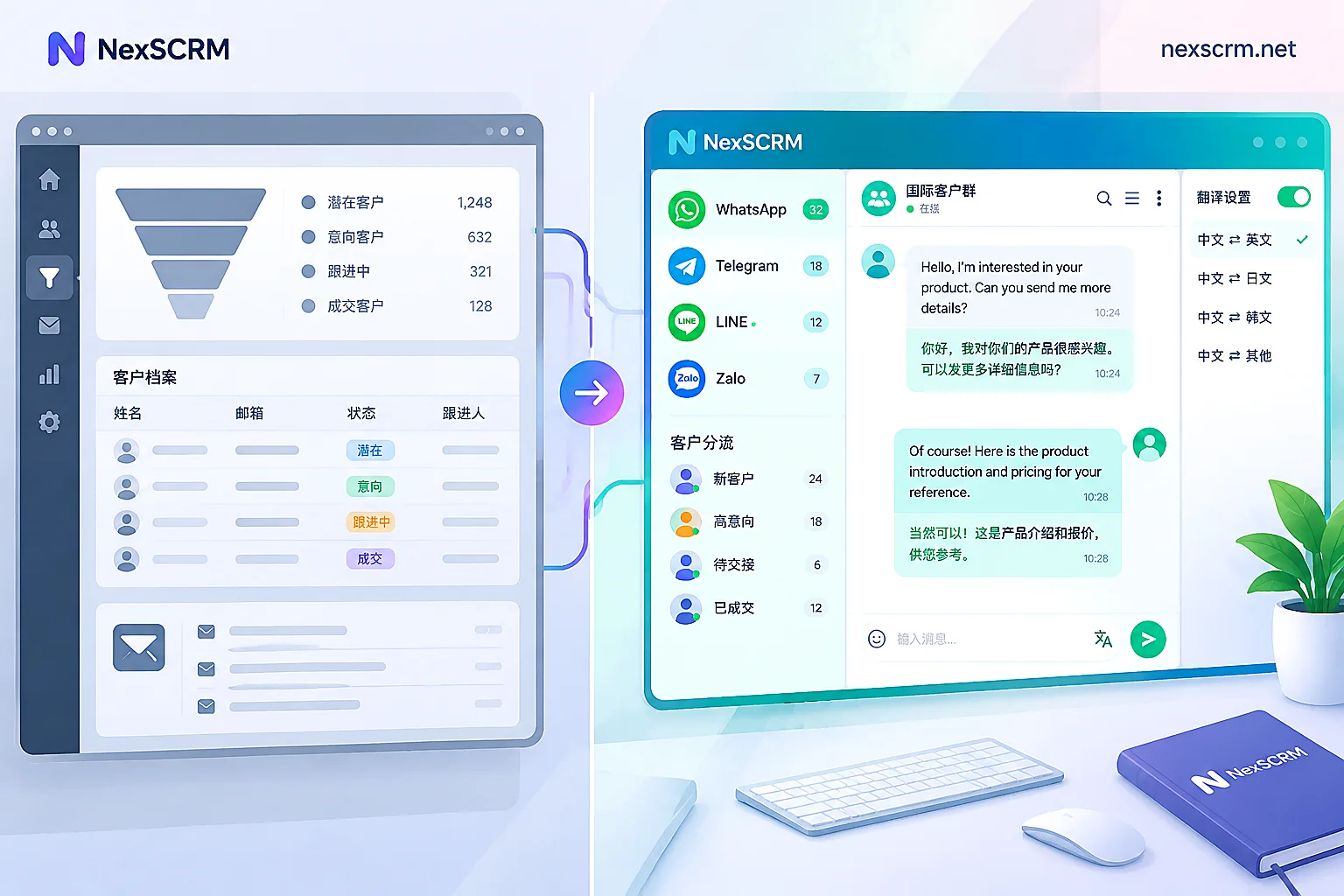
To meet the actual needs of enterprises in fine-grained operations in the Vietnamese private domain, NexSCRM provides deep cross-border communication and customer management support. As a global chat translation and aggregation marketing system, NexSCRM supports real-time two-way translation for major platforms including WhatsApp, Telegram, LINE, and Zalo.
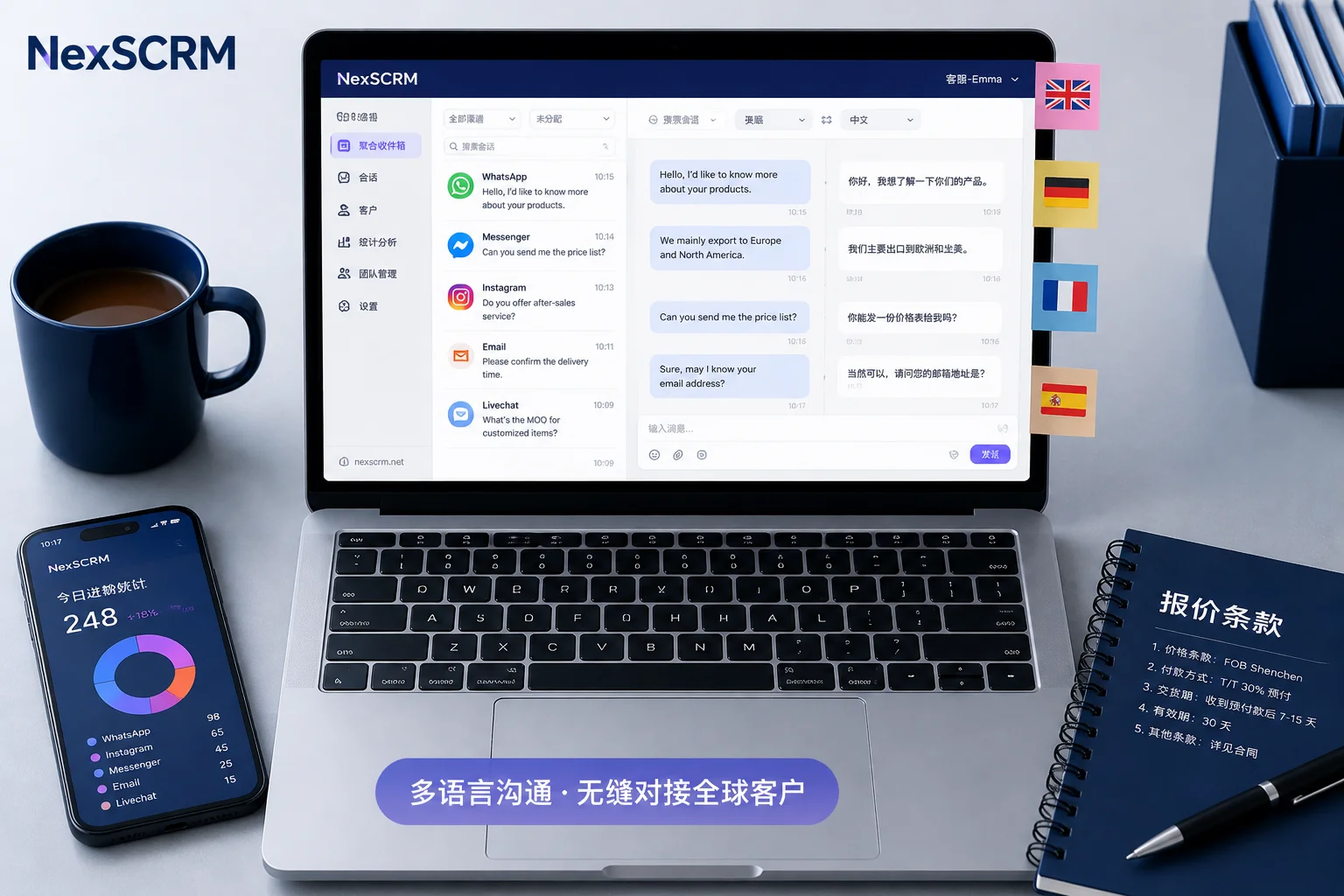
Customer service representatives only need to input their native language in the integrated panel, and the system automatically converts it to accurate Vietnamese for sending to customers; simultaneously, Vietnamese messages from customers are instantly presented with Chinese translations. This not only eliminates the cumbersome steps of single-message translation but also enhances overall operational efficiency through the following capabilities:
- Multi-Platform and Multi-Account Aggregation Management: Centrally handle multiple Zalo accounts and messages from other overseas social media in a single interface, completely eliminating the hassle of frequently switching accounts and devices.
- Independent Environment and Security Risk Control: Provide isolated running environments for each social media account to safeguard cross-border private domain assets.
- Data Statistics and Message Backup: Support marketing data statistics and real-time backup of chat records, helping management understand team response times and conversion performance.
- AI-Assisted Replies: Combine common customer service scenarios to intelligently recommend response language, further reducing customer service response time.
4. Brand Interaction and Cross-Border Customer Service Landing Recommendations
Interactive Discussion: Which Stage Is Your Zalo Customer Service Process In?
- Initial Stage: Relying on frequent long-press translation on the mobile Zalo app, or repeatedly switching to Google Translate on desktop, taking 1-2 minutes to reply to a single message.
- Advanced Stage: Using browser translation plugins but often encountering issues such as restricted multi-account login, frequent disconnections, or inability to retain data.
- Efficient Operation Stage: Through a centralized SCRM aggregation system, achieving real-time two-way translation and multi-agent team collaboration, with significantly improved customer satisfaction and order conversion rates.
Restrained Action Recommendations
If your team is expanding into the Vietnamese market and wants to break free from inefficient translation and heavy multi-account management, consider evaluating your current communication bottlenecks. You can try to keep personal daily communication on the Zalo mobile app while introducing a NexSCRM system with integrated real-time two-way translation and multi-account management for your professional customer service team, thereby creating a smooth, compliant, and high-conversion Southeast Asian cross-border communication workflow.


Comments(0)