 NexScrm官方博客
Foreign trade professionals deeply engaged in the Vietnamese market often face a thorny issue: how to efficiently manage multiple Zalo accounts? Due to varying needs across different countries, customer types, and business lines, it's common to operate dozens or even hundreds of accounts simultaneously. Frequent login switching, missed messages, customer loss... these problems not only consume time and effort but can also directly impact business conversion.
So, is there a way to securely and efficiently manage all your Zalo accounts on the same device and achieve seamless communication? The answer is yes—with the help of professional Zalo multi-account software, such as NexScrm, you can not only solve multi-account management challenges but also integrate practical features like automatic translation, bulk replies, etc., truly enhancing cross-border communication efficiency.
Four Major Pain Points of Zalo Multi-Account Management
- Account Conflicts: Standard browsers or phones cannot log into multiple Zalo accounts simultaneously, requiring repeated logouts and logins, making operations cumbersome.
- Environmental Anomaly Risks: When used cross-border, if the IP address or device fingerprint doesn't match, it's easy for Zalo's system to flag abnormal behavior, leading to rate limiting or account suspension.
- Data Security Risks: Multiple accounts sharing the same environment can be easily linked by the platform; if one account has issues, others may also be implicated.
- Low Efficiency: Manually switching accounts and checking messages one by one severely slows down response times, affecting customer experience.
Why Foreign Trade Professionals Need Zalo Multi-Account Tools?
To address the above challenges, professional Zalo multi-account tools like NexScrm have emerged, designed specifically for cross-border foreign trade scenarios, offering the following core advantages:
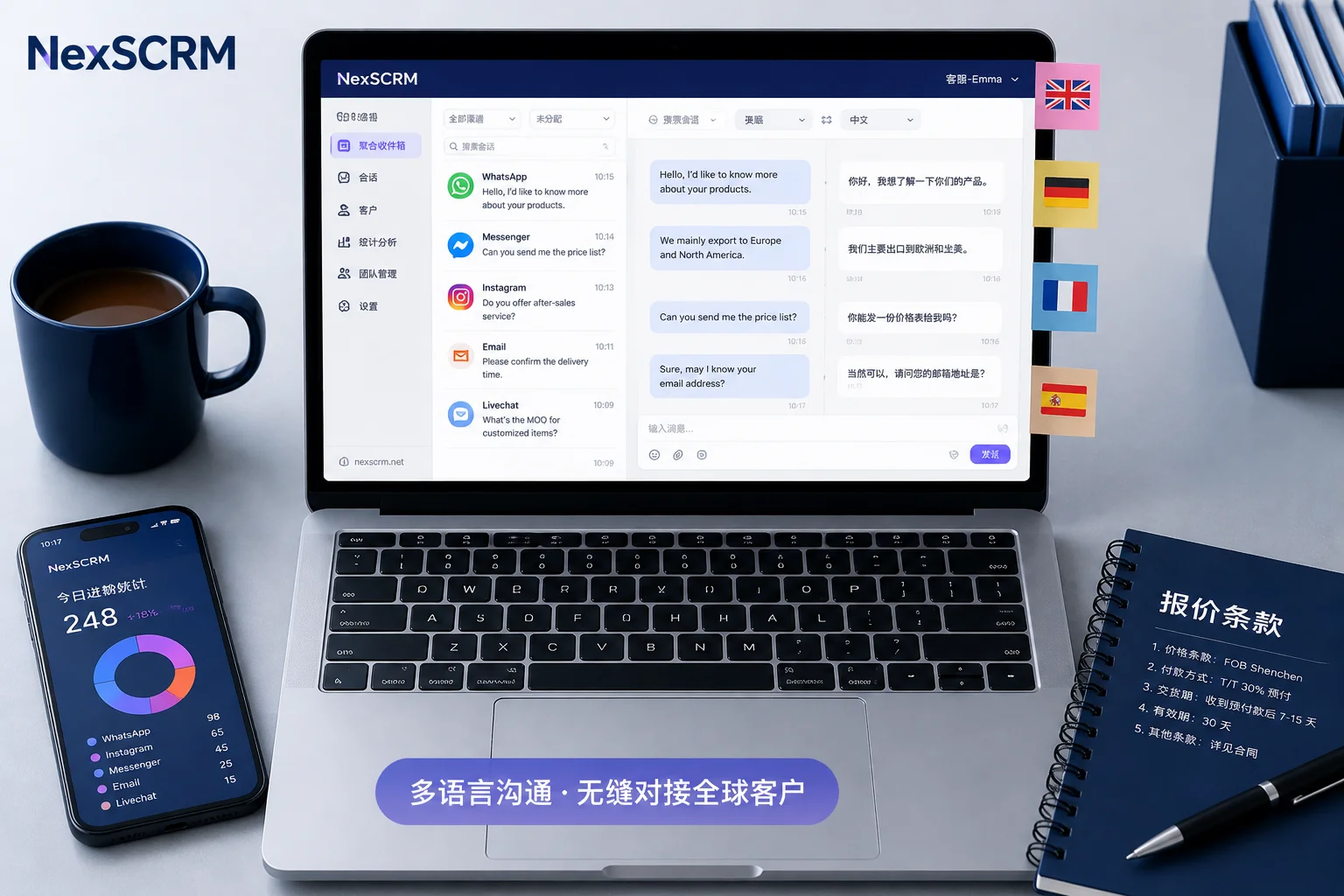
- Parallel Management of Multiple Accounts: Run dozens or even hundreds of Zalo accounts simultaneously on one computer, with all chat windows displayed centrally and real-time message notifications, ensuring you never miss a customer inquiry.
- Isolated Device Fingerprints: Each account has a unique browser fingerprint (including User-Agent, Canvas, fonts, resolution, etc.), effectively avoiding platform risk control.
- Isolated Cookies and Cache: Ensures login states of each account do not interfere with each other, maintaining long-term stable online presence.
- Multi-IP Support: Can bind proxy IPs from different countries to simulate local user environments, enhancing account security and credibility.
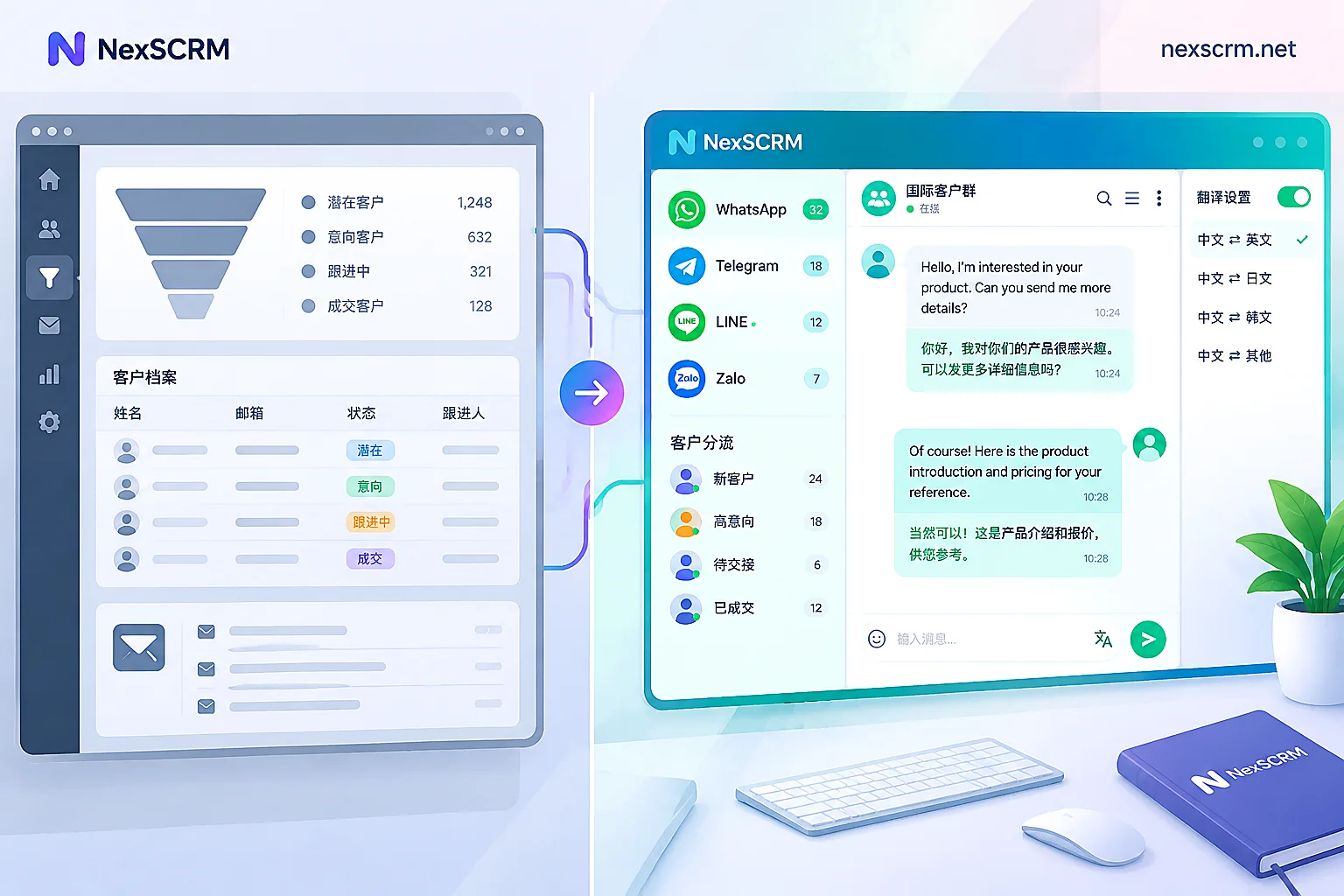
- Automation and Intelligent Assistance: Supports scheduled sending, bulk messaging, quick replies, and includes a built-in Zalo translation tool that automatically translates Vietnamese messages into Chinese (or vice versa), breaking language barriers for smoother communication.
How to Use NexScrm for Zalo Multi-Account + Smart Translation?
Step 1: Register and Download
Register an account with your email, download and install the client.
Step 2: Create an Independent Environment
Click "New Session" > "Fingerprint Configuration", the system will automatically generate a unique device fingerprint. In the proxy settings, bind the corresponding country's IP (e.g., Vietnam) to ensure the account environment is authentic and trustworthy.
Step 3: Log into Zalo Account
After starting the session, scan the QR code to log into your Zalo account. Repeat this step to add multiple accounts; all accounts will be clearly listed in the left navigation bar.
Step 4: Group Management
Use tags or grouping functions to categorize accounts by customer type, region, or business line to improve management efficiency.
Step 5: Efficient Communication + Automatic Translation
Click on any account to send and receive messages directly. NexScrm's built-in Zalo translation tool automatically identifies Vietnamese text and translates it in real-time, eliminating the need to switch to third-party applications for smoother communication.
Step 6: Enable Advanced Features
Utilize CRM customer management, team collaboration assignment, chat history backup, auto-reply templates, and other features to further free up manpower and focus on business growth.
Conclusion
For foreign trade enterprises targeting the Vietnamese and Southeast Asian markets, Zalo is not just a social tool, but a crucial channel for reaching customers. To maximize its value, efficient multi-account management and barrier-free language communication are both essential.
NexScrm not only solves the technical challenges of Zalo multi-account usage but also integrates a highly recommended Zalo translation tool, making cross-border communication simple, intelligent, and efficient. Say goodbye to account chaos and language barriers, easily manage hundreds of Zalo accounts, and steadily expand your presence in the Vietnamese market!