 NexScrm官方博客
For social media managers, cross-border e-commerce customer service, or users who need to communicate with multiple communities, efficiently handling multiple WhatsApp accounts on one computer is an essential requirement for multi-account customer maintenance, lead generation, and distribution. However, using too many accounts on the same device may lead to bans due to association. So, is there a method to log in to 5 or even more WhatsApp accounts on one device and keep them stable without being banned?
Problems with Multi-Opening WhatsApp
Account Addition Limit: Although WhatsApp has introduced a dual-account login feature on Android devices, this official feature still struggles to fully meet the needs of users who require far more than two accounts.
Cumbersome Login and Logout Process: The limit on the number of accounts leads to frequent login and logout operations, which is both tedious and time-consuming, increasing operational complexity. Additionally, frequent login and logout may trigger security warnings.
IP Address Association: IP addresses are the unique identifiers of each device on the internet. WhatsApp monitors multiple account activities from the same IP address. If multiple Twitter accounts are created and logged in from the same device and IP address, WhatsApp may consider this abnormal operation or abnormal accounts, leading to batch bans.
Device Fingerprint Association: WhatsApp uses fingerprinting technology (including browser type, time zone settings, fonts, screen resolution, etc.) to identify user operations. If multiple accounts are logged in under the same fingerprint environment, WhatsApp may detect the association between accounts and take banning measures.
Method to Manage Hundreds of WhatsApp Accounts on One Device
To address the above issues, NexScrm provides a one-stop solution. It offers a centralized platform that allows users to simultaneously run hundreds of WhatsApp accounts, each operating in a completely independent environment, effectively solving many pain points in multi-account operations and achieving more efficient and secure multi-opening of WhatsApp.
Overall, using the NexScrm multi-opening tool offers the following major advantages:
1. Number of Accounts
You can log in to 50, 500, or even thousands of WhatsApp accounts according to your needs and manage them in a unified and clean interface.
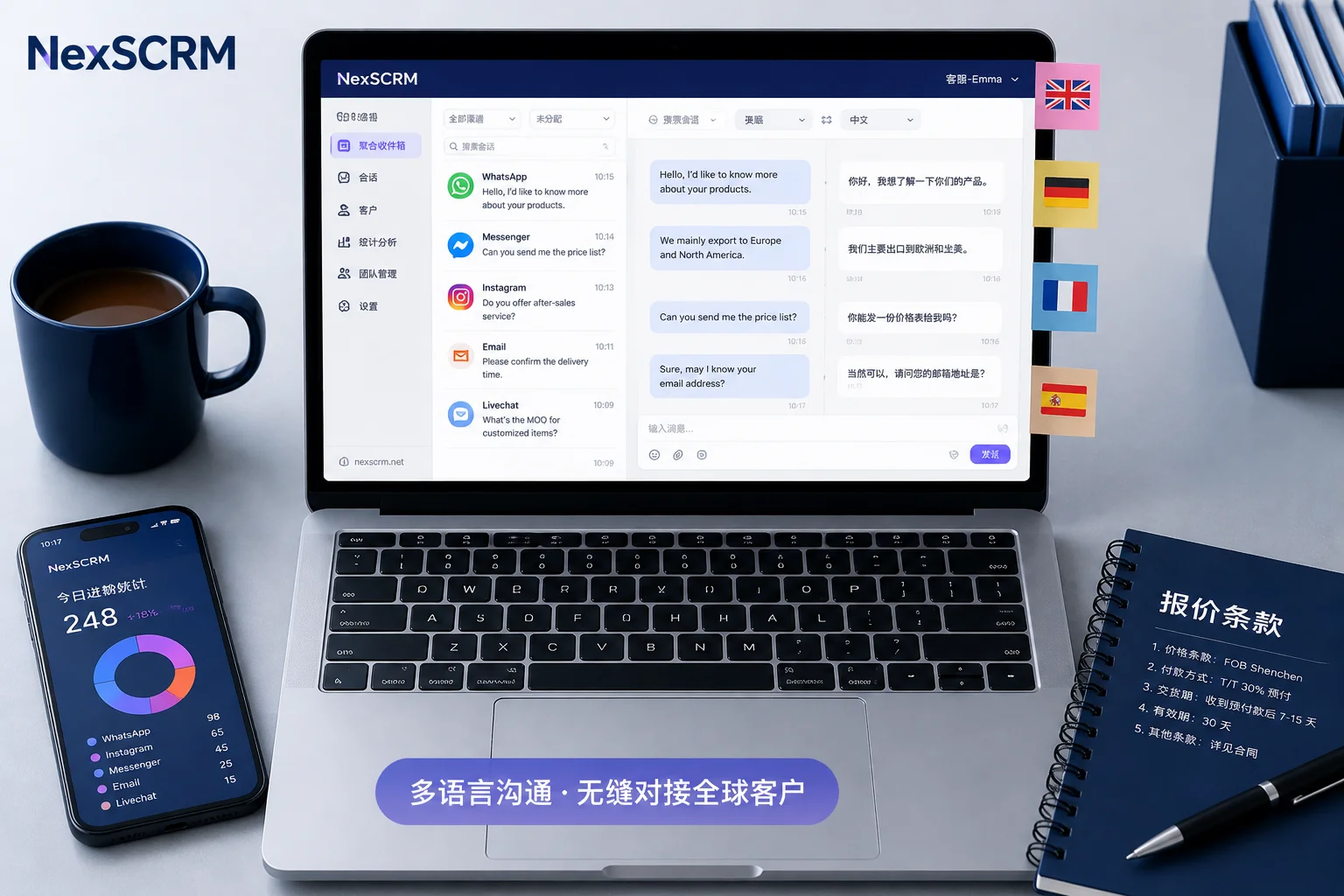
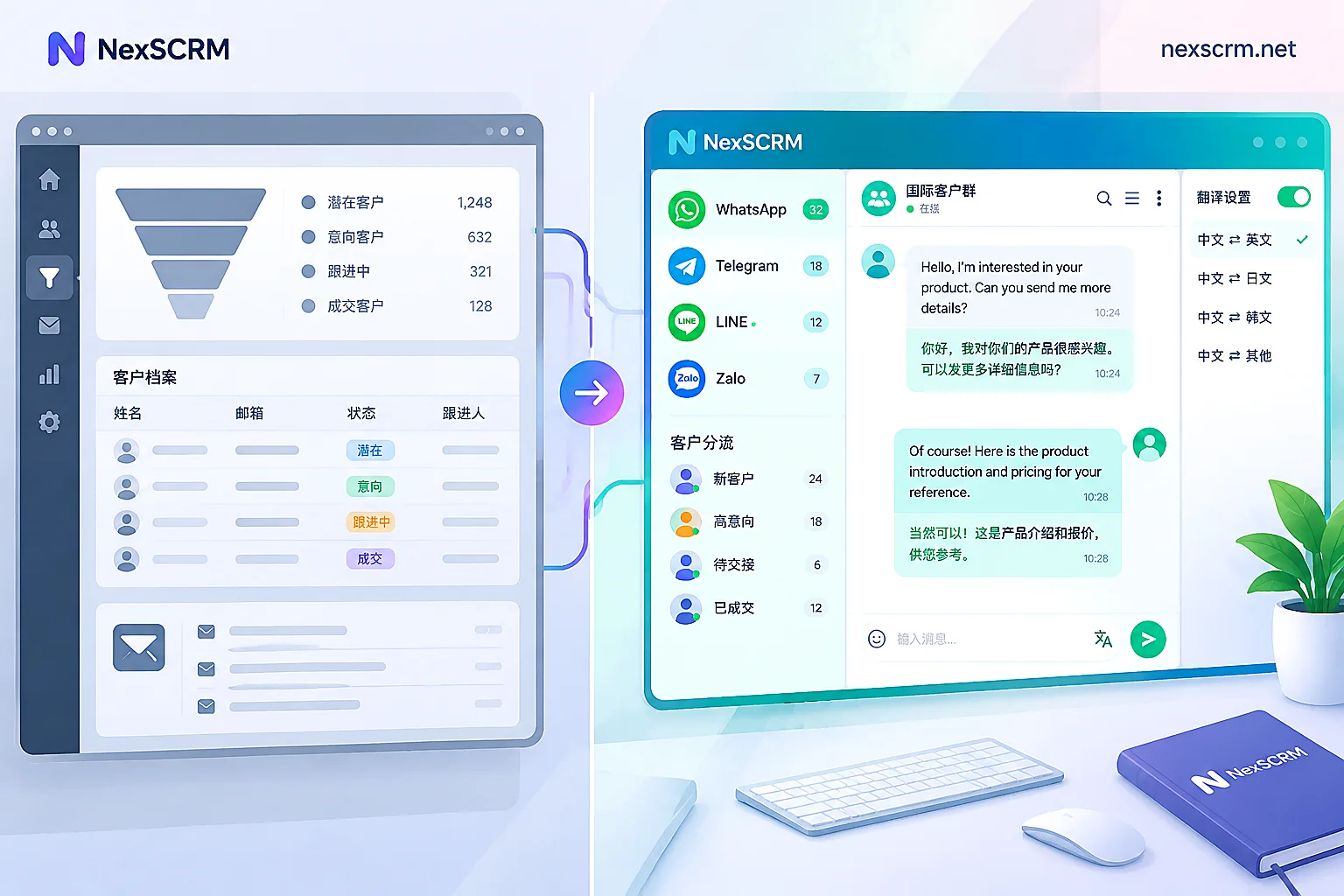
Example of NexScrm's WhatsApp multi-account management interface:
- Left side: lists the avatars of multiple logged-in WhatsApp accounts, allowing users to switch between different account chat windows with one click;
- Middle: the chat interface of the current account. NexScrm can also translate English messages in real-time, displaying Chinese translations directly, facilitating cross-language communication for customer service;
- Right side: customer information and chat assistance panel, supporting adding tags and notes to contacts and viewing historical chat records.
Through such an intuitive interface design, NexScrm centrally displays messages from multiple accounts, allowing customer service to manage them uniformly without switching between apps, greatly improving communication response efficiency.
2. Browser Fingerprint Isolation
NexScrm is built on deeply optimized Google and Firefox kernels, providing a pure and secure browser environment at the physical level. It 100% ensures no association or connection between browser profiles, keeping your accounts safe and unmarked.
3. Modifiable Device Data
NexScrm supports modifying or generating device fingerprint information (device model, operating system version, Canvas fingerprint, WebGL, fonts, time zone, language, number of processor cores, and dozens of other randomizations) with one click, ensuring each account's device fingerprint is never repeated, and the official system cannot detect that you are multi-opening.
4. Independent IP Addresses
It also supports assigning different proxy IP addresses to different accounts, hiding your real IP. This way, even if accounts are running on the same device, the risk of IP address association is avoided. Simply configure it on the proxy configuration page.
5. Isolated Cookies and Cache
NexScrm provides independent cookies and cache files for each account environment, preventing information crossover between different accounts.
6. Automation Features
NexScrm allows you to preset automated tasks such as automatic translation, auto-reply, scheduled bulk messaging, intelligent distribution, etc., simulating real user behavior and greatly improving work efficiency.
7. Team Collaboration
NexScrm also includes powerful multi-user collaboration features, enabling teams to efficiently manage multiple accounts while maintaining strict control over security and access permissions.
Steps to Use NexScrm Multi-Account Management
- Register a NexScrm account using your email.
- Download and launch NexScrm, log in with your registered account.
- In the software interface, click "New Session" > "Environment Configuration".
- Fingerprint configuration: Choose "One-click random fingerprint generation" or customize fingerprint parameters such as browser type and version, operating system (Windows, macOS, etc.).
- Configure a proxy as needed. NexScrm supports multiple proxy types: HTTP, HTTPS, SOCKS4, SOCKS5. The steps are shown in the image below:
proxy configuration
- After configuration, click "Save" and start the session. NexScrm will then generate an independent browser environment where you can log in to your WhatsApp account.
- Repeat the above steps until all accounts are logged in. Previously logged-in accounts will be remembered by the software without needing reconfiguration; it automatically saves the state, making it secure and convenient.
If you only need to manage 2-3 accounts, WhatsApp's official multi-account feature may suffice. However, if you need 5 or more, even dozens of accounts online simultaneously and want long-term stability without bans, you should choose a professional multi-account management solution. NexScrm, through independent environments, independent networks, and multi-account isolation, allows you to easily and safely manage a large number of WhatsApp accounts on one computer with a single interface.