 NexScrm官方博客
Foreign trade professionals deeply engaged in the Vietnamese market often find managing multiple Zalo accounts a headache. To maintain clients from different countries, with varying natures and business lines, dozens or even hundreds of accounts may be needed. Frequent login switching, missed messages, and customer churn pose significant challenges. So, how to simultaneously manage numerous accounts and communicate efficiently with all clients?
This article provides a practical Zalo multi-account software recommendation to help foreign trade professionals securely and efficiently manage multiple Zalo accounts on the same device.
Main Challenges of Managing Multiple Zalo Accounts
Although multi-account management is a necessity for foreign trade professionals, traditional browsers often encounter the following issues:
- Account Conflicts: Ordinary browsers cannot log into multiple Zalo accounts simultaneously, requiring frequent switching.
- Environmental Anomalies: Cross-border logins may be flagged as risky due to IP or device fingerprint anomalies.
- Data Security Risks: Without isolated environments, multiple accounts are easily linked by the platform, increasing the risk of bans.
- Low Operational Efficiency: Frequent switching between accounts consumes significant time and energy.
How Foreign Trade Professionals Can Efficiently Manage Multiple Accounts? Zalo Multi-Account Software Recommendation
To solve these problems, specialized Zalo multi-account management tools like NexScrm have emerged. They effectively address many pain points in multi-account operations, enabling more efficient and secure Zalo multi-accounting. Overall, using a Zalo multi-account tool offers the following advantages:
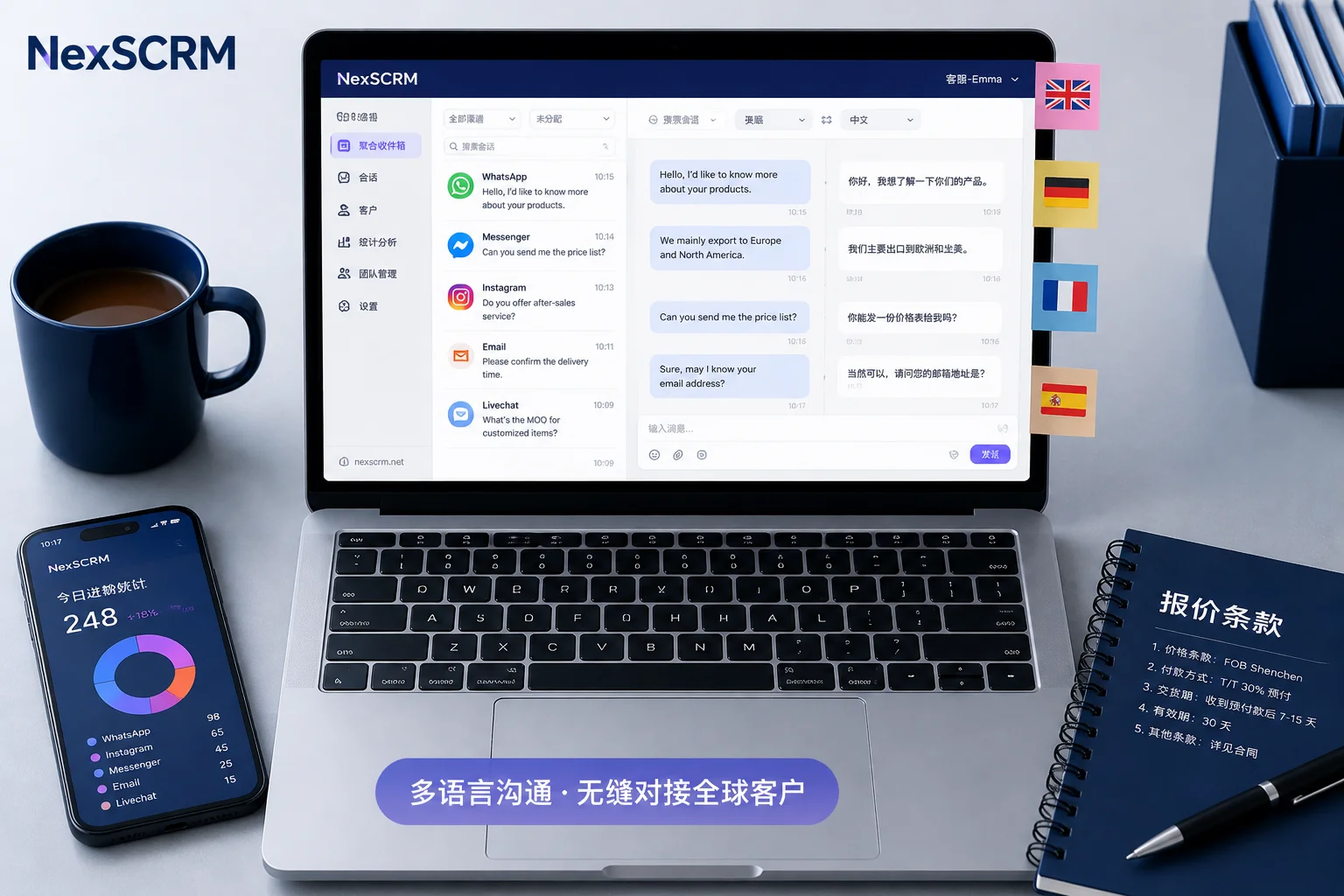
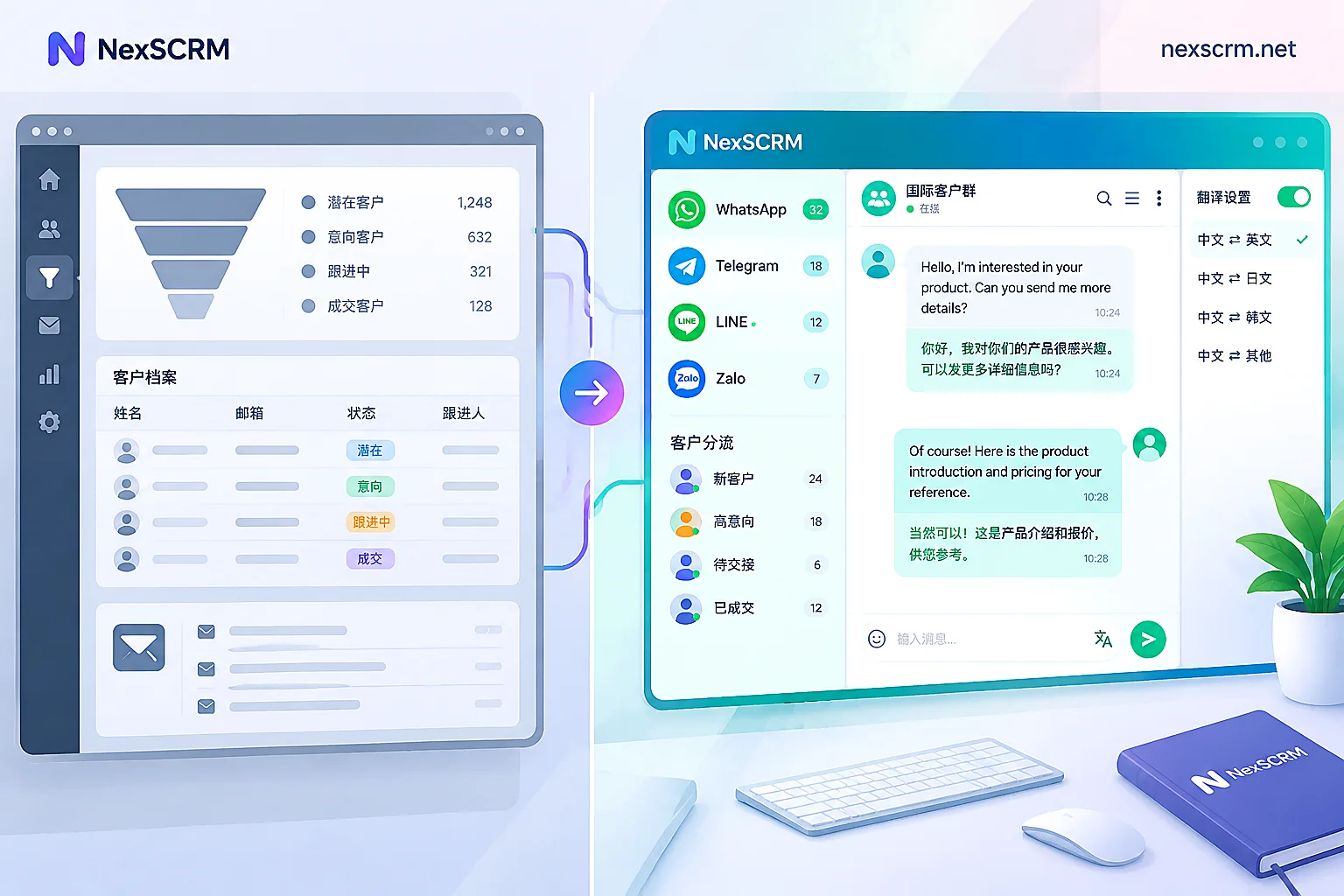
Parallel Account Management: Manage dozens or even hundreds of accounts on a single computer, with all messages displayed in one interface, allowing foreign trade professionals to view new messages and reply quickly, handling multiple conversations in one window—greatly simplifying management and saving labor costs.
Device Fingerprint Isolation: Simulate different fingerprint environments (operating system, Canvas fingerprint, font list, screen resolution, etc.).
Independent Cookie Storage: Each account maintains its own login state and cache.
Multi-IP Support: With proxy network configuration, each account can simulate IP addresses from different countries, enhancing anonymity and security.
Automation and Batch Operations: Supports scheduled tasks and batch operations. For example, foreign trade professionals can schedule messages to be sent automatically at different times or set up smart replies, enabling 24/7 multi-account collaboration without manual intervention.
How to Achieve Zalo Multi-Accounting with NexScrm
Step 1: Download and Register
Visit the NexScrm official registration page.
Register your NexScrm account using your email.
Download the NexScrm client and log in with your registered account.
Step 2: Create a New Fingerprint Environment
Enter the client main interface and click "New Session" > "Fingerprint Configuration".
In the proxy settings, bind different proxy IPs, ensuring the timezone matches the proxy location.
Keep the automatically generated environment fingerprint (including User-Agent, resolution, Canvas, etc.) to ensure each environment is unique.
Step 3: Start and Log into Zalo
Start the session and scan the QR code to log into your Zalo account. After successful scanning, your Zalo account is logged into NexScrm. Repeat the same method to add multiple accounts. All logged-in accounts will appear in the left sidebar.
Step 4: Group and Configure Accounts
If you have many accounts, use NexScrm's grouping feature to organize them.
Step 5: Daily Messaging
Once accounts are added, you can send and receive messages like using Zalo! Click any account avatar on the left to display its recent chat list and messages in the middle panel. You can type text, send images or attachments, and chat with contacts. Messages from multiple accounts are synchronized and processed in parallel, ensuring you never miss any client messages regardless of how many accounts are online.
Step 6: Use Advanced Features
During client conversations, don't forget to use NexScrm's various auxiliary features to boost efficiency: mass messaging, auto real-time translation, auto-reply, quick reply, CRM customer management, team lead assignment, chat backup, and many more.
For foreign trade professionals eager to expand business in Southeast Asia, NexScrm provides a secure, efficient, and controllable multi-account management solution—freeing you from tedious account switching, allowing you to focus on real client communication and business growth, ultimately achieving the goal of "effortlessly managing hundreds of accounts" and unlocking worry-free foreign trade growth.